Skip to content
AI App & Web UI Design Prompts

AI App & Web UI Design Prompts

AI prompts for app screens, landing pages, dashboards, and UI mockups to explore design directions fast.

Popular App & Web UI Design Prompts
Infographic / Edu VisualApp / Web Design
Comic / Graphic Novel AI image prompt preview: Create ONE final image
Infographic / Edu VisualApp / Web Design
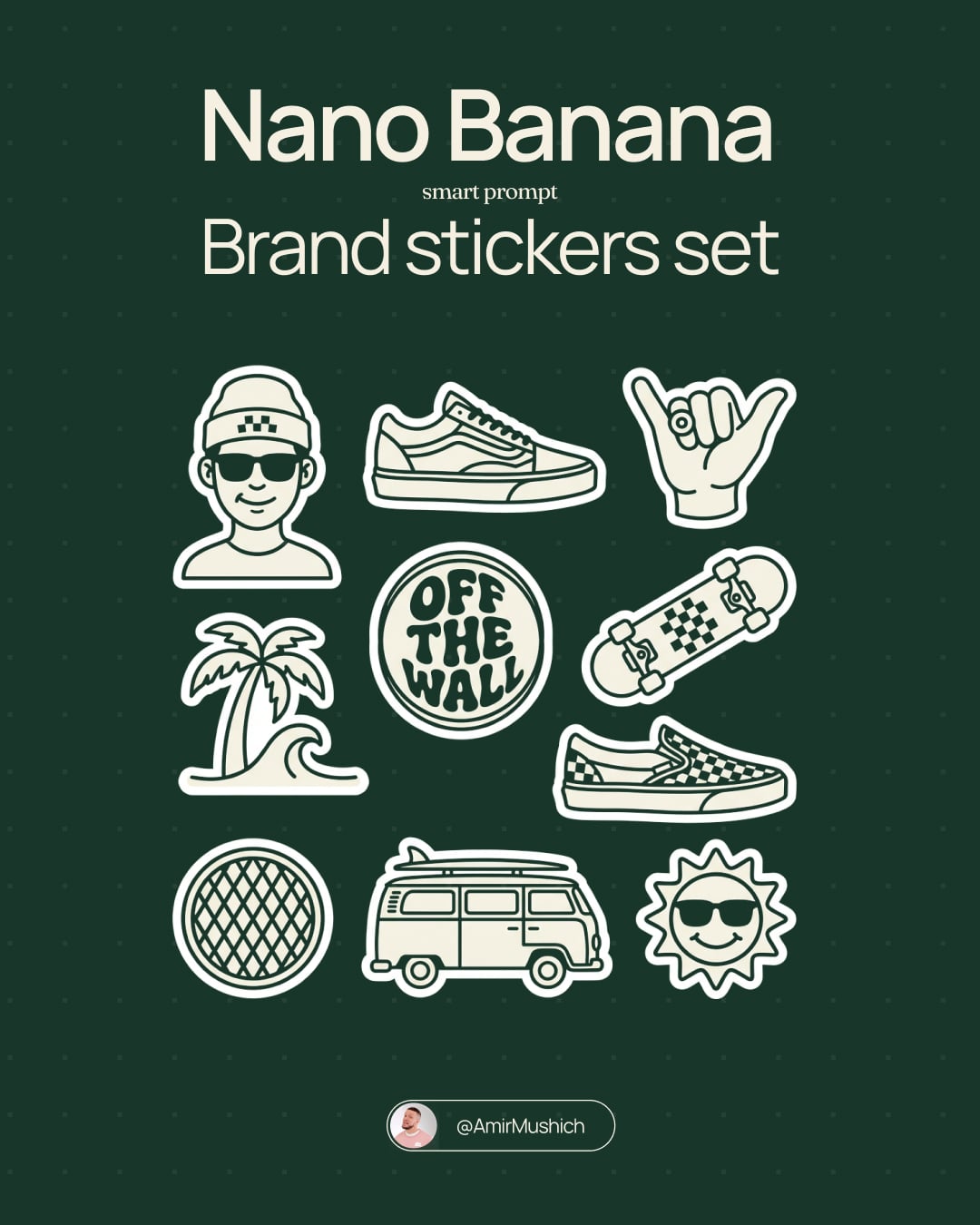
Diagram / Chart AI image prompt preview: Create a collection of icons representing [a theme], they belong together as a single theme
Infographic / Edu VisualApp / Web Design
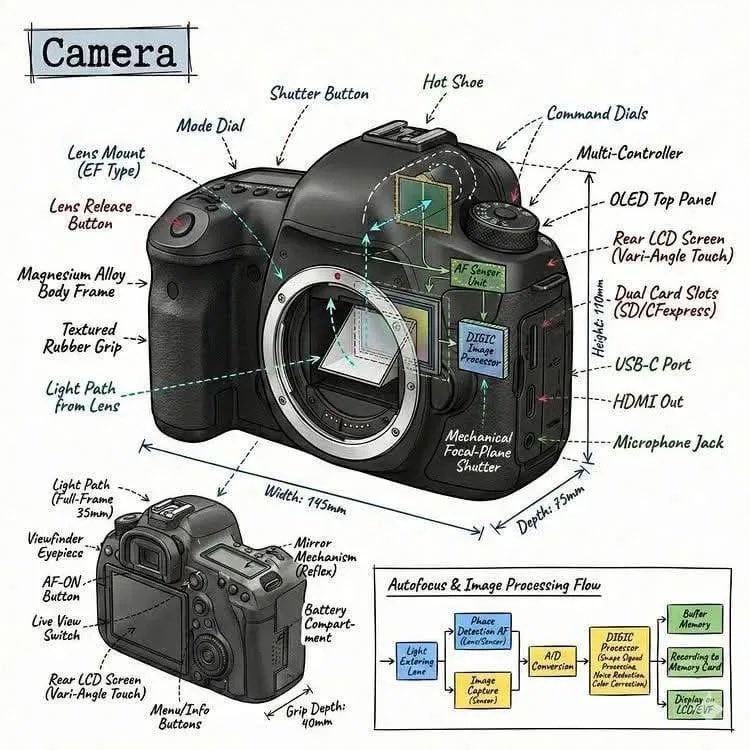
Photography AI image prompt preview: Create an infographic image of [OBJECT], combining a realistic photograph or photoreal render of the object
Infographic / Edu VisualApp / Web Design
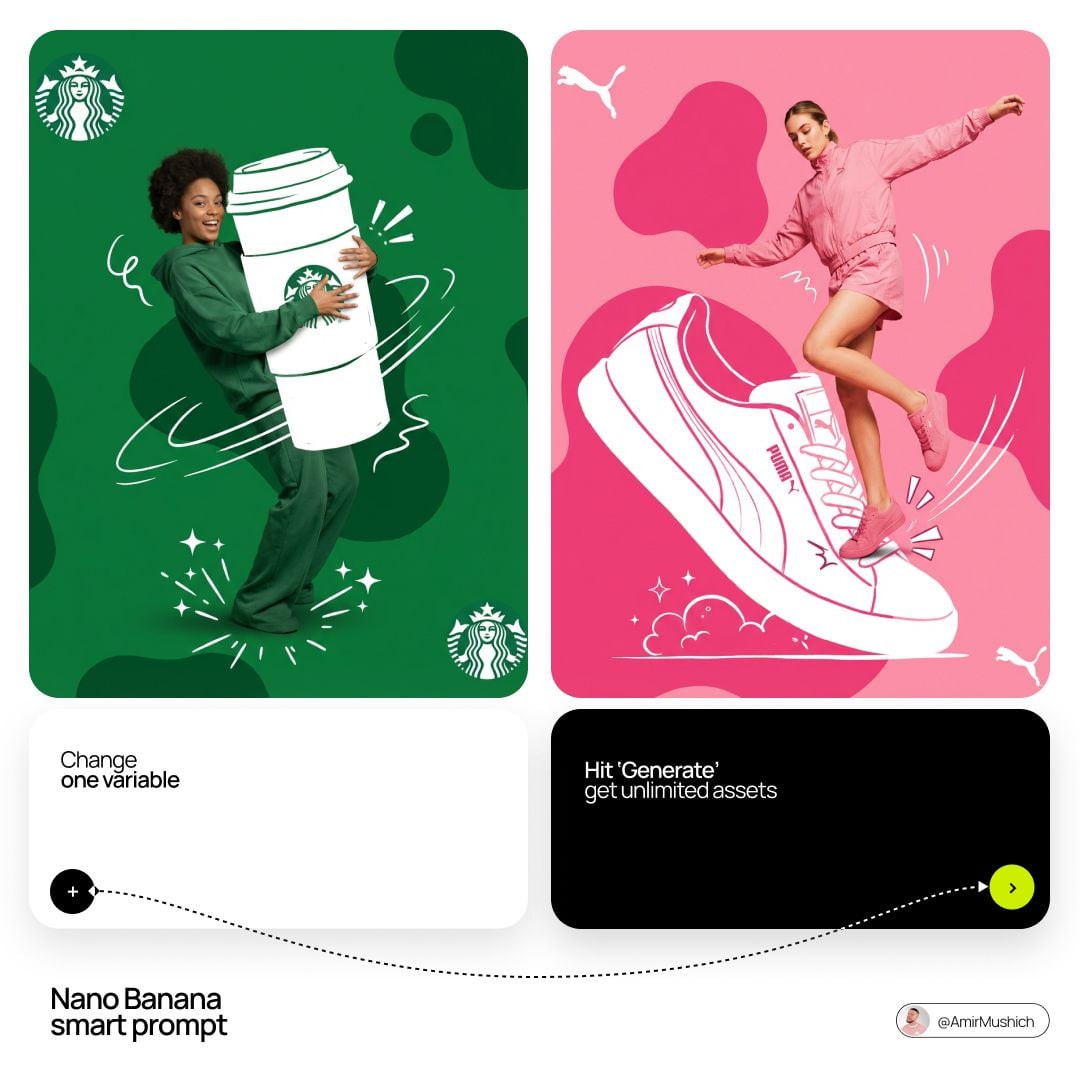
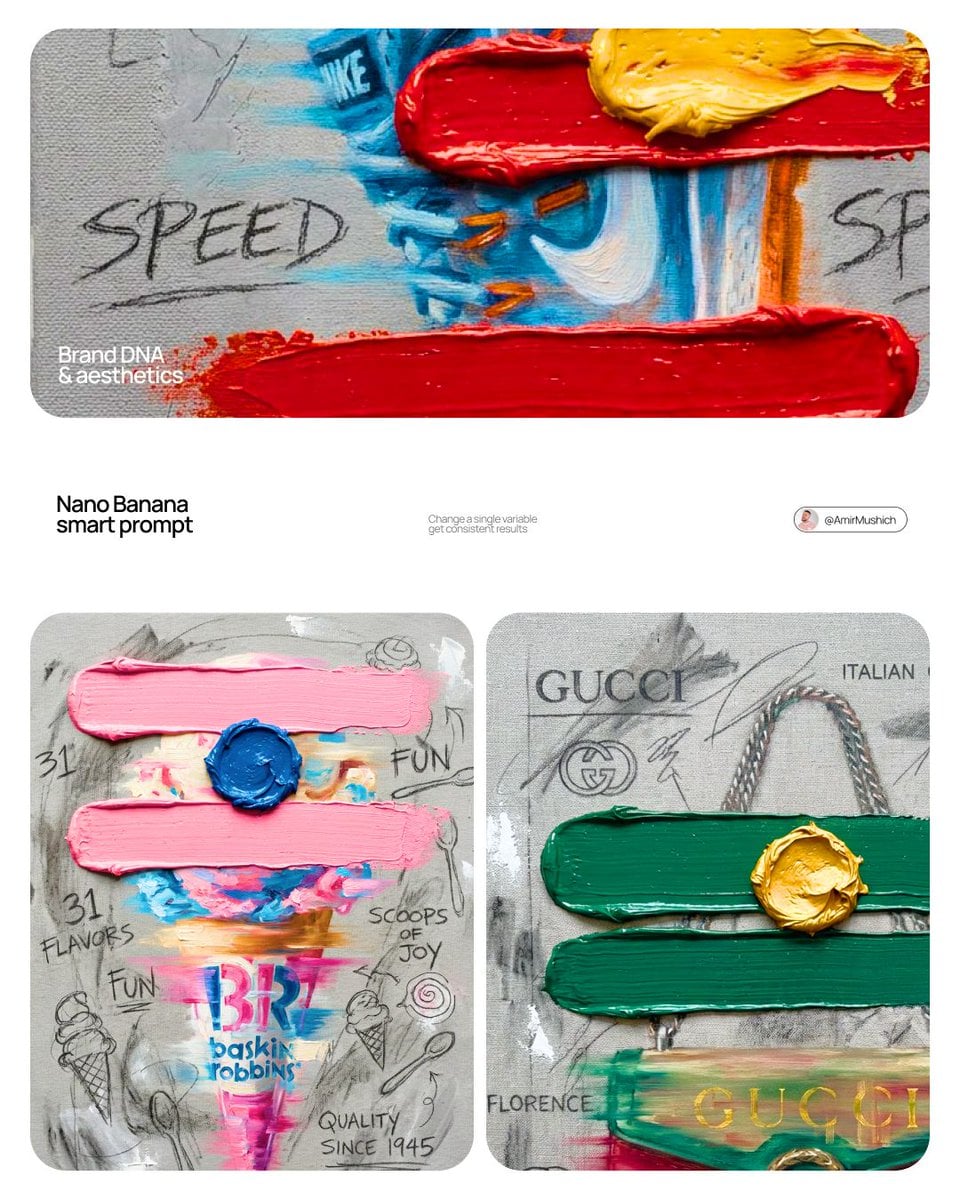
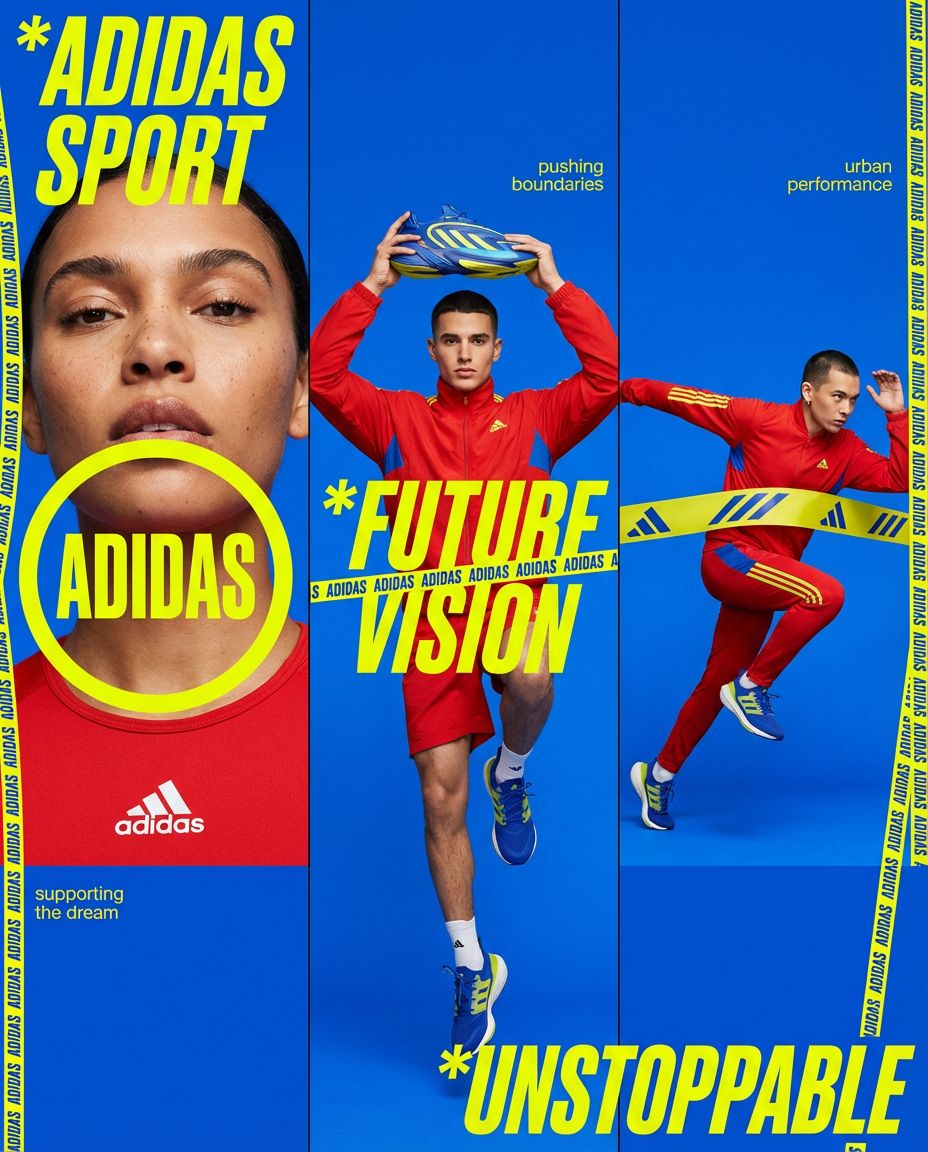
Photography AI image prompt preview: [BRAND NAME] + [HERO COLOR] Act as a Mixed-Media Campaign Art Director
Infographic / Edu VisualApp / Web Design
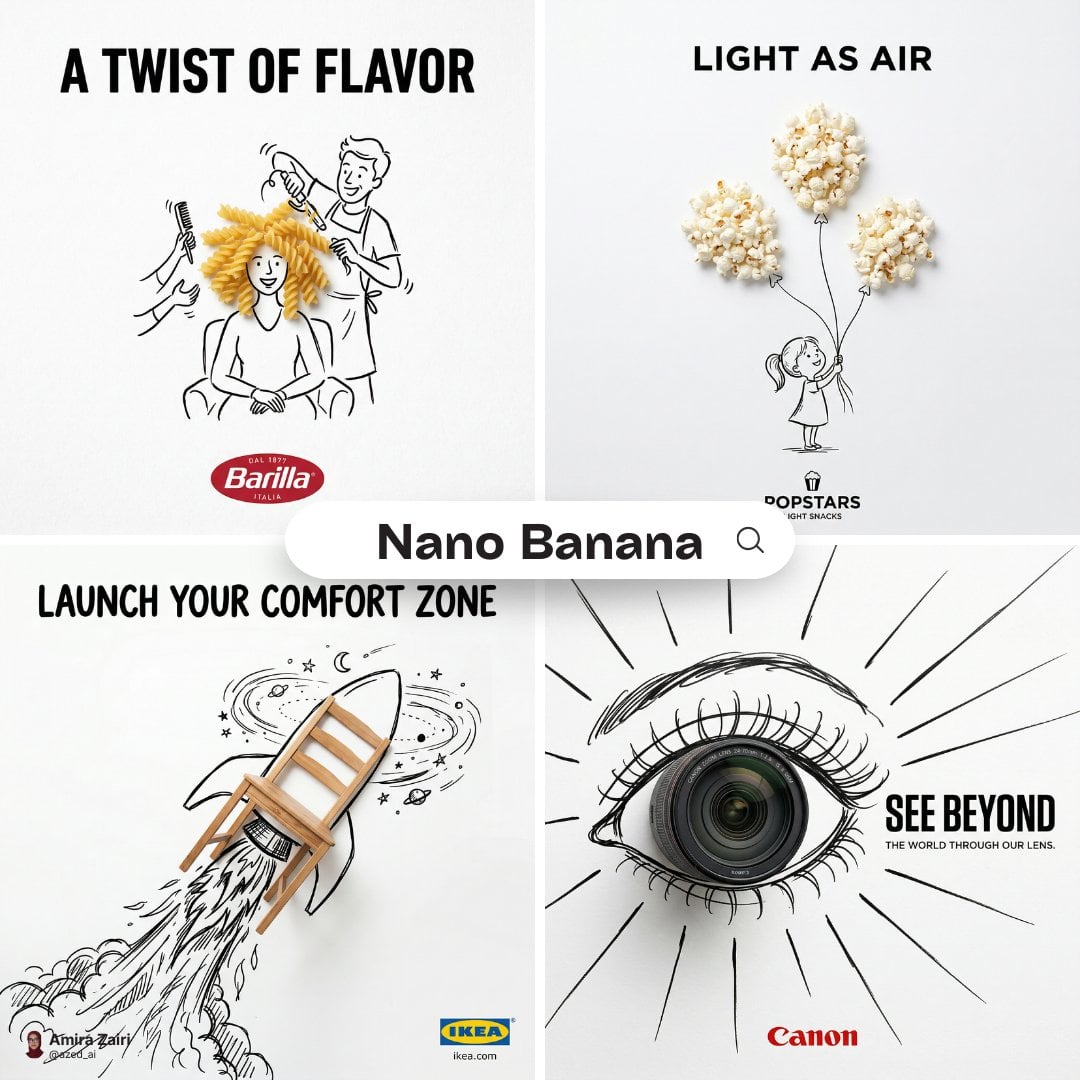
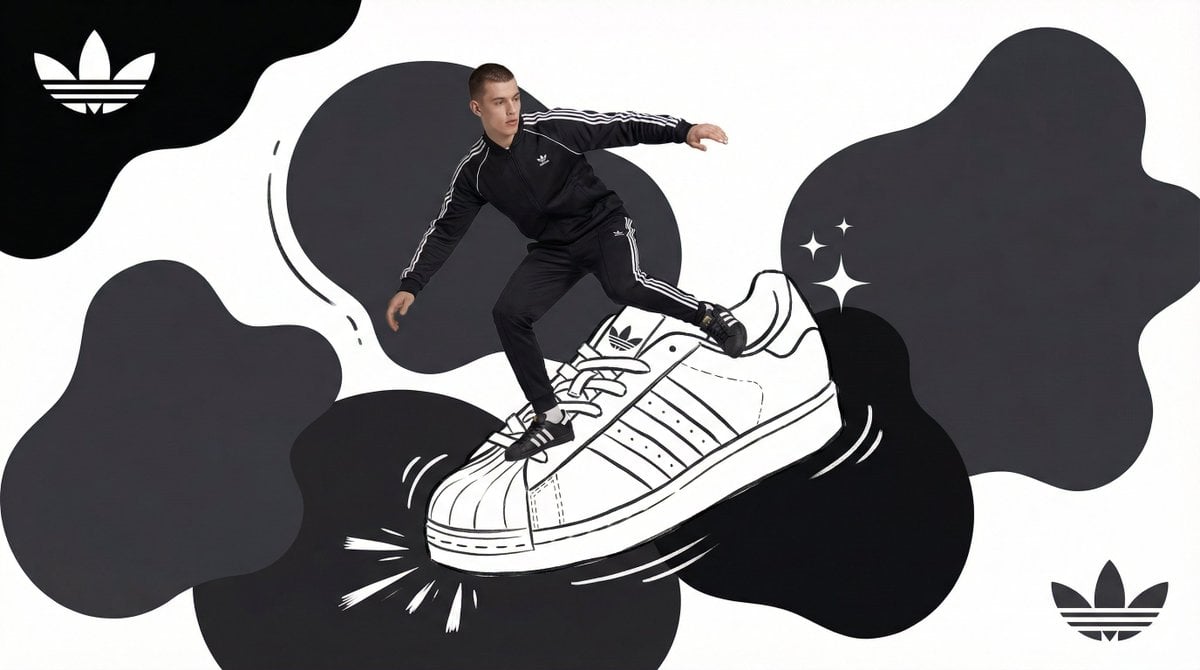
Photography AI image prompt preview: A minimalist and creative advertisement set on a pure white background
Infographic / Edu VisualApp / Web Design
Photography AI image prompt preview: [BRAND NAME] + [HERO COLOR] Act as a Mixed-Media Campaign Art Director
Infographic / Edu VisualApp / Web Design
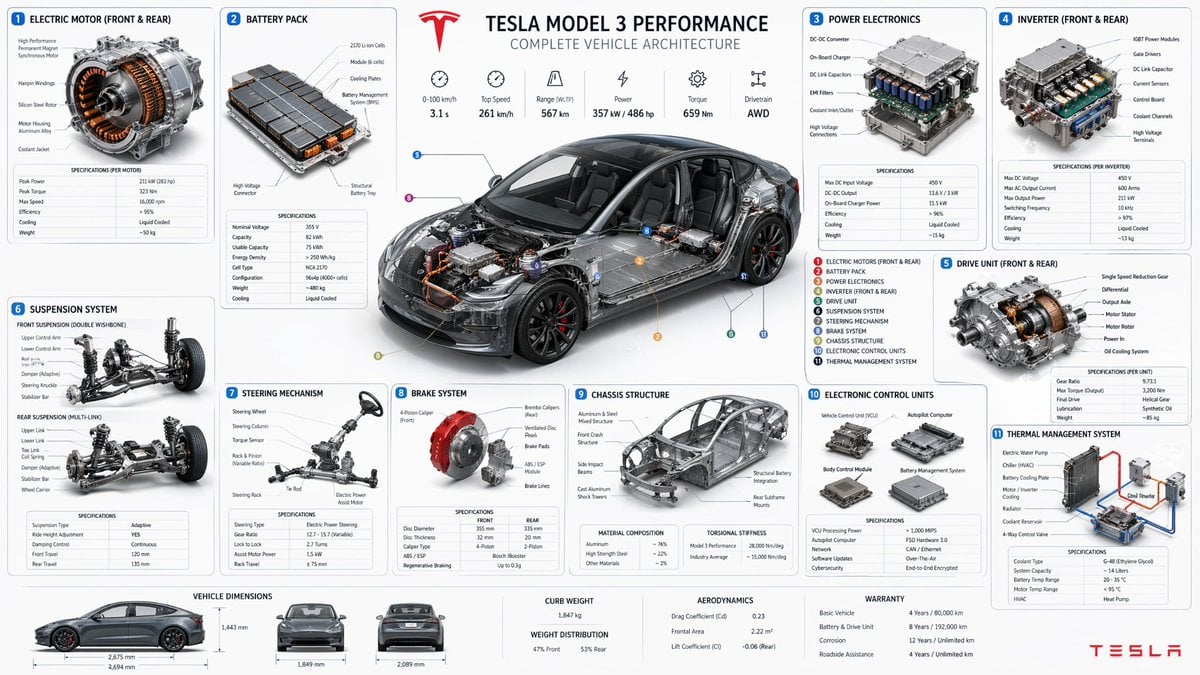
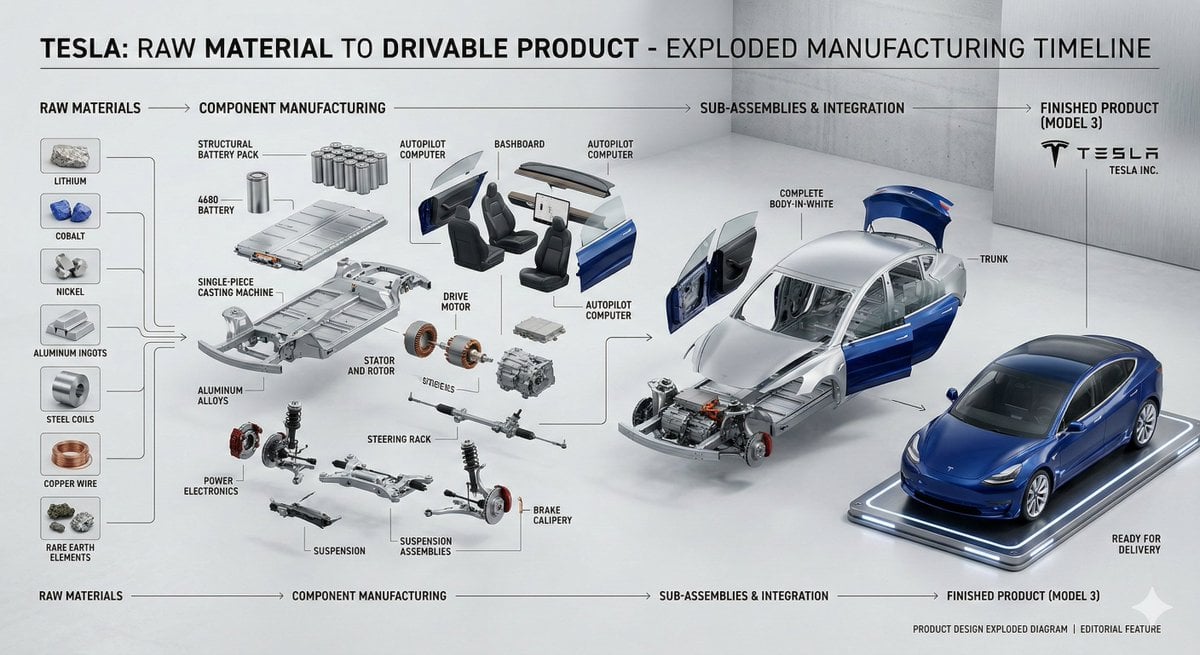
Diagram / Chart AI image prompt preview: 帮我生成 特斯拉 主要零部件 细节全图,周围 也加上 各模块细节图
Infographic / Edu VisualApp / Web Design
Photography AI image prompt preview: Ultra-clean modern editorial infographic poster (1080x1080), premium magazine layout meets lifestyle
Infographic / Edu VisualApp / Web Design
Photography AI image prompt preview: { "generation_request": { "meta_data": { "tool": "NanoBanana Pro", "task_type":
Social Media PostApp / Web Design
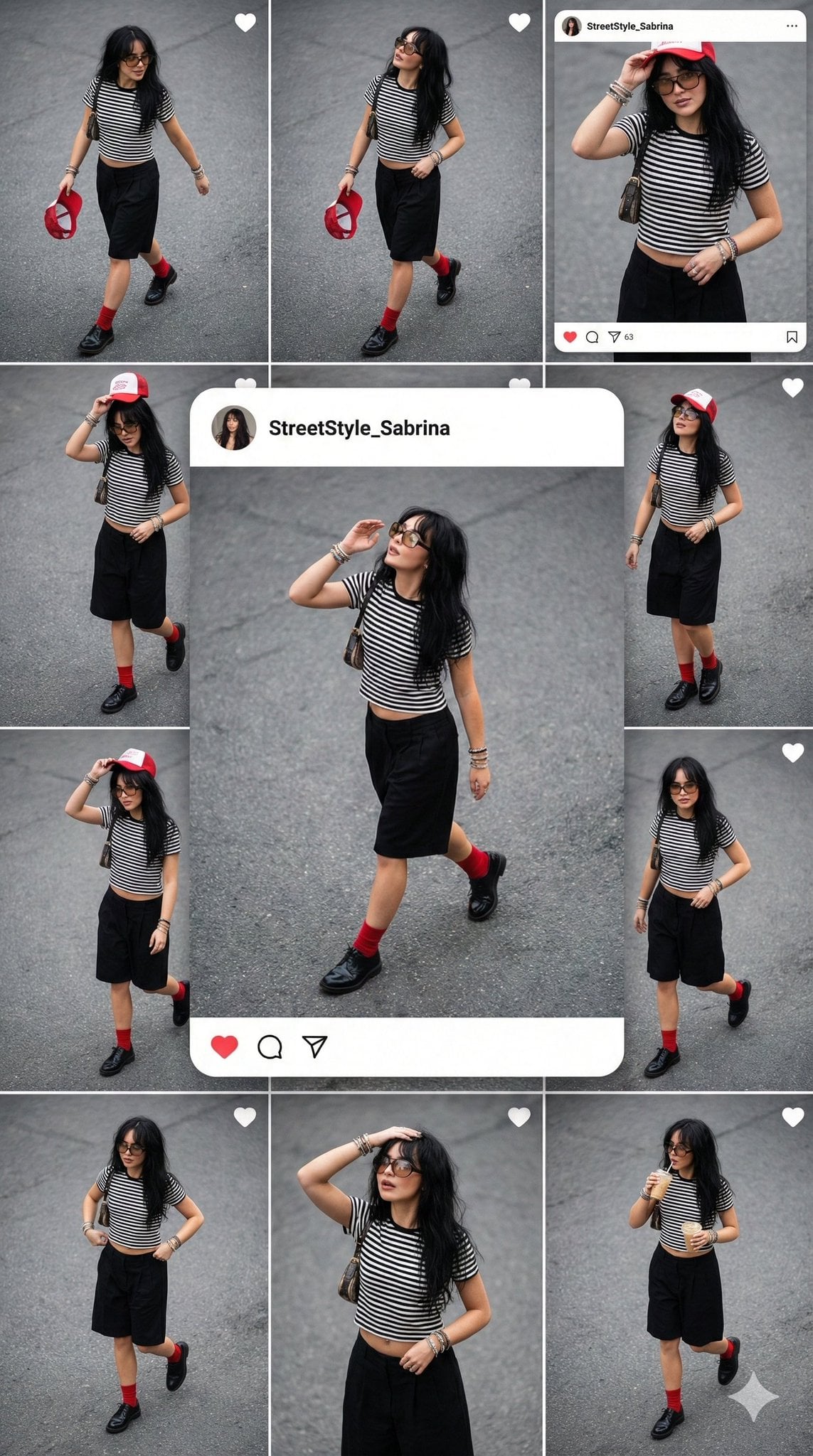
Photography AI image prompt preview: Candid moments captured in motion, not posed
Infographic / Edu VisualApp / Web Design
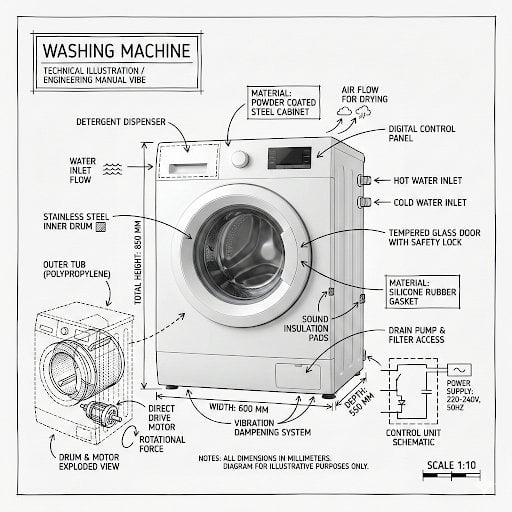
Photography AI image prompt preview: Create an infographic image of [washing machine], combining a realistic photograph or photoreal render of
Infographic / Edu VisualApp / Web Design
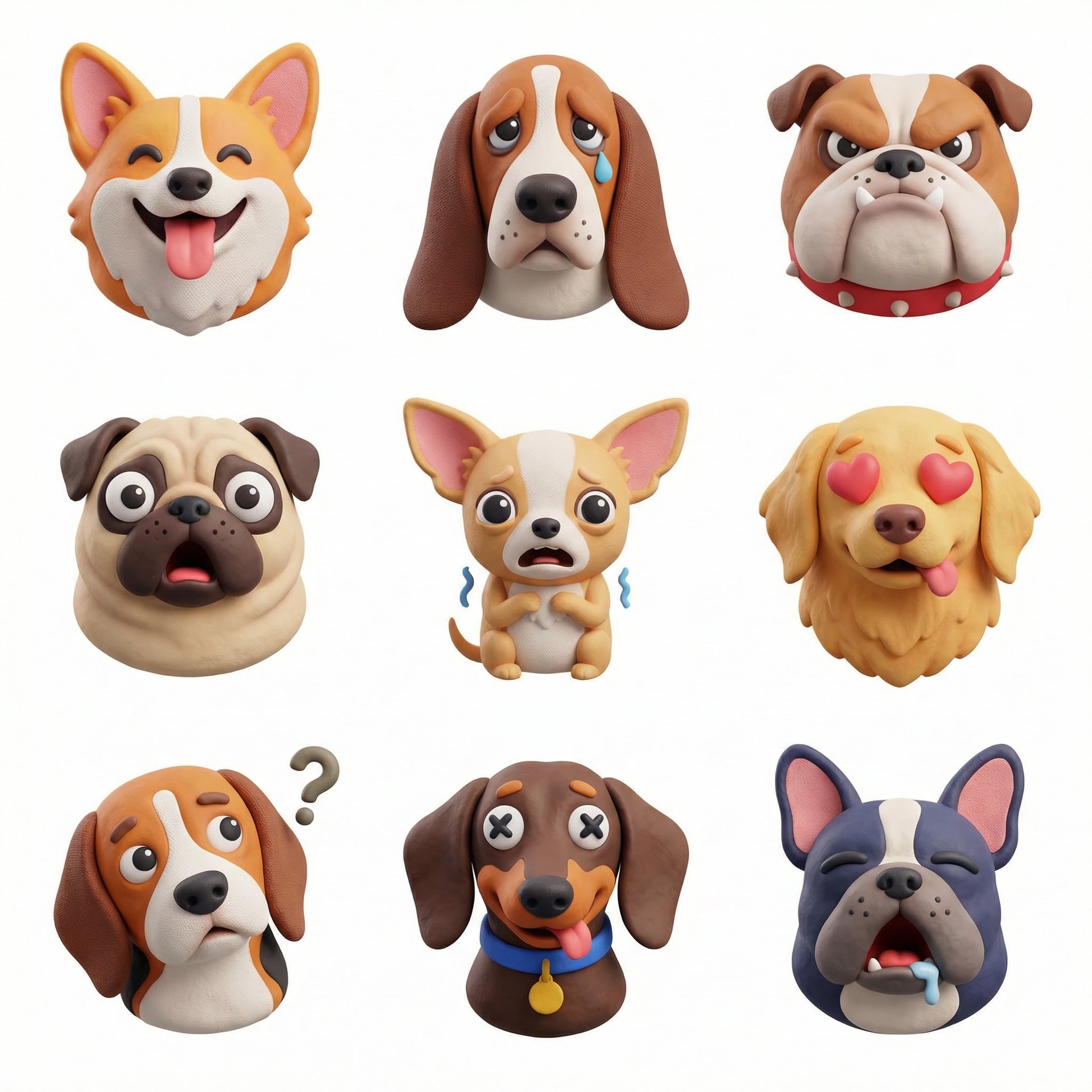
Illustration AI image prompt preview: Create a collection of icons representing [a theme], they belong together as a single theme
Infographic / Edu VisualApp / Web Design
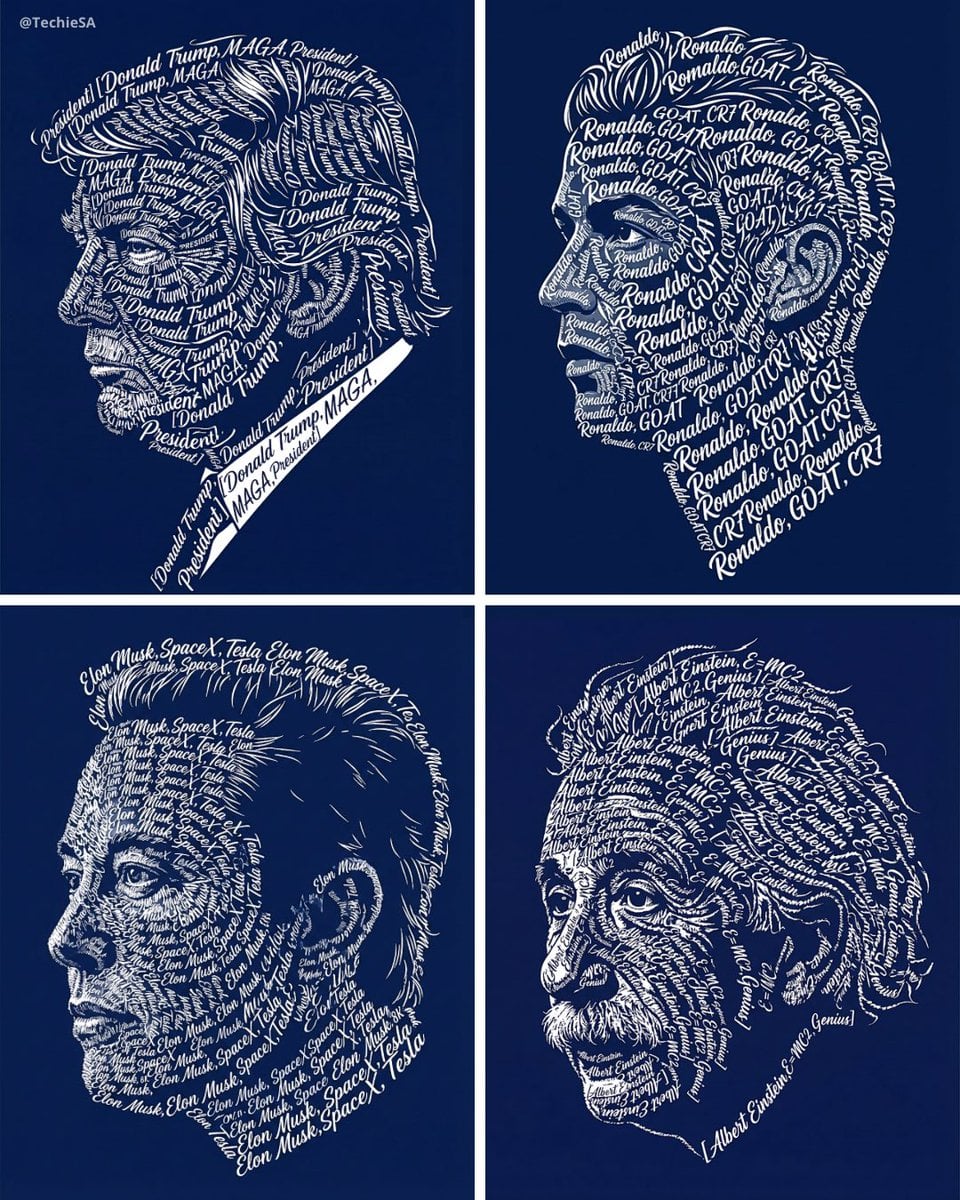
Diagram / Chart AI image prompt preview: Create a typographic art portrait using the uploaded photo of a person as reference
Infographic / Edu VisualApp / Web Design
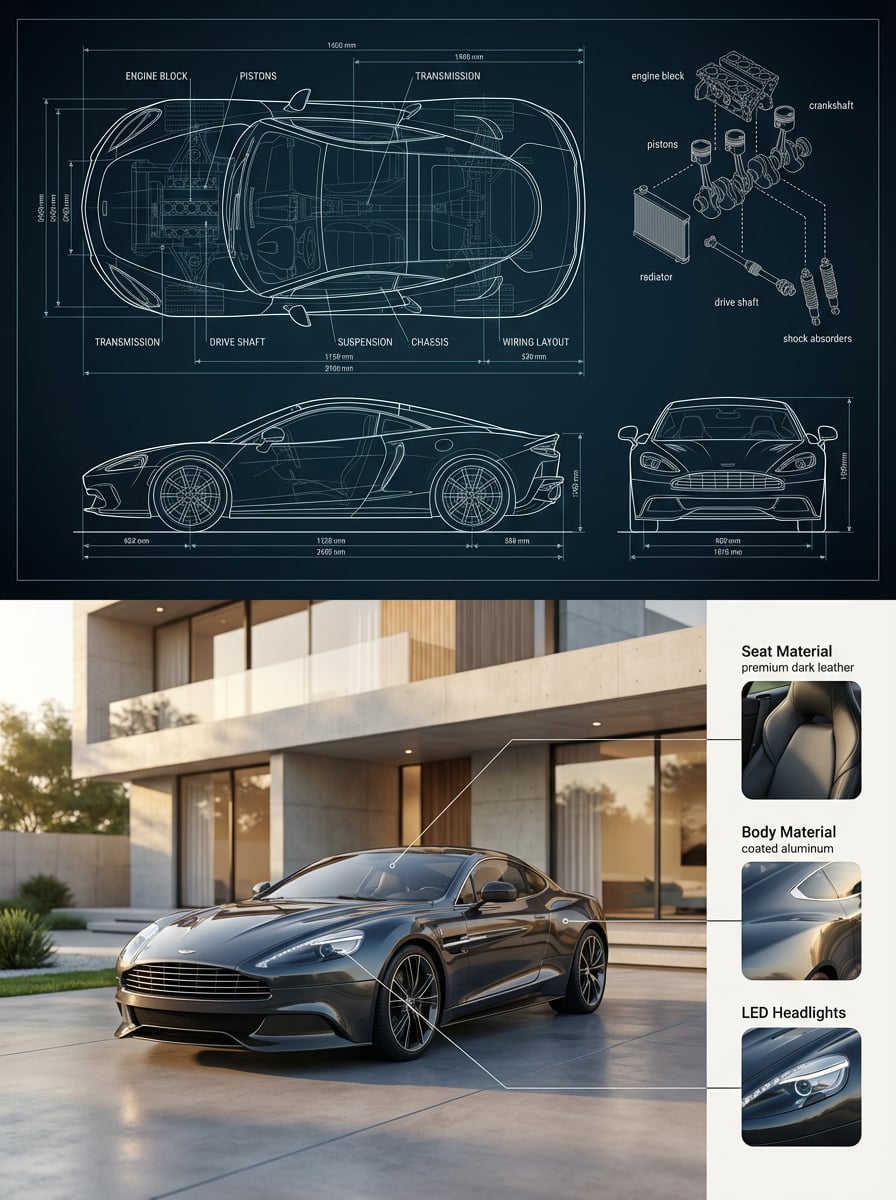
Photography AI image prompt preview: dark luxury blueprint (similar to reference image 2)
Infographic / Edu VisualApp / Web Design
Photography AI image prompt preview: [BRAND NAME]
Infographic / Edu VisualApp / Web Design
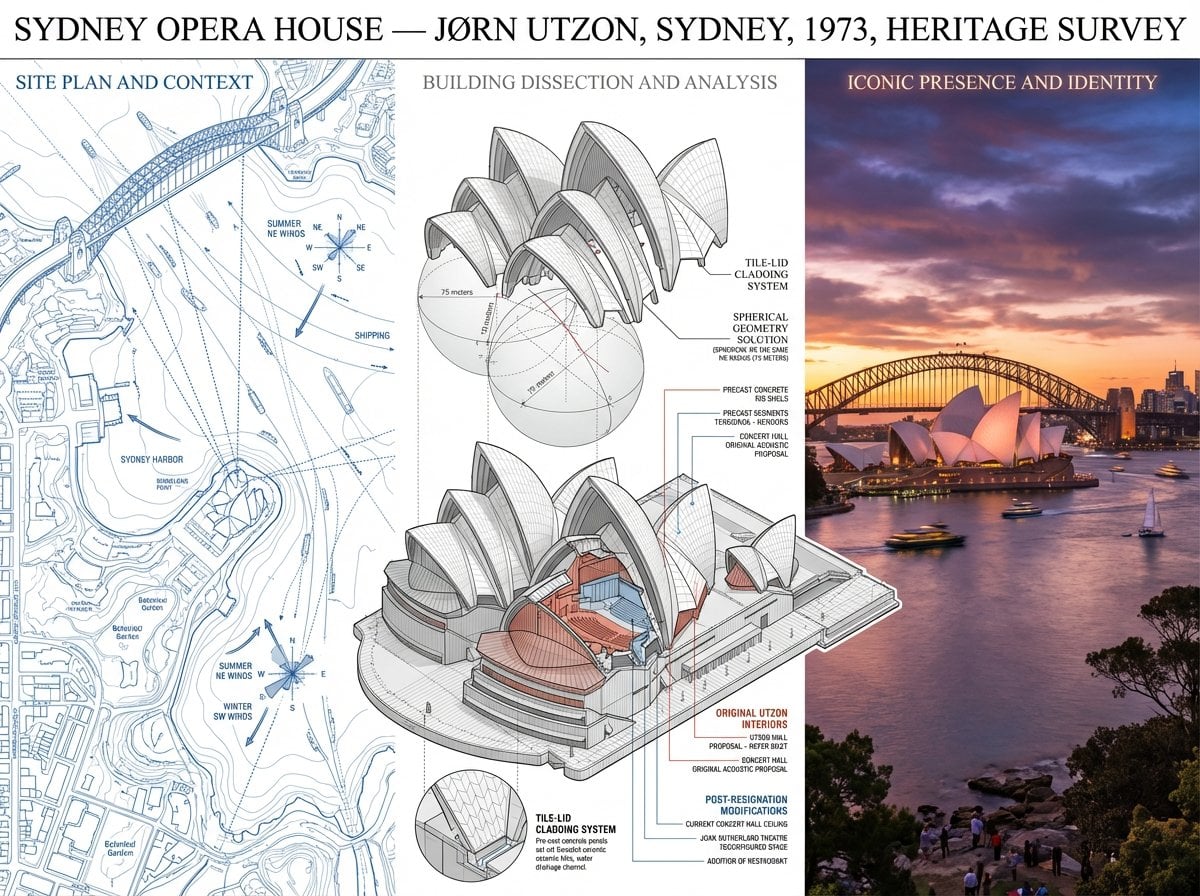
Photography AI image prompt preview: A preservation architect's survey board for [BUILDING / STRUCTURE] — [STYLE / ARCHITECT / PERIOD]
Infographic / Edu VisualApp / Web Design
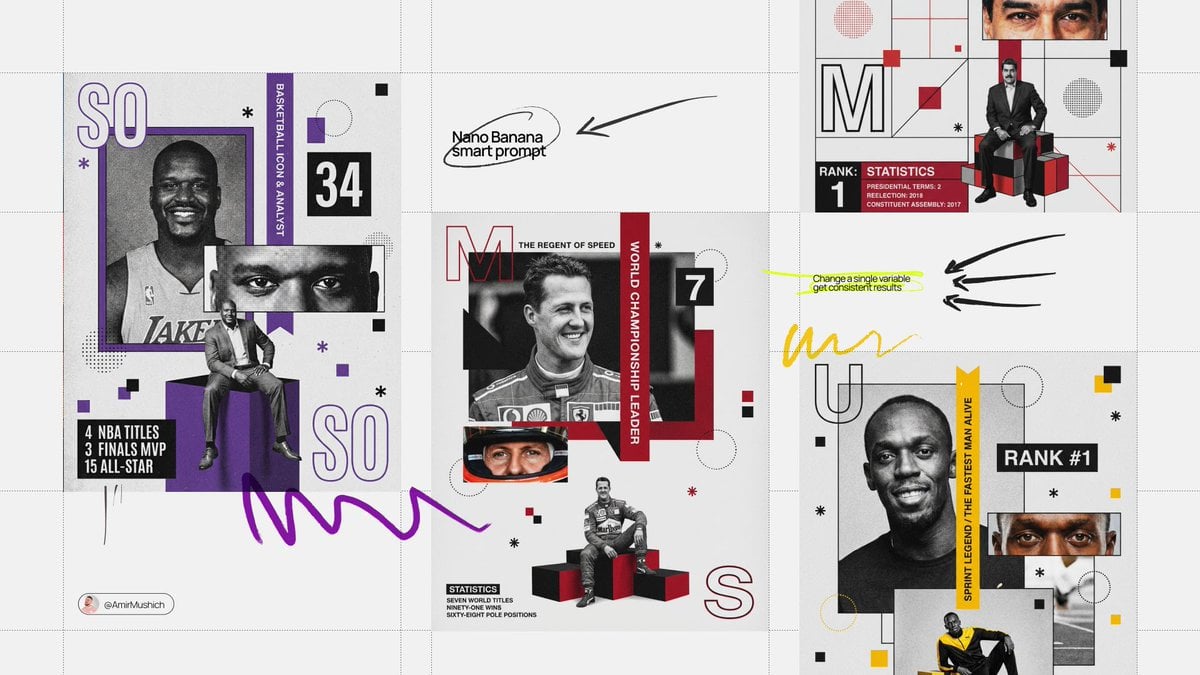
Photography AI image prompt preview: [PERSONE]
Infographic / Edu VisualApp / Web Design
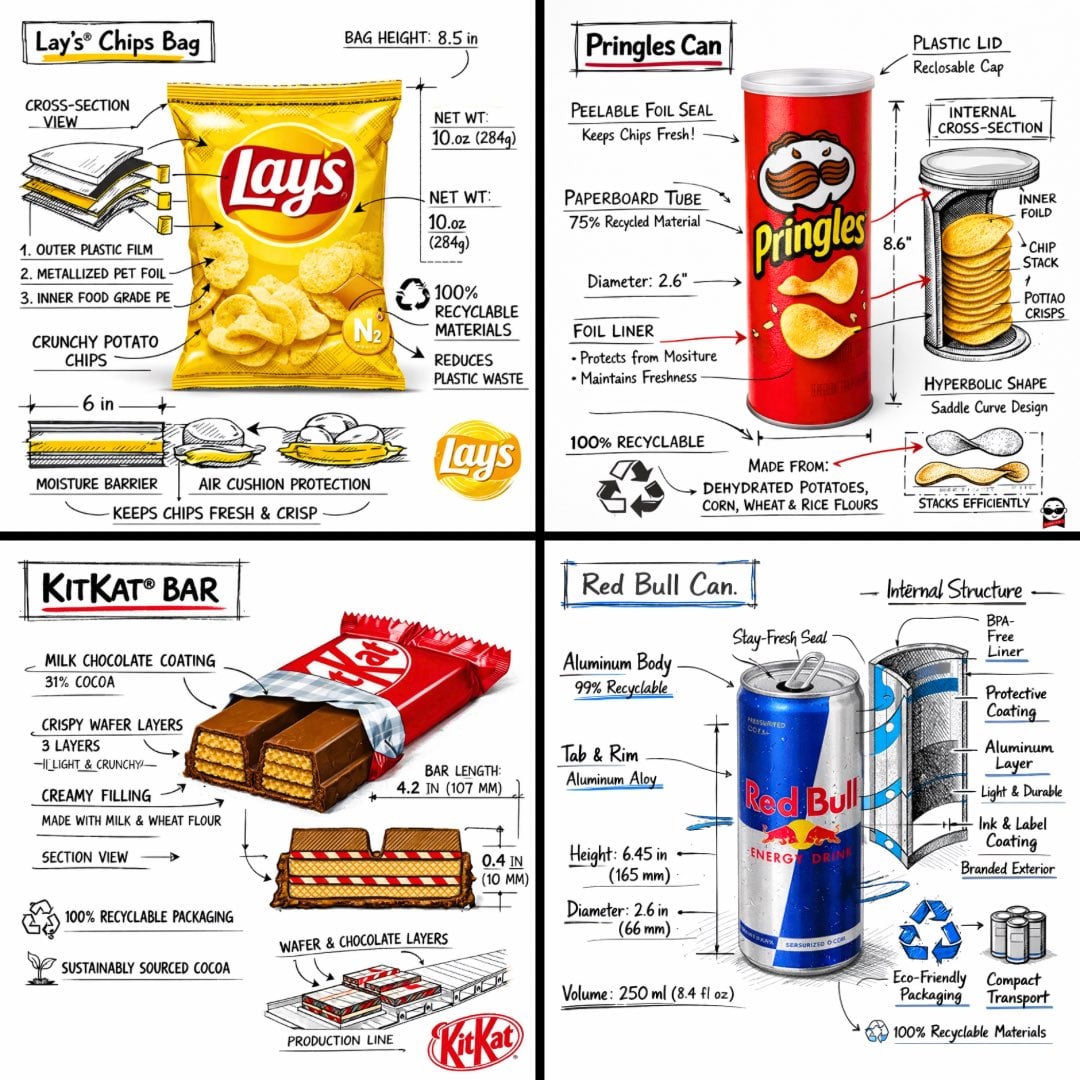
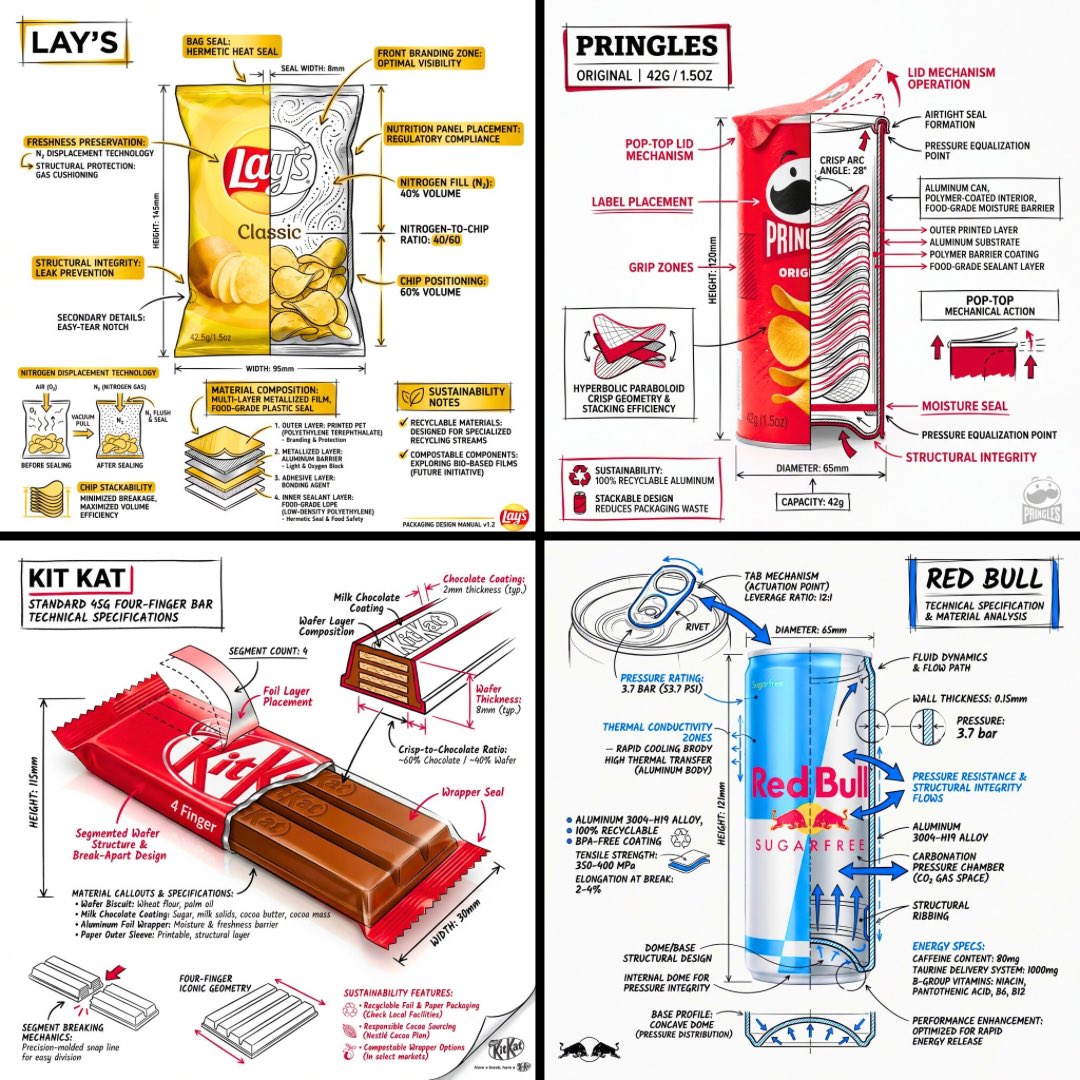
Photography AI image prompt preview: Create a branded technical infographic of a [SNACK], combining a realistic photograph or photoreal render
Infographic / Edu VisualApp / Web Design
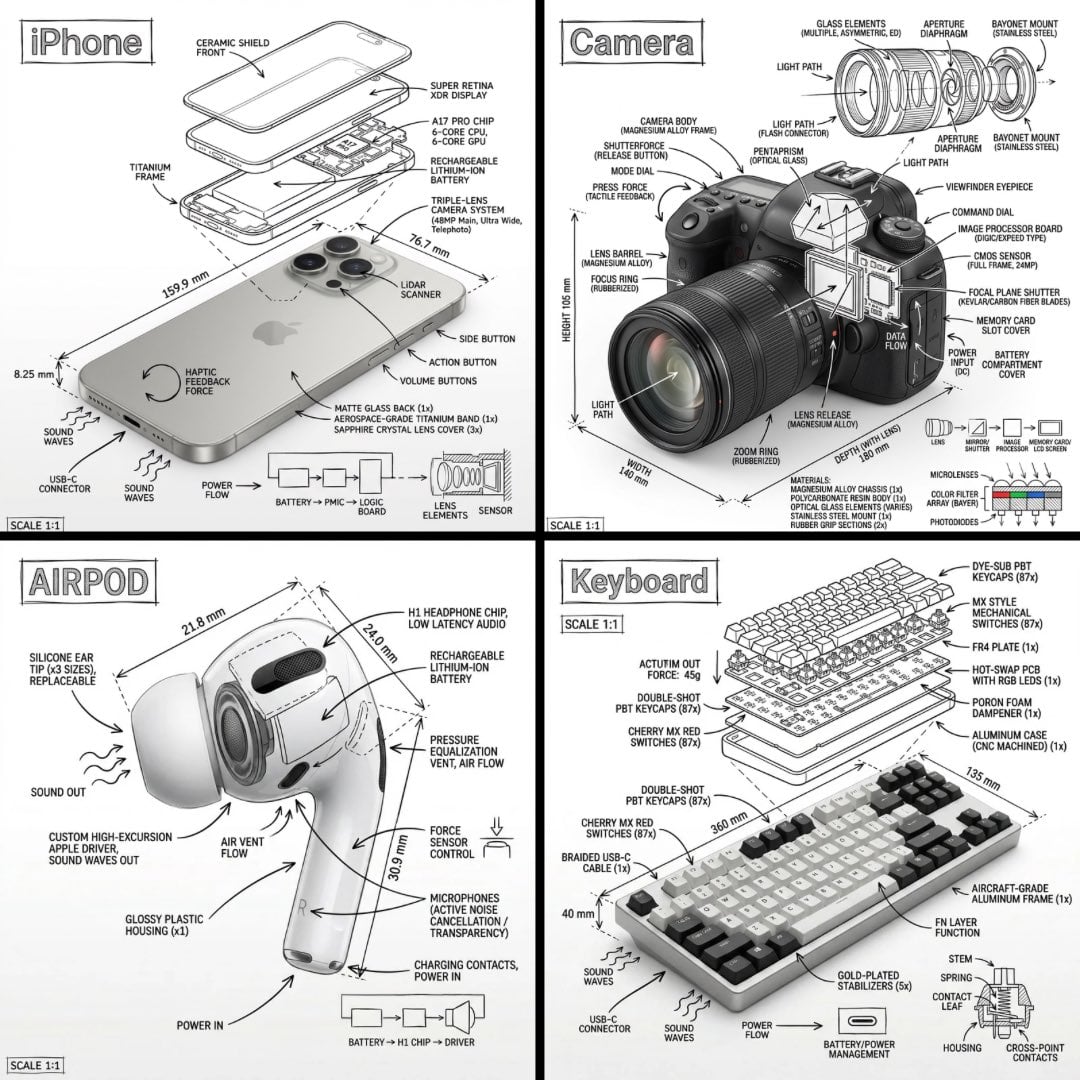
Photography AI image prompt preview: Apple-style product breakdown
Infographic / Edu VisualApp / Web Design
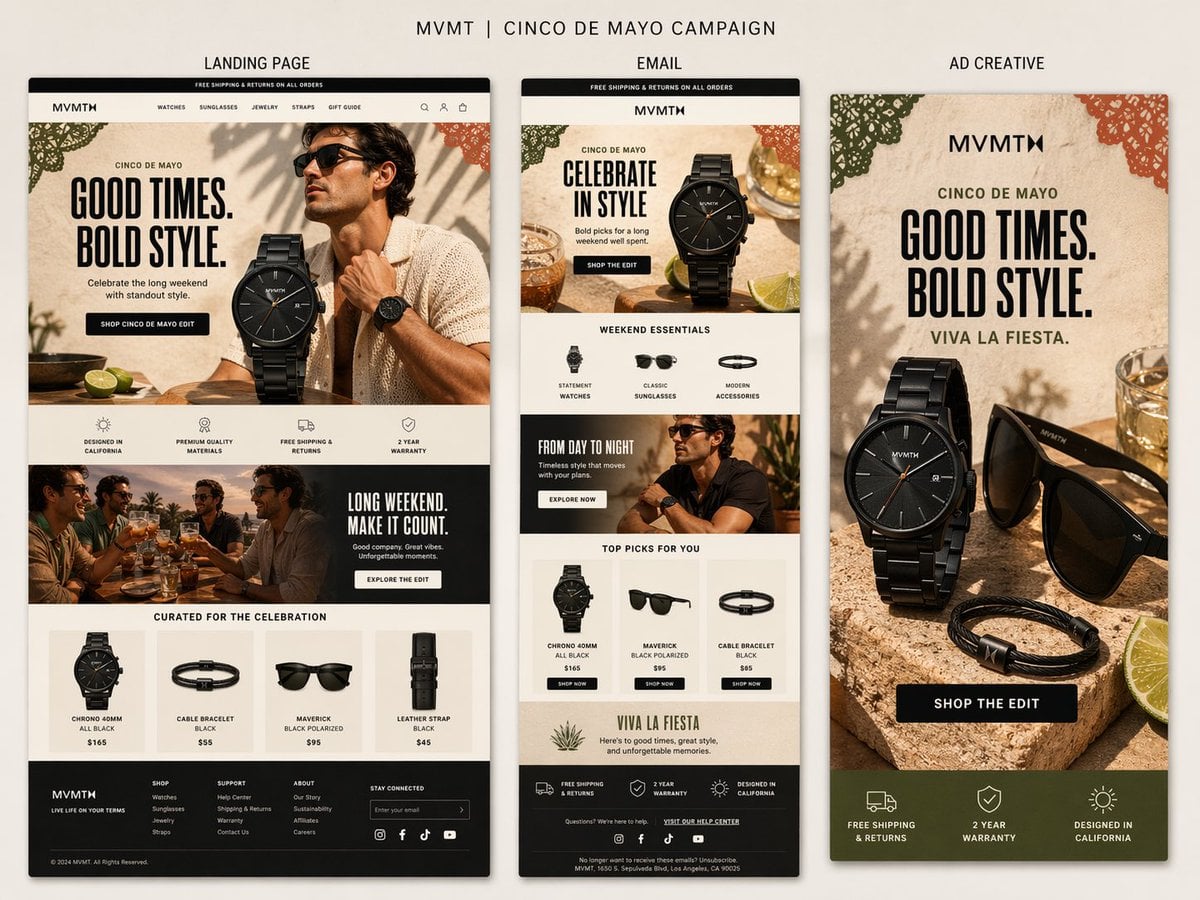
Diagram / Chart AI image prompt preview: Create a premium presentation-style campaign board for MVMT’s Cinco de Mayo campaign on a soft warm neutral
Infographic / Edu VisualApp / Web Design
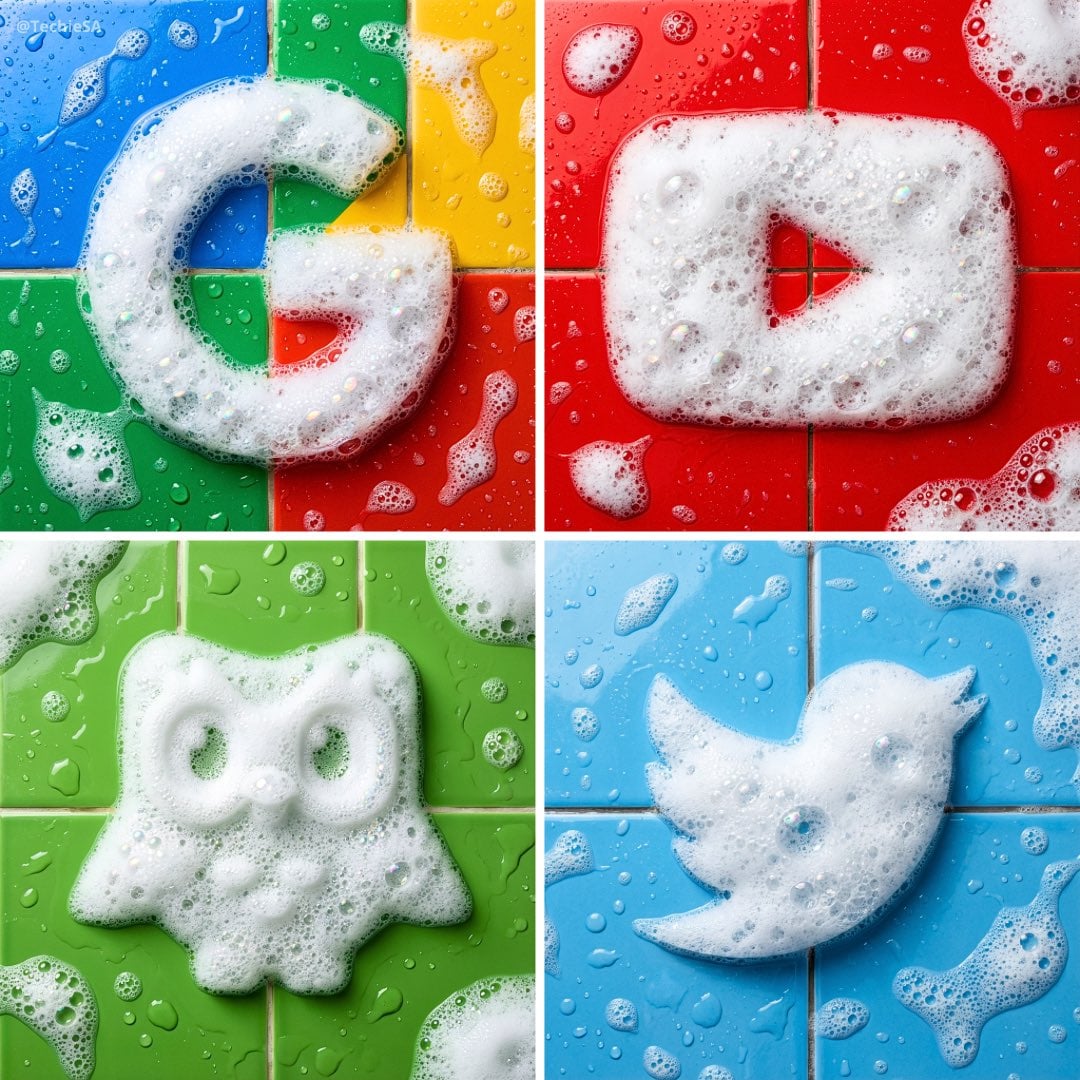
Photography AI image prompt preview: Create a soap foam sculpture in the exact shape of the uploaded logo, made entirely of white soap bubbles
Infographic / Edu VisualApp / Web Design
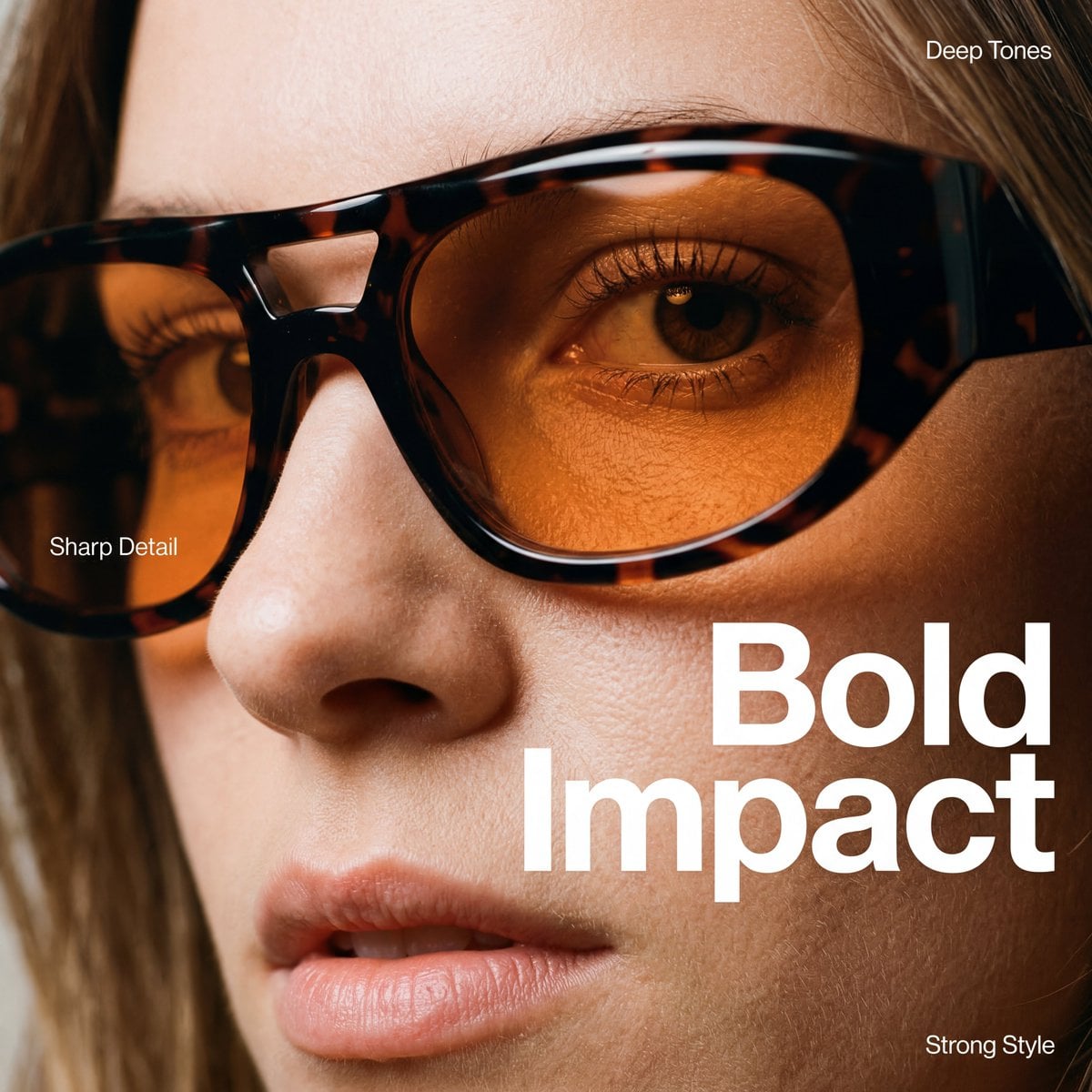
Cinematic / Film Still AI image prompt preview: An extreme close-up, high-fashion editorial portrait focusing on the right side of a person's face
Infographic / Edu VisualApp / Web Design
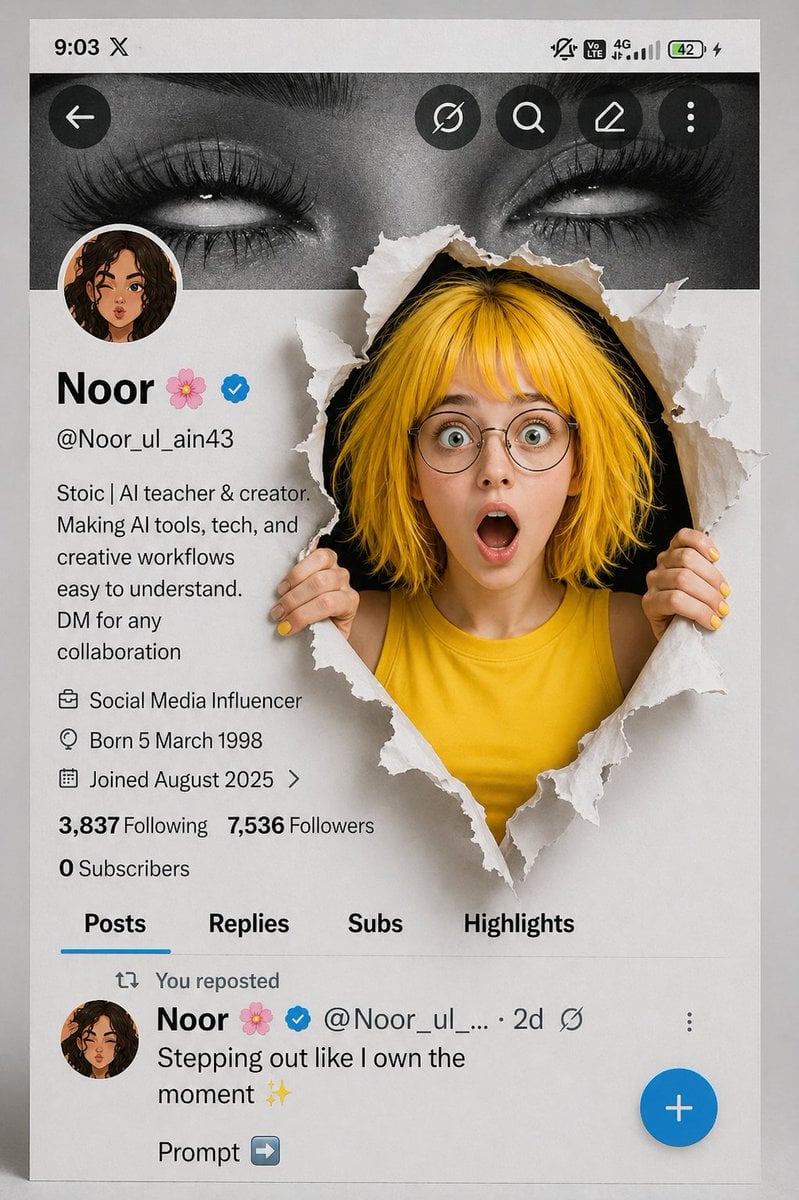
Cinematic / Film Still AI image prompt preview: A creative 3D photo manipulation of a social media profile interface, featuring a surprised young woman
Infographic / Edu VisualApp / Web Design
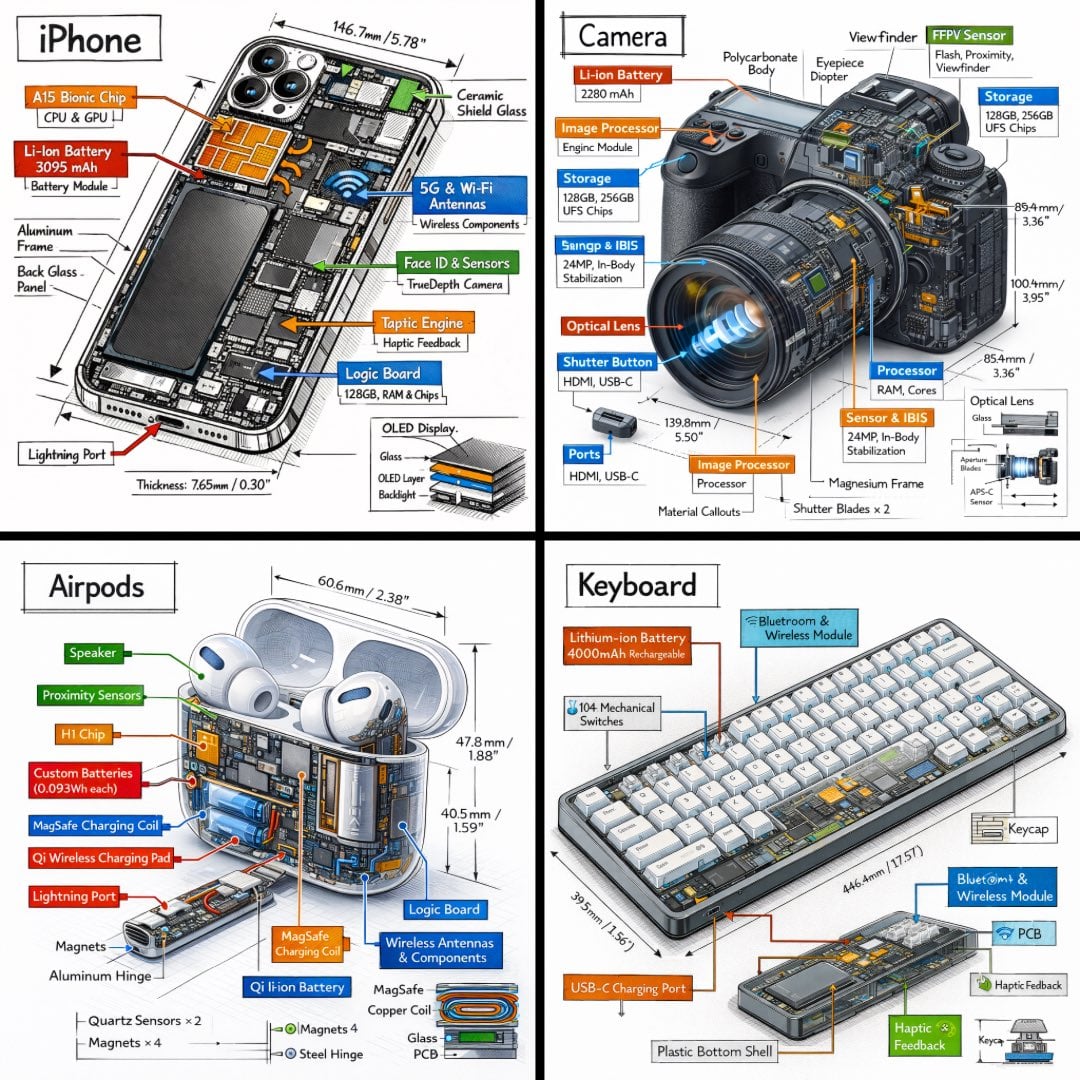
Photography AI image prompt preview: Create a technical infographic of [OBJECT] with a 45-degree isometric 3D perspective showing the device
Infographic / Edu VisualApp / Web Design
Photography AI image prompt preview: [BRAND NAME]
Infographic / Edu VisualApp / Web Design
Photography AI image prompt preview: Create a branded technical infographic of a [SNACK], combining a realistic photograph or photoreal render
Infographic / Edu VisualApp / Web Design
Retro / Vintage AI image prompt preview: [BRAND NAME]
Infographic / Edu VisualApp / Web Design
Diagram / Chart AI image prompt preview: Create a clean high-contrast vector mascot icon in Notion-style artwork based on [person description]
Infographic / Edu VisualApp / Web Design
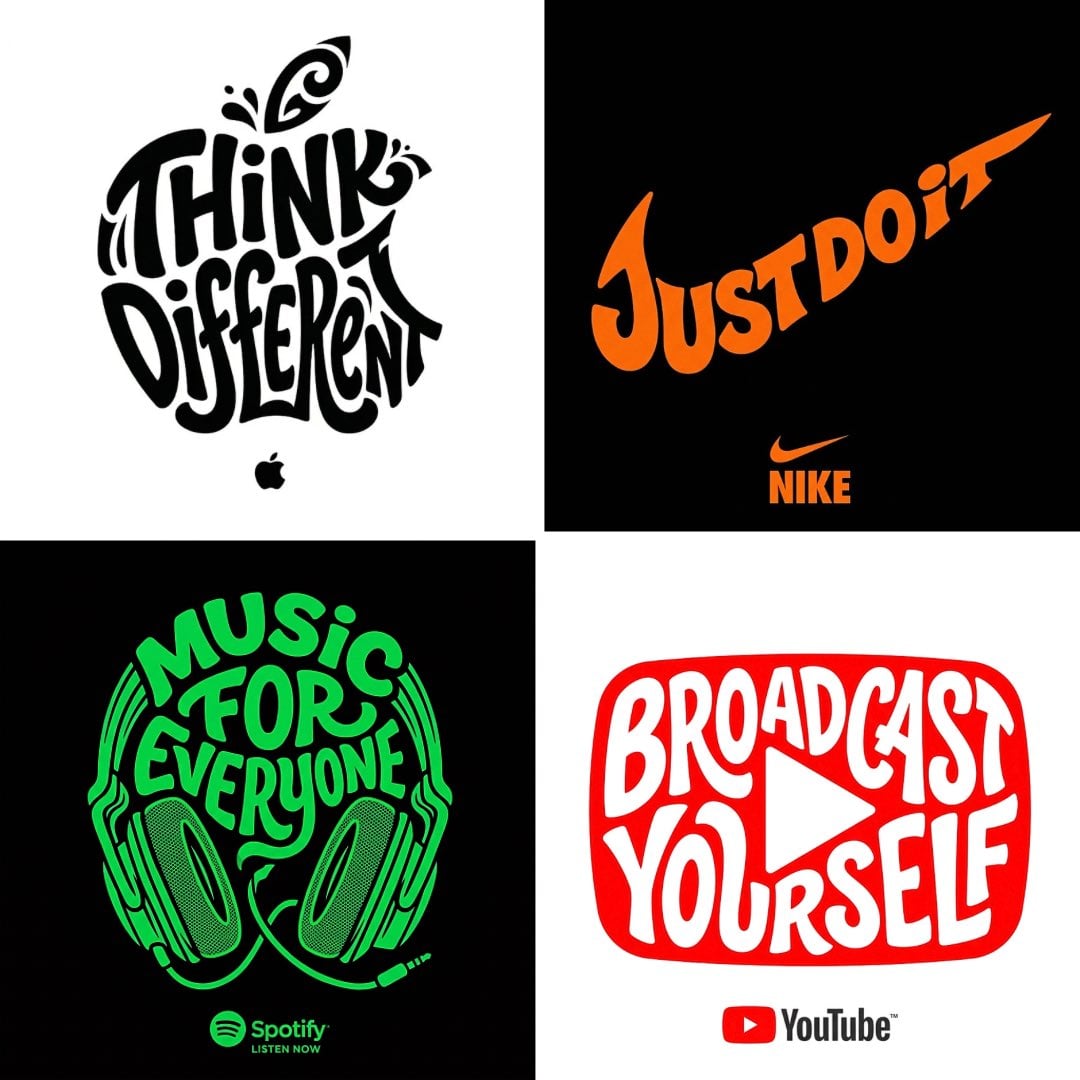
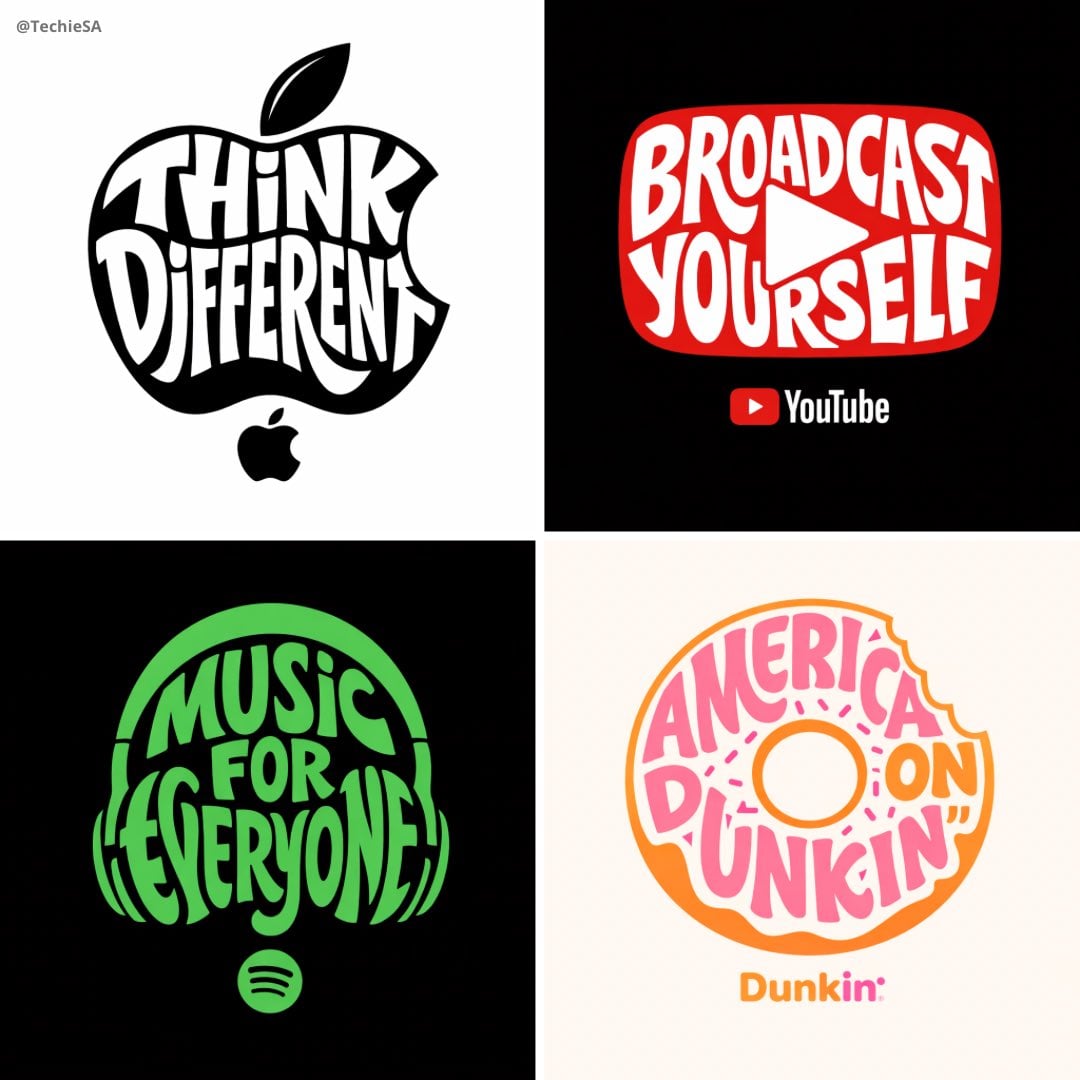
Illustration AI image prompt preview: Create a typographic illustration shaped like a [OBJECT], where the text [BRAND SLOGAN] forms the shape —
Infographic / Edu VisualApp / Web Design
Illustration AI image prompt preview: style_preset: "Zodiac Astrology VTuber Logo Aesthetics (Celestial Ver.)" global_settings: vibe: "Mystical,
Infographic / Edu VisualApp / Web Design
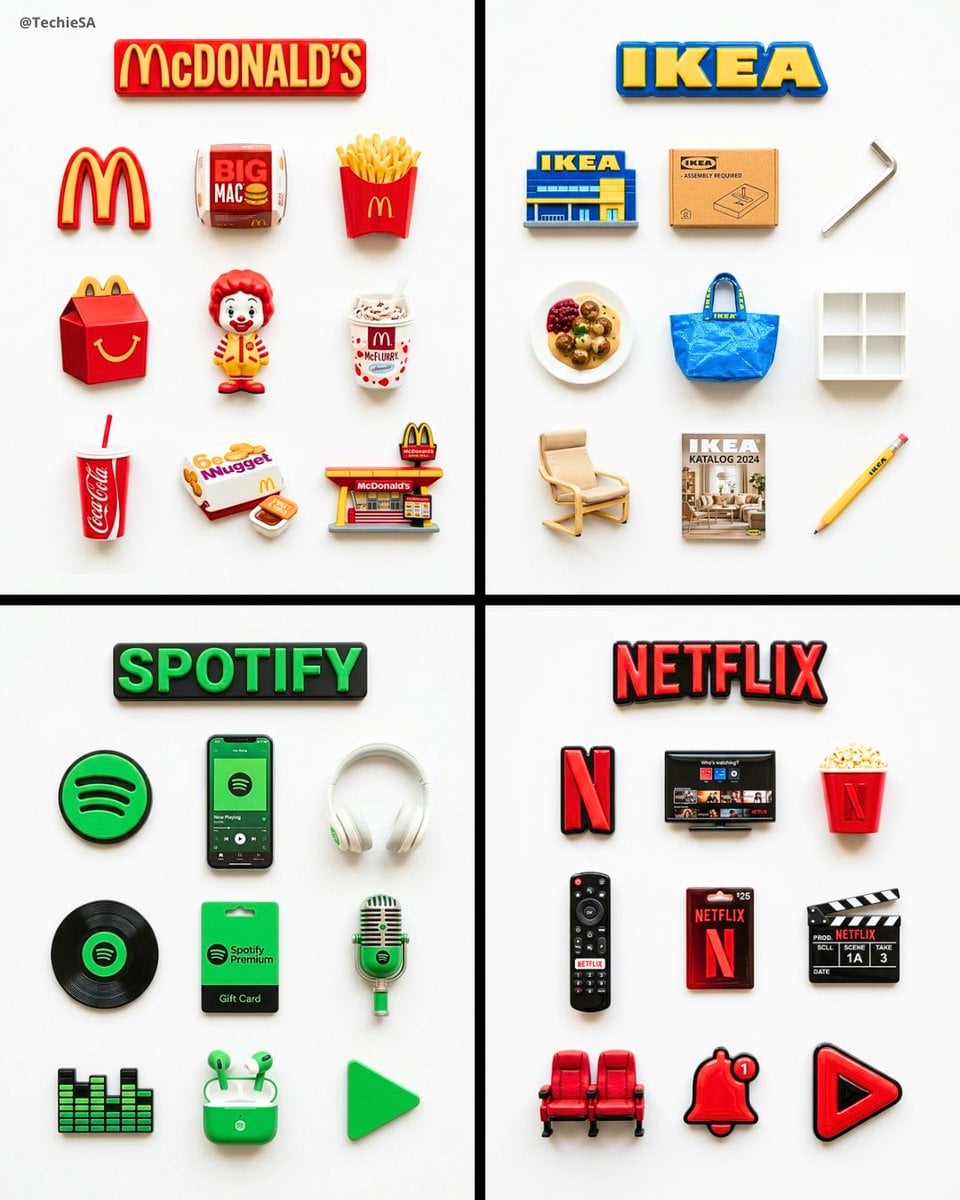
Photography AI image prompt preview: A flat-lay collection of exactly 9 hyper-realistic 3D resin fridge magnets arranged on a bright pure white
Profile / AvatarApp / Web Design
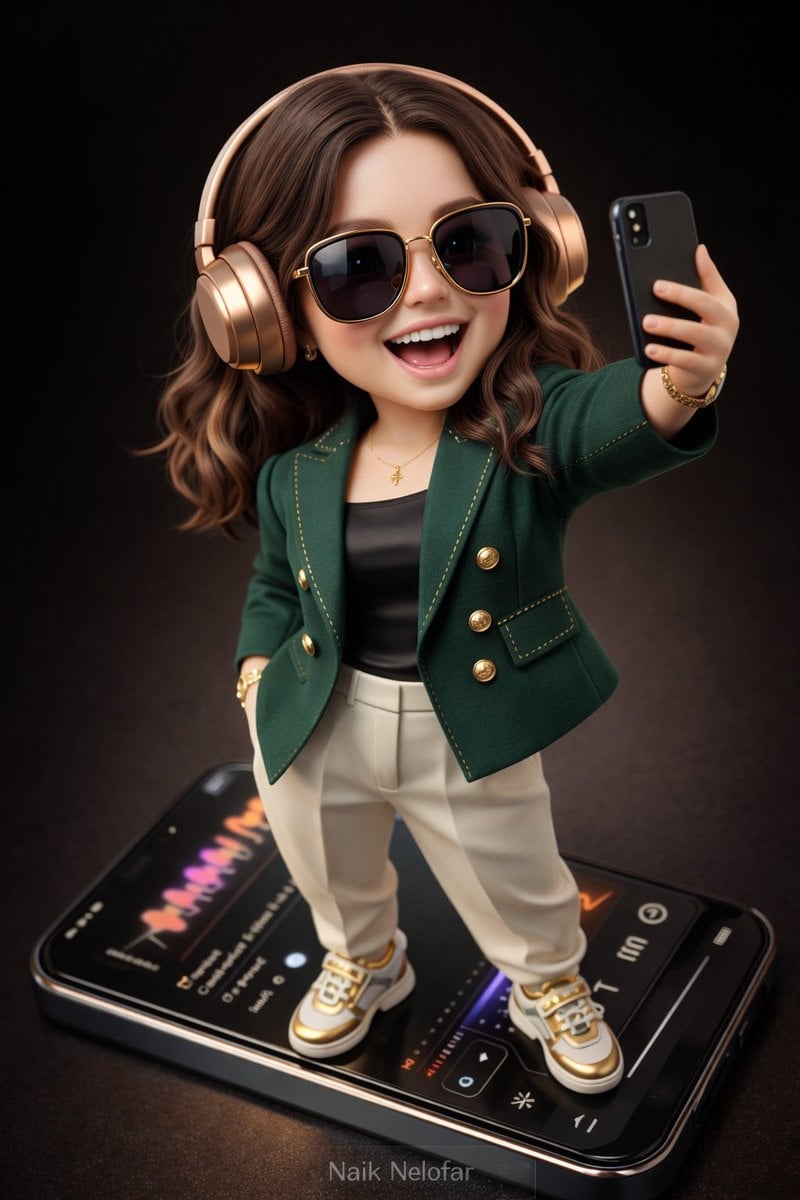
Illustration AI image prompt preview: Create a high-detail 3D semi-realistic chibi character with slightly exaggerated cute proportions but with
Product MarketingApp / Web Design
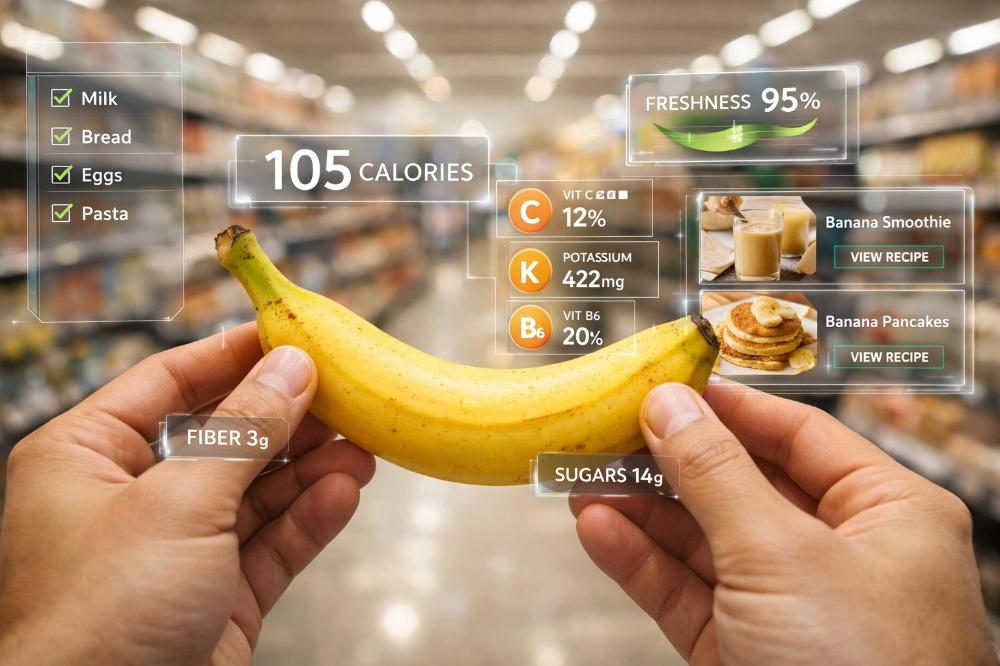
Photography AI image prompt preview: Ultra-realistic photography blended with futuristic AR technology
Infographic / Edu VisualApp / Web Design
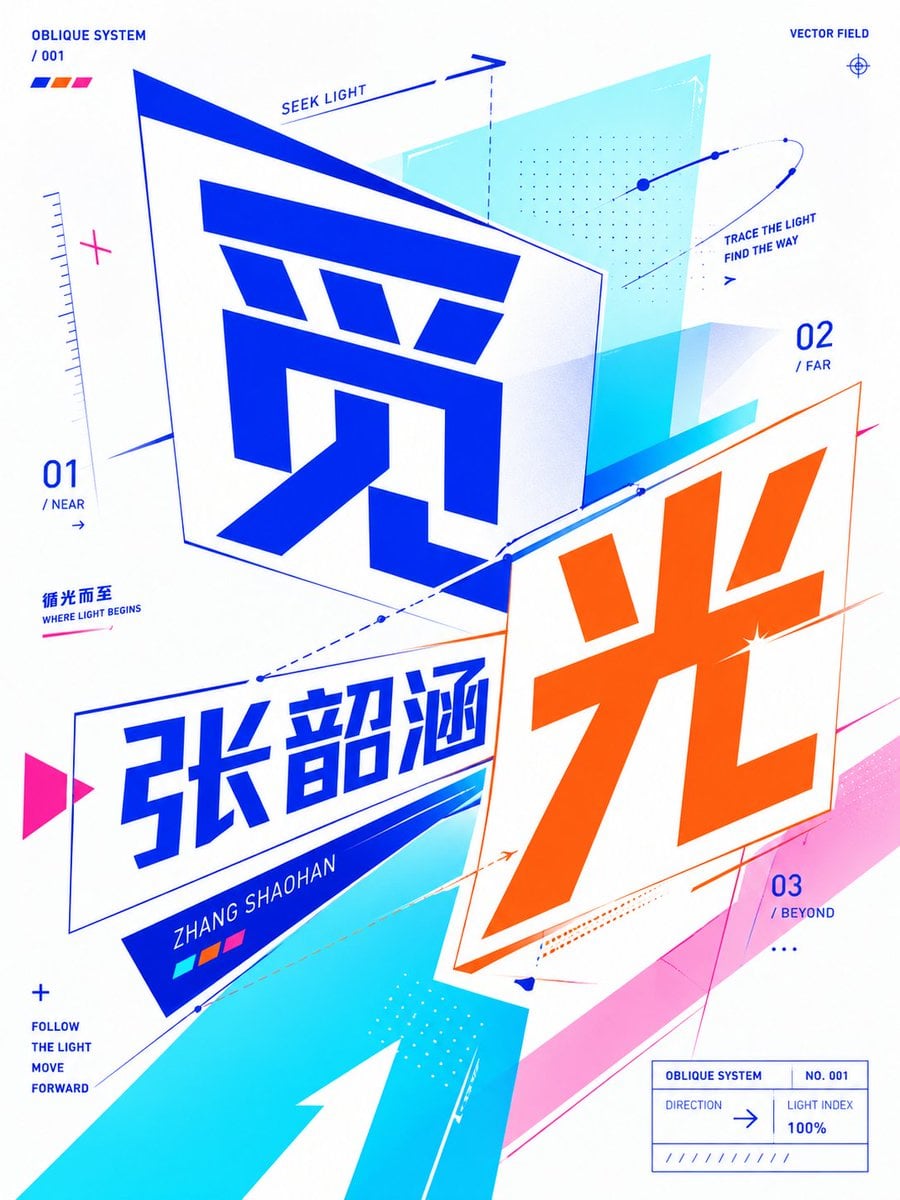
Diagram / Chart AI image prompt preview: 请基于用户输入的【核心文字 / 单词 / 词组 / 短句 / 字母】,创作一张高完成度的「斜向透视平面字体概念海报 / Oblique Planar Perspective Typographic Poster」。
Infographic / Edu VisualApp / Web Design
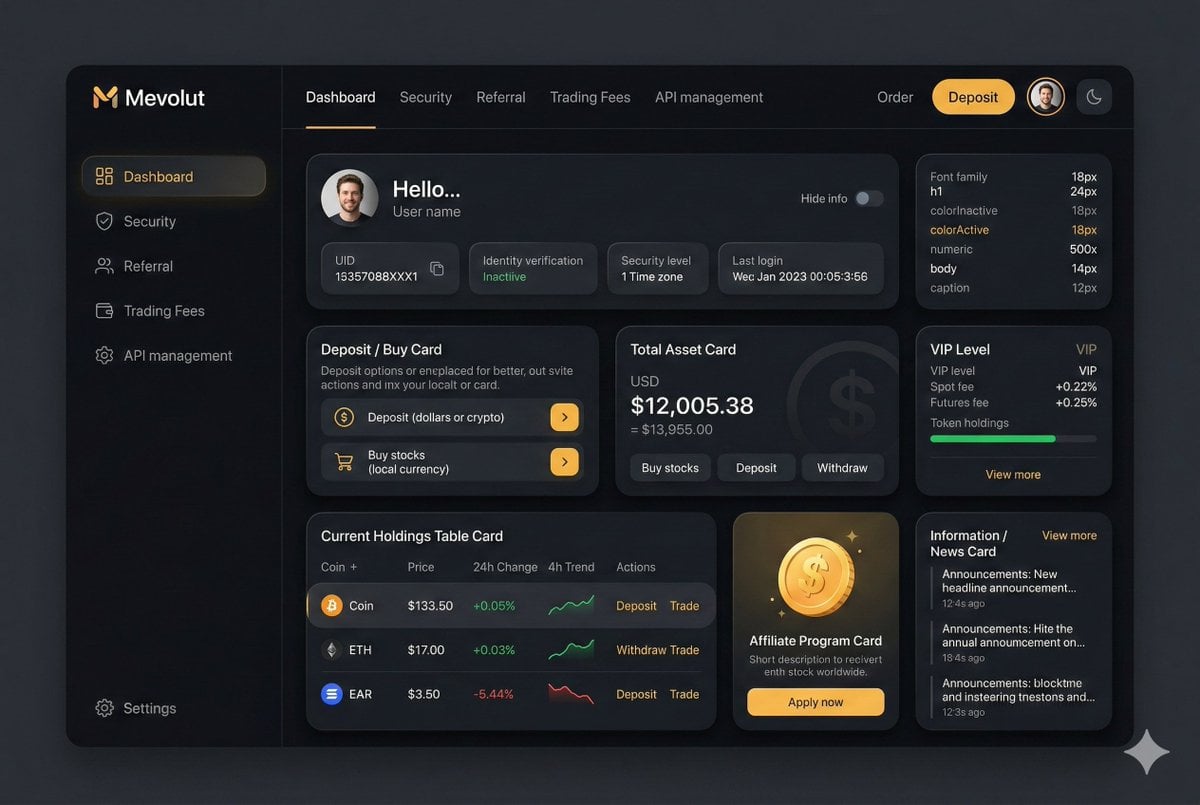
Illustration AI image prompt preview: You are an experienced UI designer embracing modern, minimalistic design, shadows, glass, and soft colors
Infographic / Edu VisualApp / Web Design
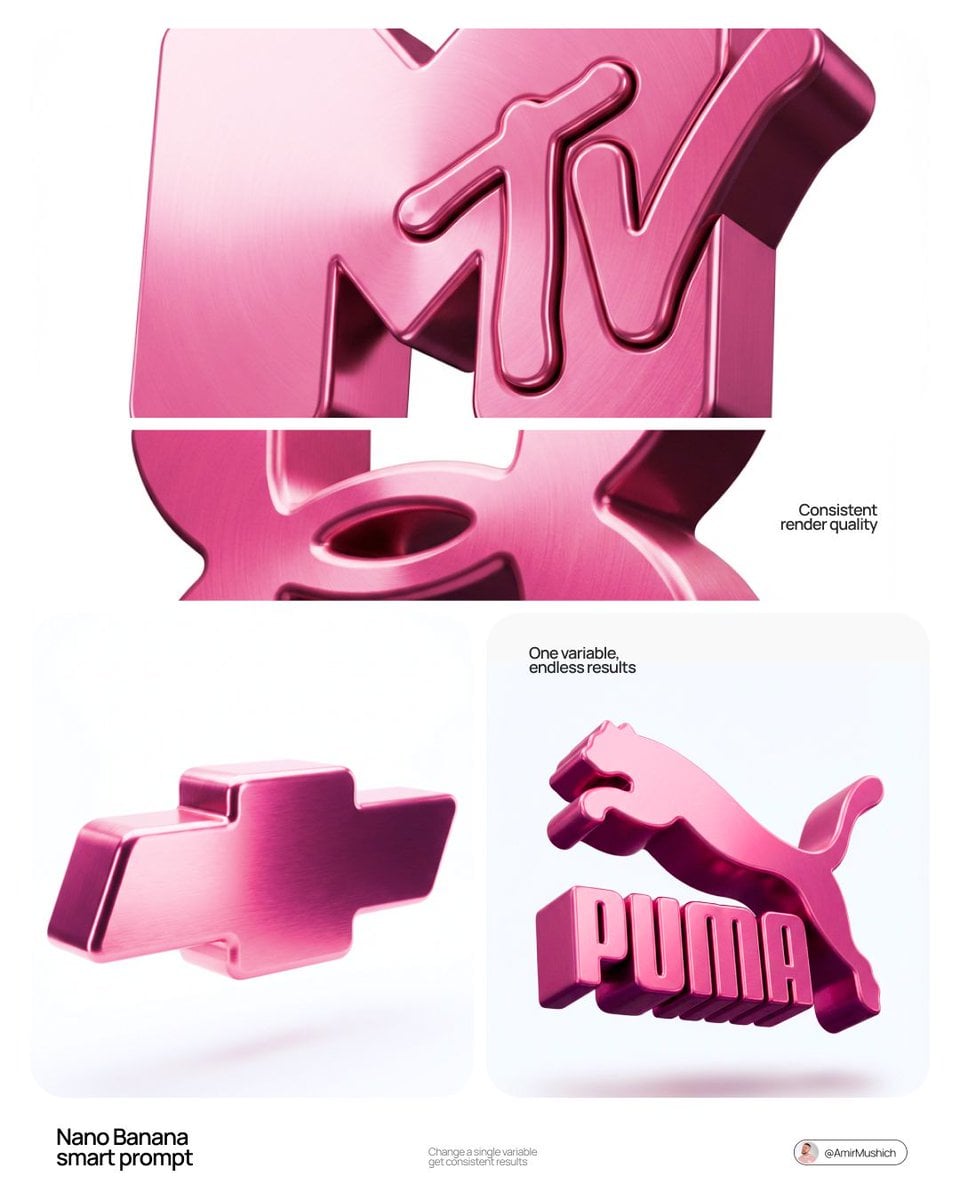
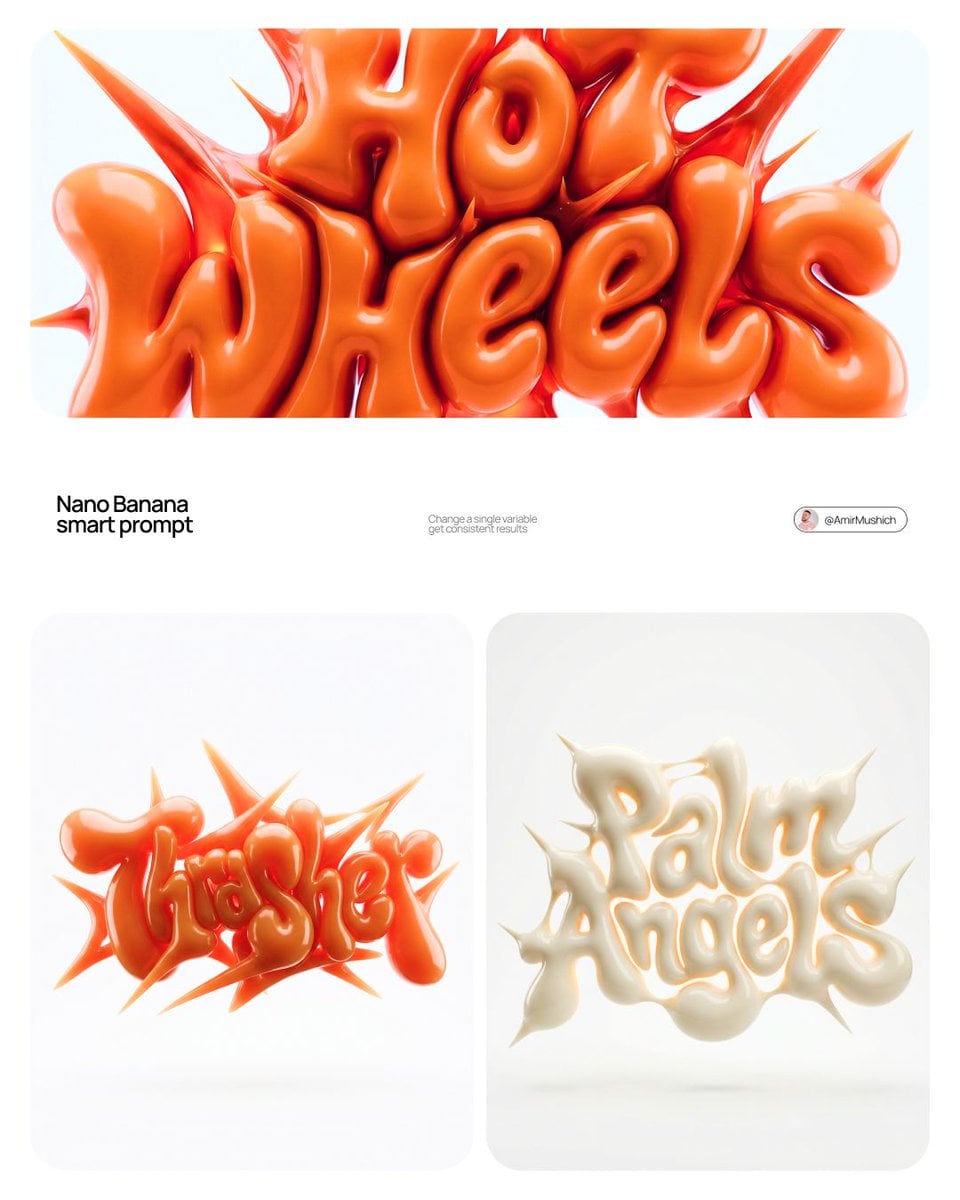
Photography AI image prompt preview: [BRAND NAME] | [COLOR] Act as a 3D Type Designer and CGI Artist working at the intersection of streetwear
Infographic / Edu VisualApp / Web Design
Sketch / Line Art AI image prompt preview: [BRAND NAME]
Infographic / Edu VisualApp / Web Design
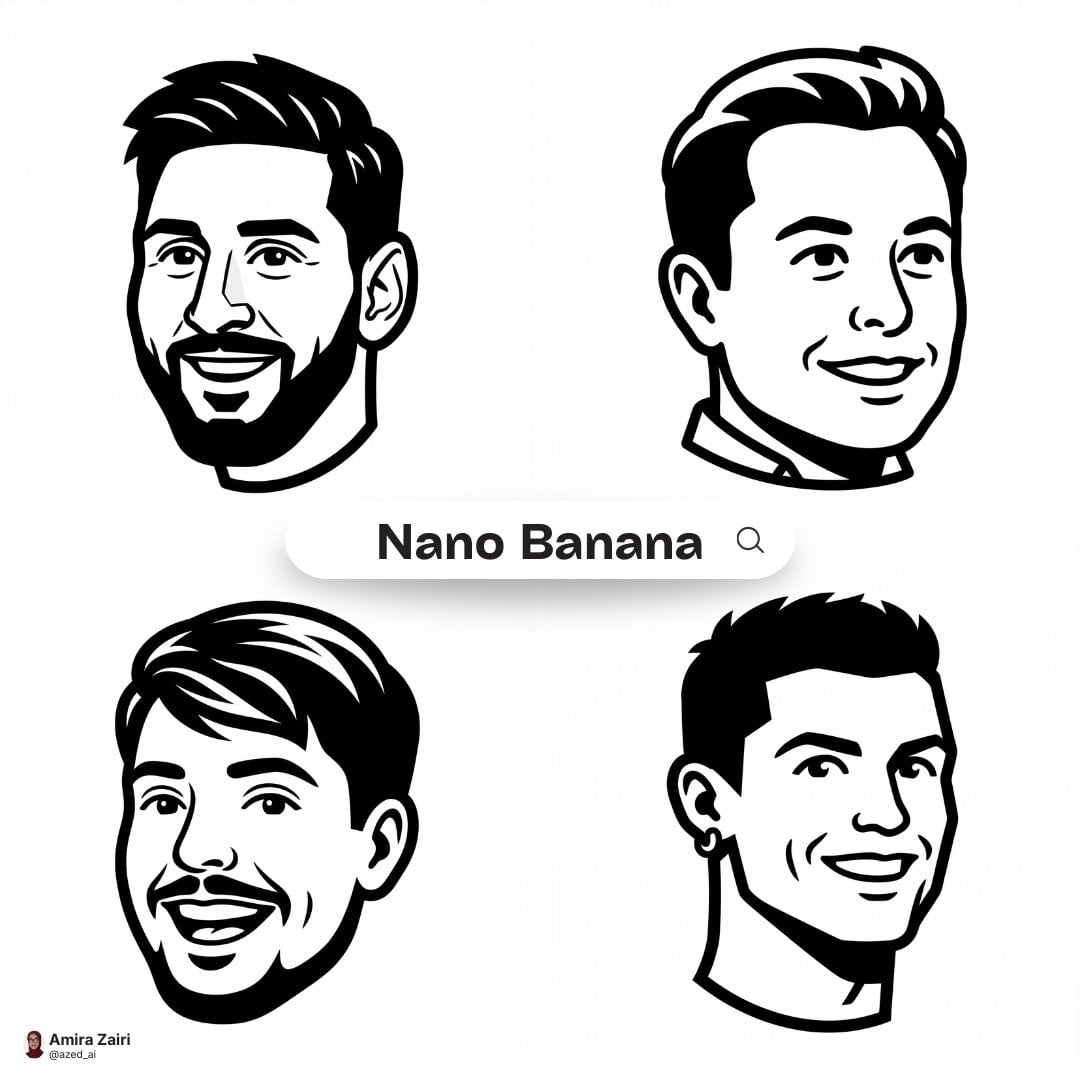
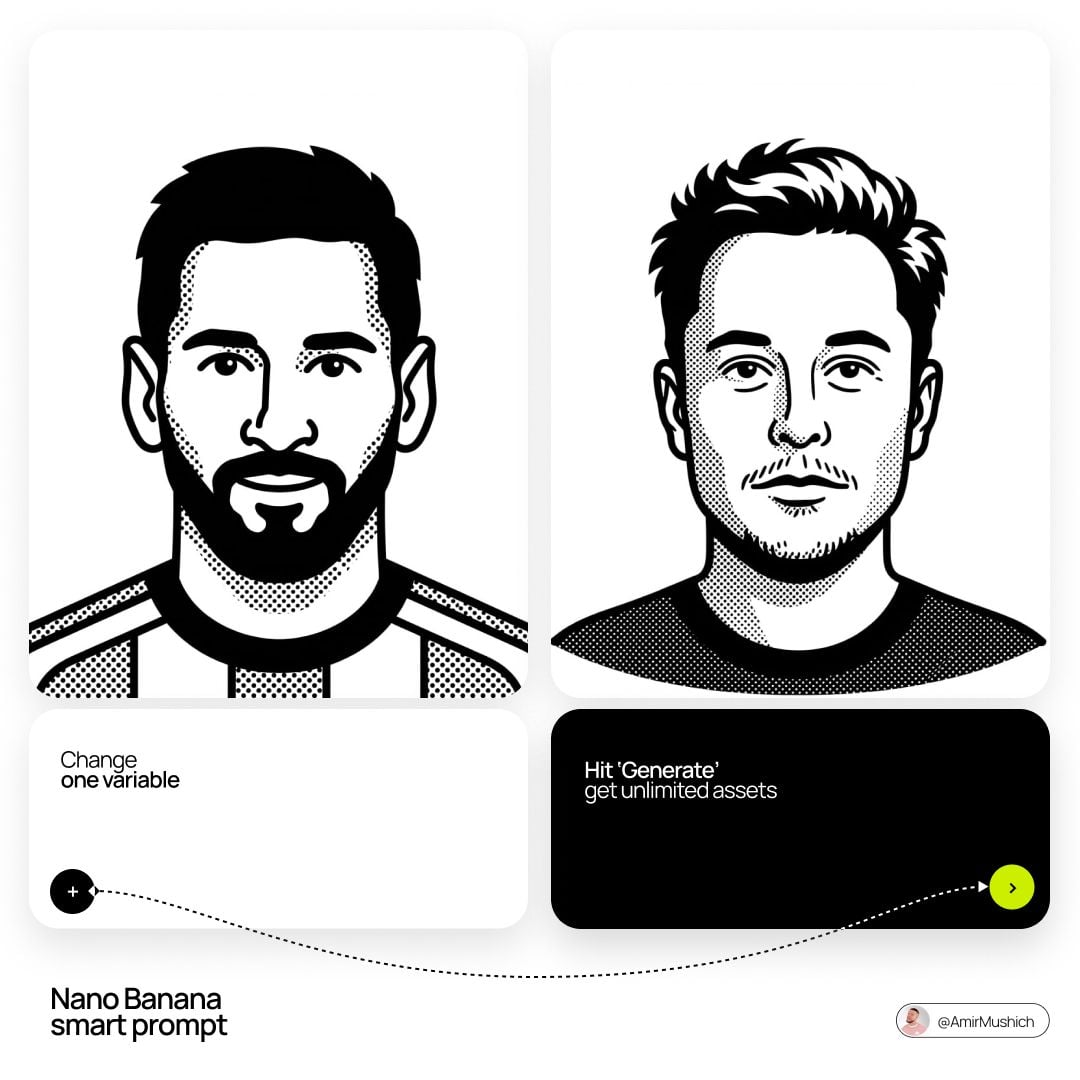
Illustration AI image prompt preview: A minimalist, black-and-white flat vector illustration portrait of [NAME], rendered in the expressive
Infographic / Edu VisualApp / Web Design
Photography AI image prompt preview: [BRAND NAME] ({INDUSTRY})
Infographic / Edu VisualApp / Web Design
Illustration AI image prompt preview: Create a typographic illustration shaped like a [OBJECT], where the text [BRAND SLOGAN] forms the shape —
Infographic / Edu VisualApp / Web Design
Photography AI image prompt preview: Create an infographic image of [OBJECT], combining a realistic photograph or photorealistic render of the
Infographic / Edu VisualApp / Web Design
Illustration AI image prompt preview: A simple illustration of a [subject] in [outfit], [doing action], with a [facial expression] expression, in
Infographic / Edu VisualApp / Web Design
Illustration AI image prompt preview: product design, [object], cross-section cutaway view, internal anatomy revealed, white background, museum
Infographic / Edu VisualApp / Web Design
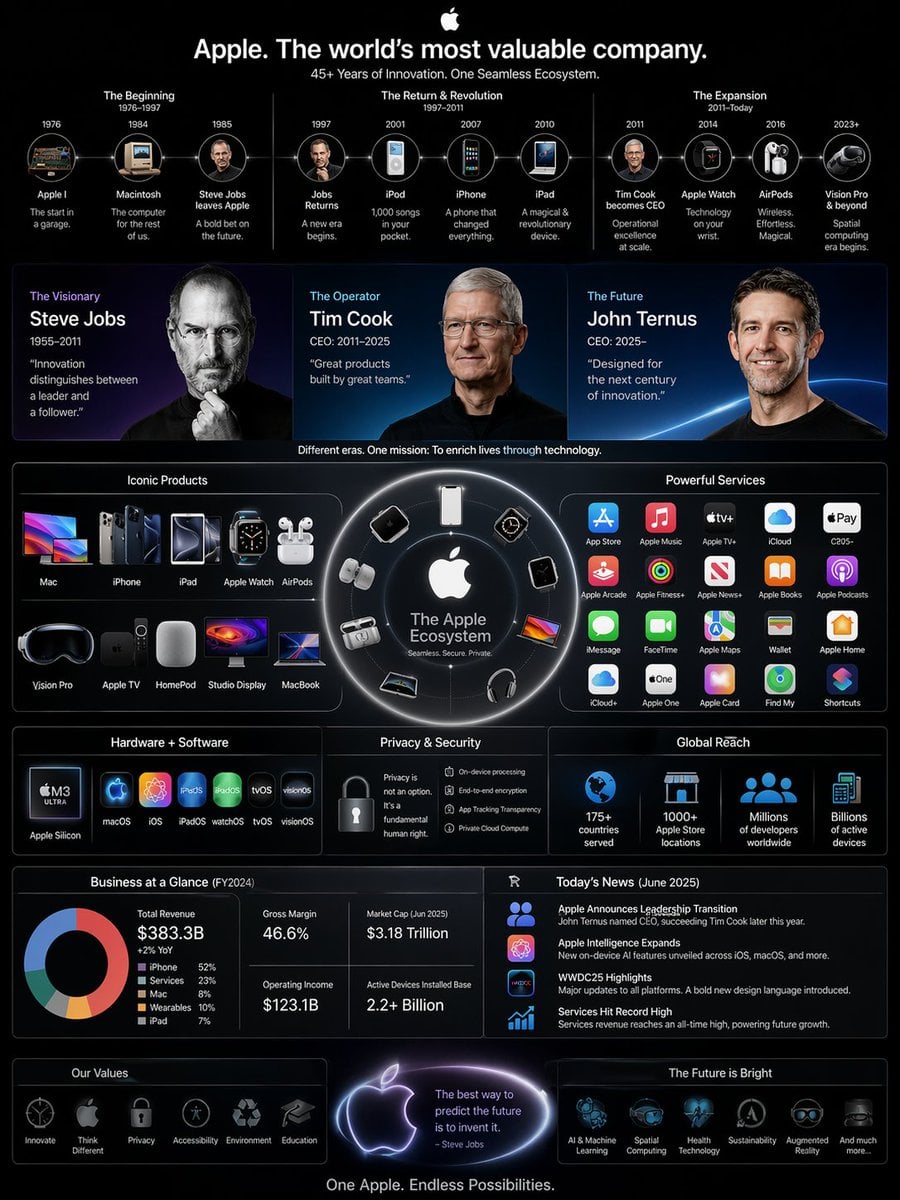
Diagram / Chart AI image prompt preview: 高复杂度信息图:结合今天的新闻,CEO 换成了Ternus,信息图要竖版 3:4要有乔布斯、cook、Ternus 三人头像,以及产品,以及超多苹果服务标志,整体风格偏 WWDC 的苹果风格,完整展现苹果庞大商业帝国
Infographic / Edu VisualApp / Web Design
Photography AI image prompt preview: A hyper-realistic 8K close-up portrait of a person's head and upper neck, shot from a slightly low-angle
Infographic / Edu VisualApp / Web Design
Illustration AI image prompt preview: Create a whimsical, playful illustration featuring [CHARACTER / SUBJECT] as the central focus
Infographic / Edu VisualApp / Web Design
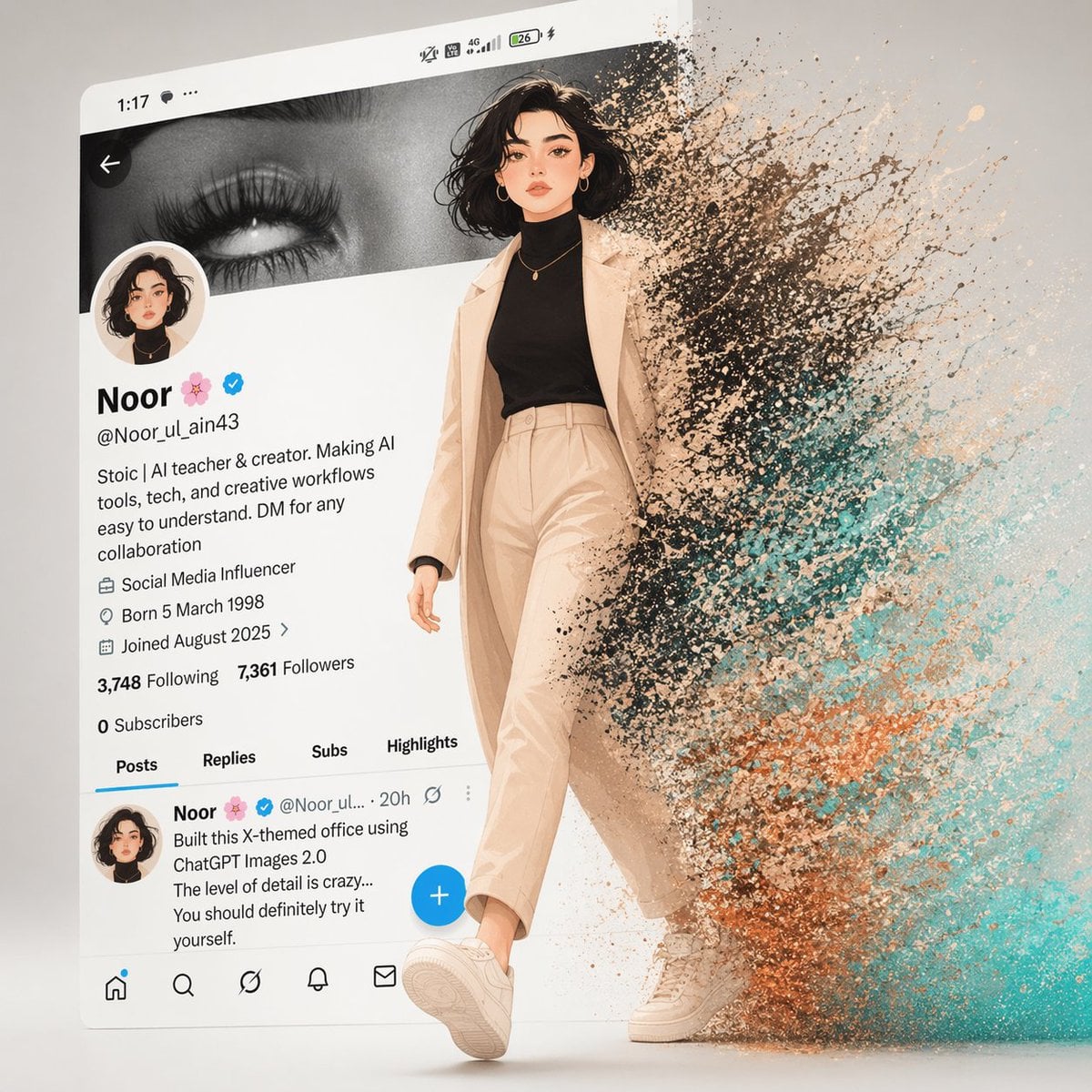
Cinematic / Film Still AI image prompt preview: A cinematic digital artwork of a stylish animated girl walking out of a modern X (Twitter) profile interface
Product MarketingApp / Web Design
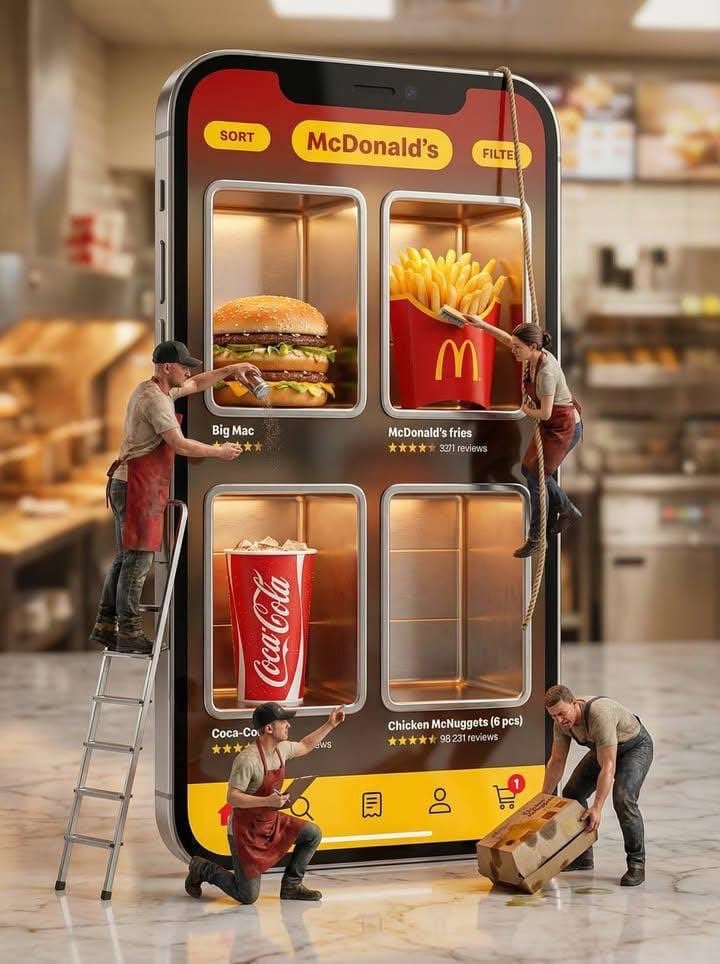
Illustration AI image prompt preview: Ultra-realistic creative advertising scene showing a giant smartphone displaying a McDonald’s food-ordering
Scroll for more

Prompt Formula

Copyable Prompt Formula
[Screen type: mobile app home, SaaS landing page] for [product], sections: [hero, features, pricing], [design style: glassmorphism, minimal], [color palette], [device frame]

How to use these prompts
UI prompts should name the screen type, device frame, layout sections, and design style. Use real section labels in quotes so the mockup reads like a product.
FAQ & Best Practices

Are these designs production ready?

Treat them as concept mockups. Rebuild the layout in your design tool to get accurate spacing and real components.

How do I get a specific layout?

List the sections from top to bottom and describe each one briefly. Mention grid columns and alignment.

Which model handles UI text best?

GPT Image is usually more reliable for interface labels and small text.