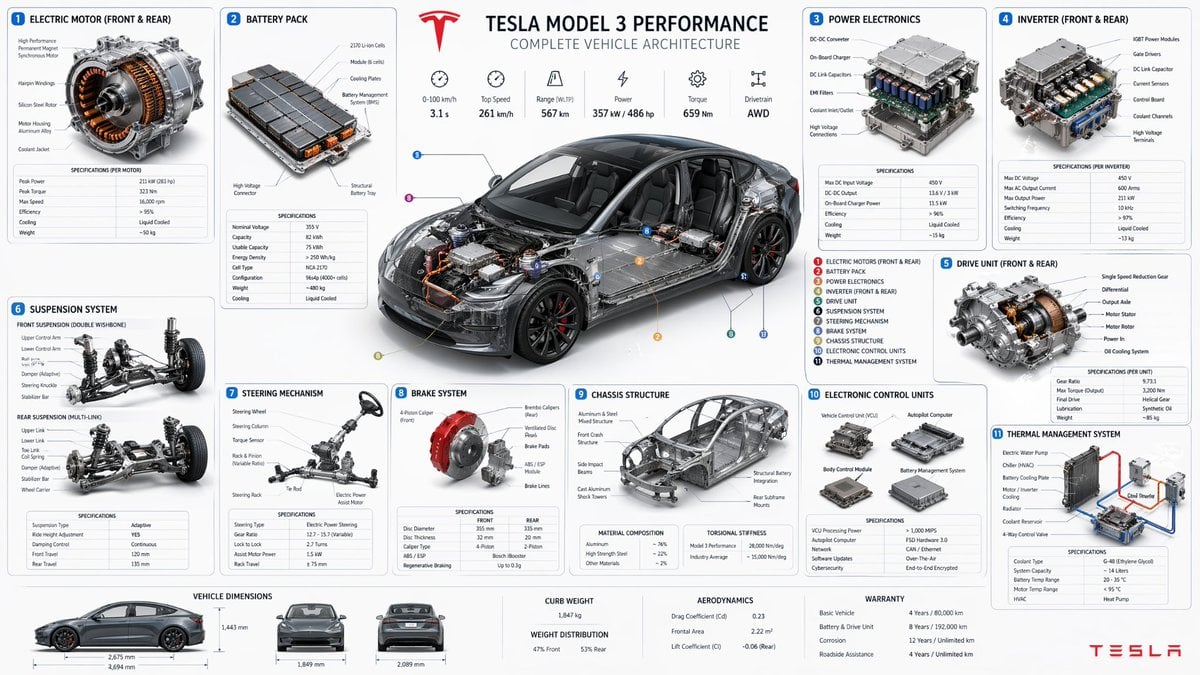
帮我生成 特斯拉 主要零部件 细节全图

How to use this image prompt
Start with the prompt below, adapt its variables, and generate with ChatGPT.
- 1. CopyCopy the prompt and review its variables.
- 2. AdaptAdd your subject, references, and preferred settings.
- 3. GenerateCreate one to four directions and keep the strongest result.
More prompts to explore
Continue browsing image prompts with Promptslab.
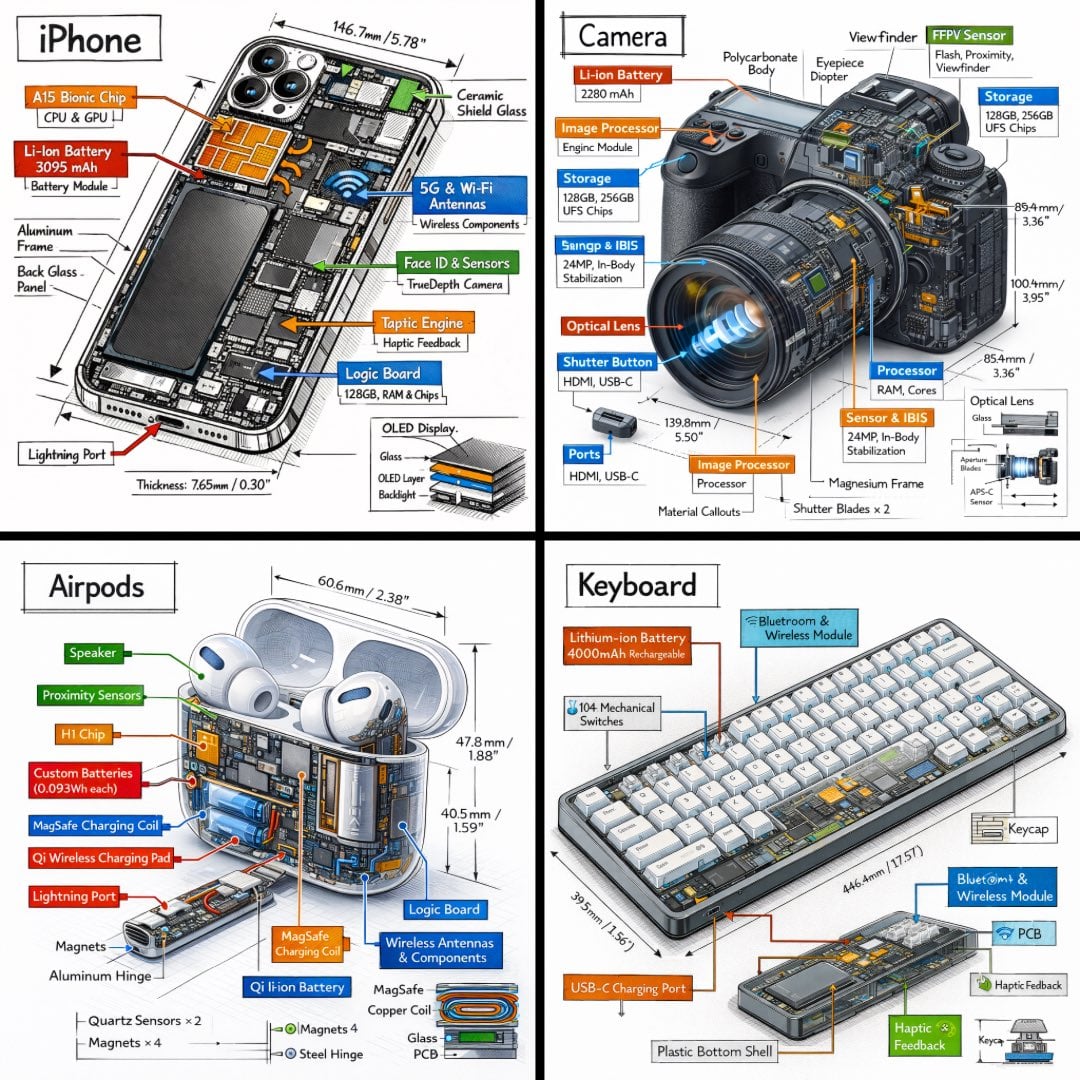
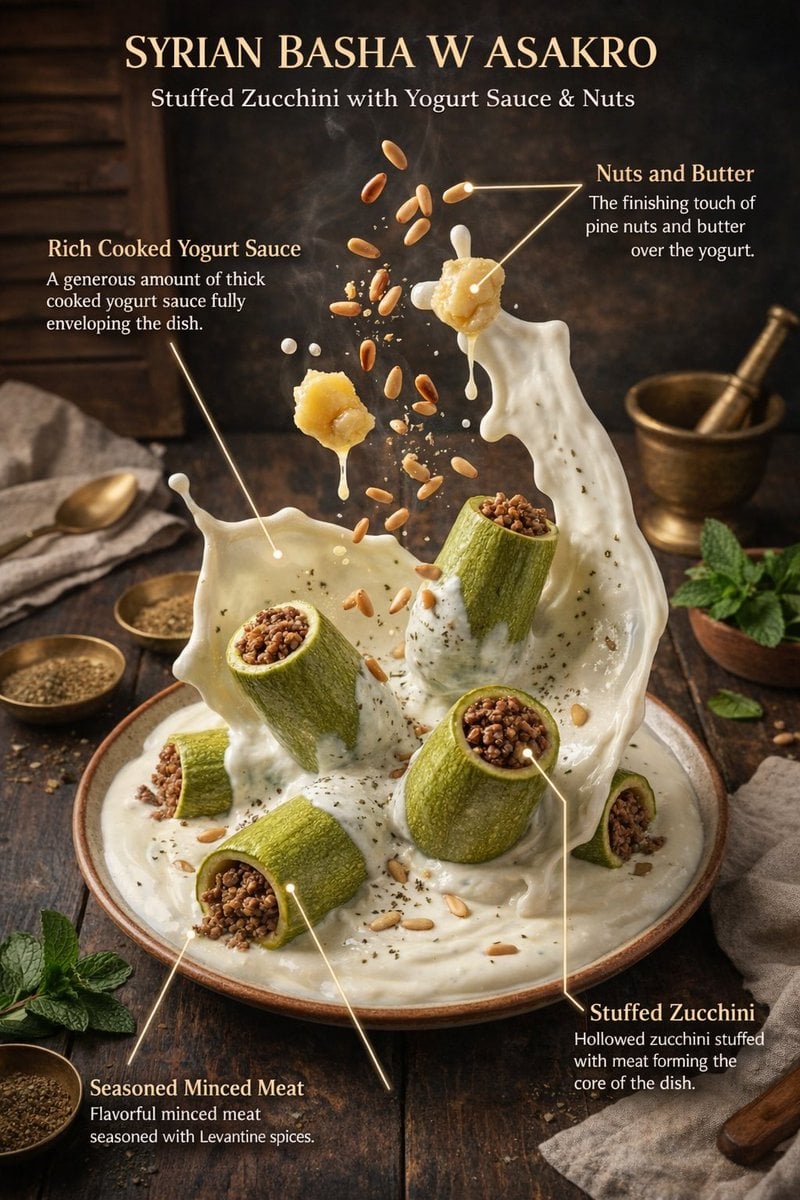
![Photography AI image prompt preview: Create a technical infographic of [OBJECT] with a 45-degree isometric 3D perspective showing the device](/api/storage/file?key=prompts%2F2017928823497453789%2F0.jpg&w=640)
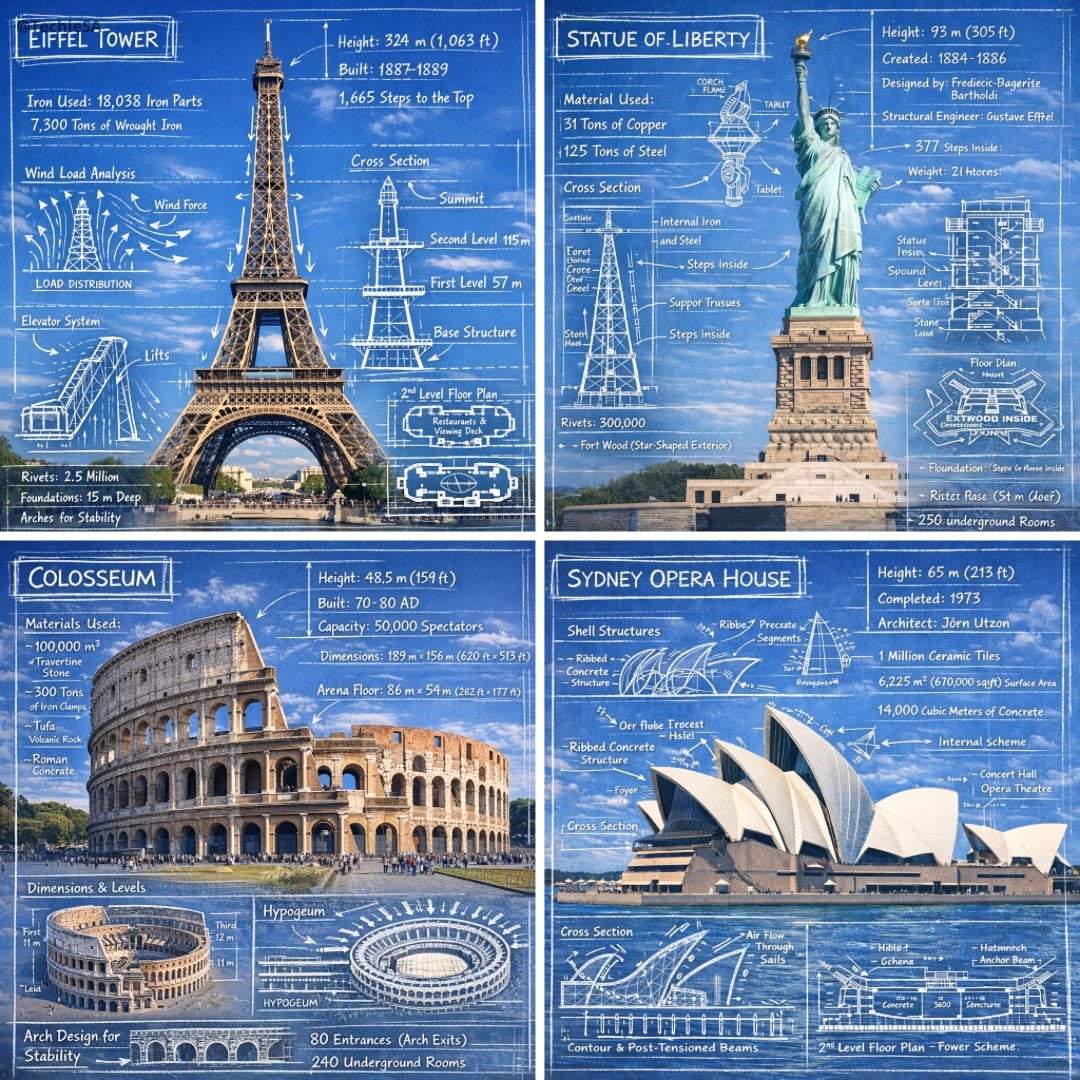
![Photography AI image prompt preview: Create an infographic image of [LANDMARK], combining a real photograph of the landmark with blueprint-style](/api/storage/file?key=prompts%2F2007523056822939698%2F0.jpg&w=640)

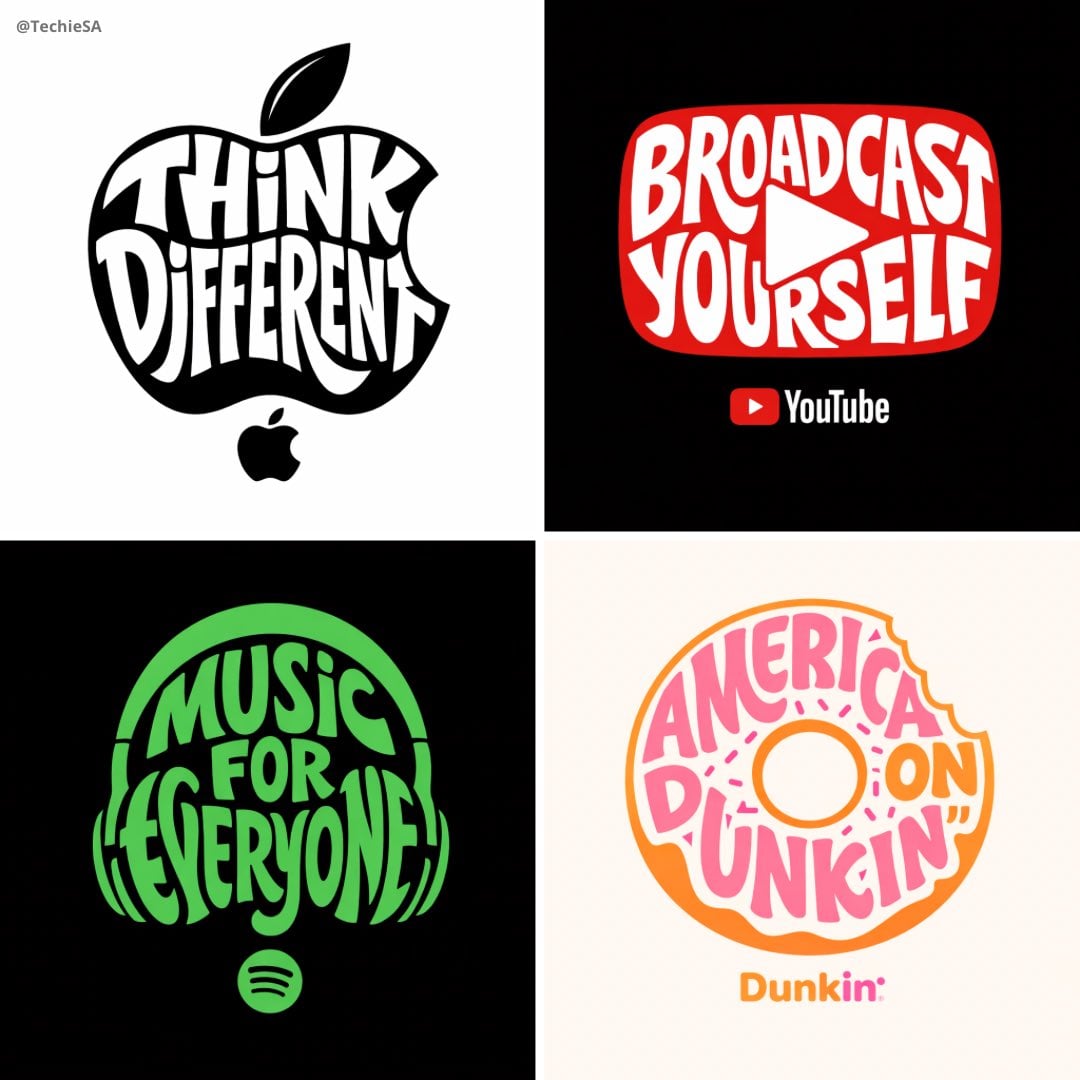
![Illustration AI image prompt preview: Create a typographic illustration shaped like a [OBJECT], where the text [BRAND SLOGAN] forms the shape —](/api/storage/file?key=prompts%2F2005620980891480567%2F0.jpg&w=640)
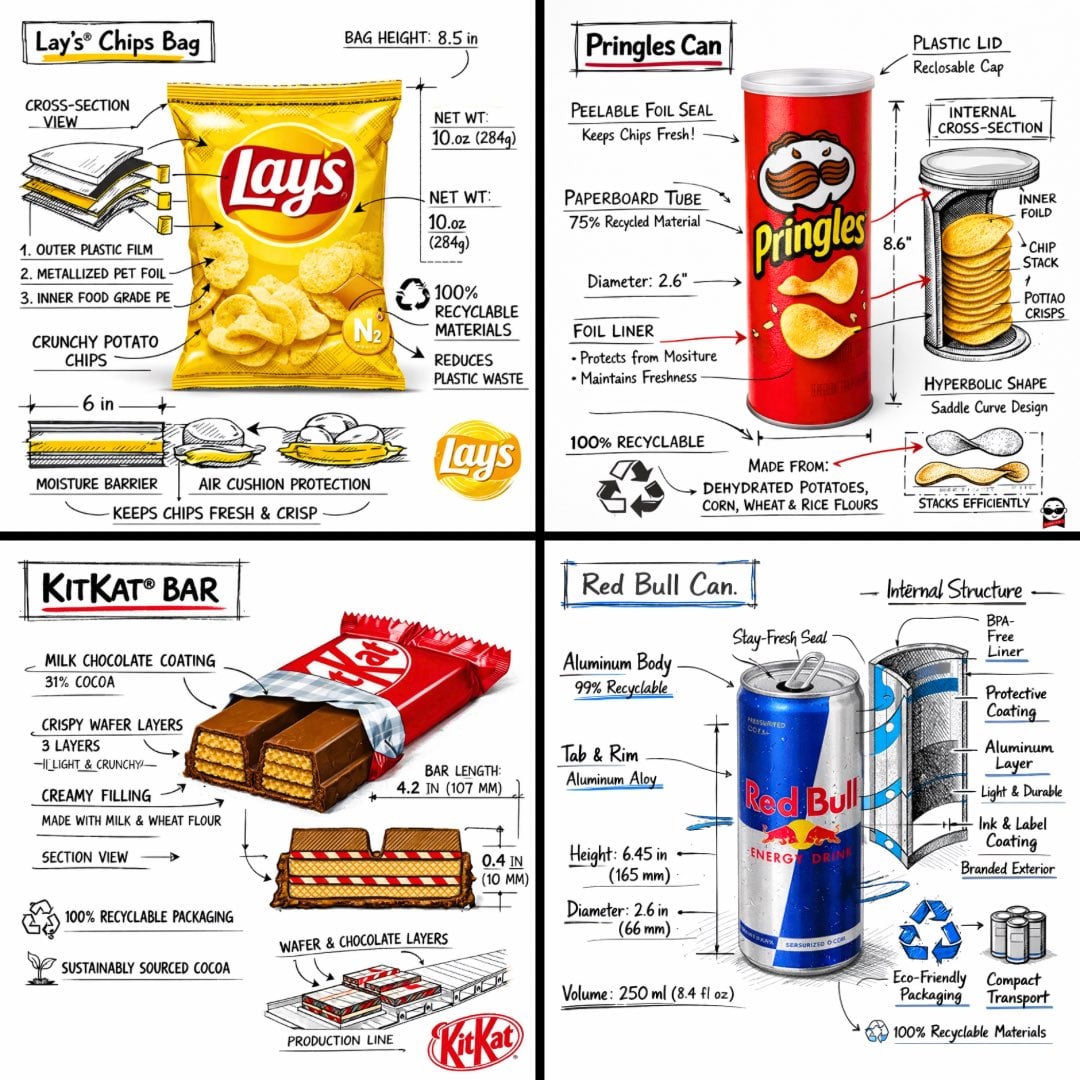
![Photography AI image prompt preview: Create a branded technical infographic of a [SNACK], combining a realistic photograph or photoreal render](/api/storage/file?key=prompts%2F2031795709243019280%2F0.jpg&w=640)