AI Game Asset Prompts
AI Game Asset Prompts
AI prompts for game sprites, item icons, character sheets, and environment concepts.
Popular Game Asset Prompts
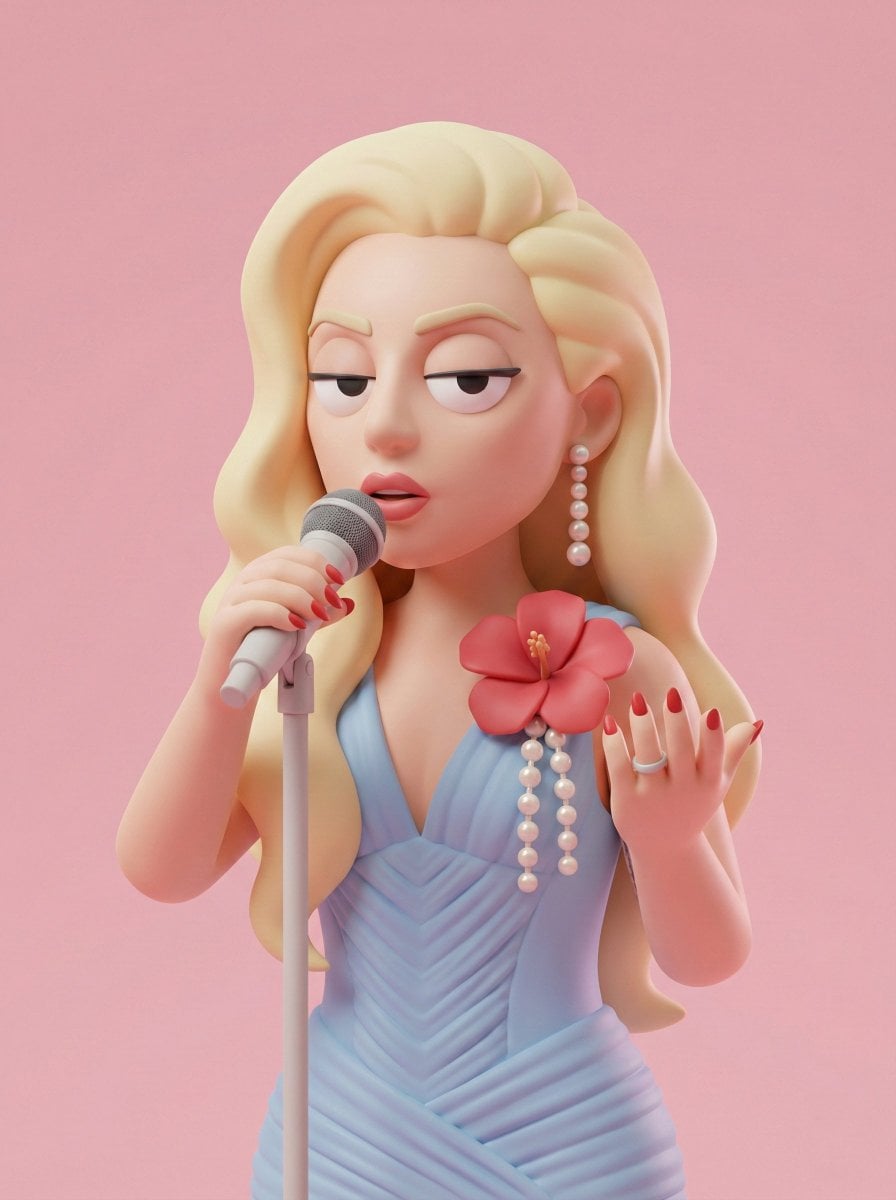
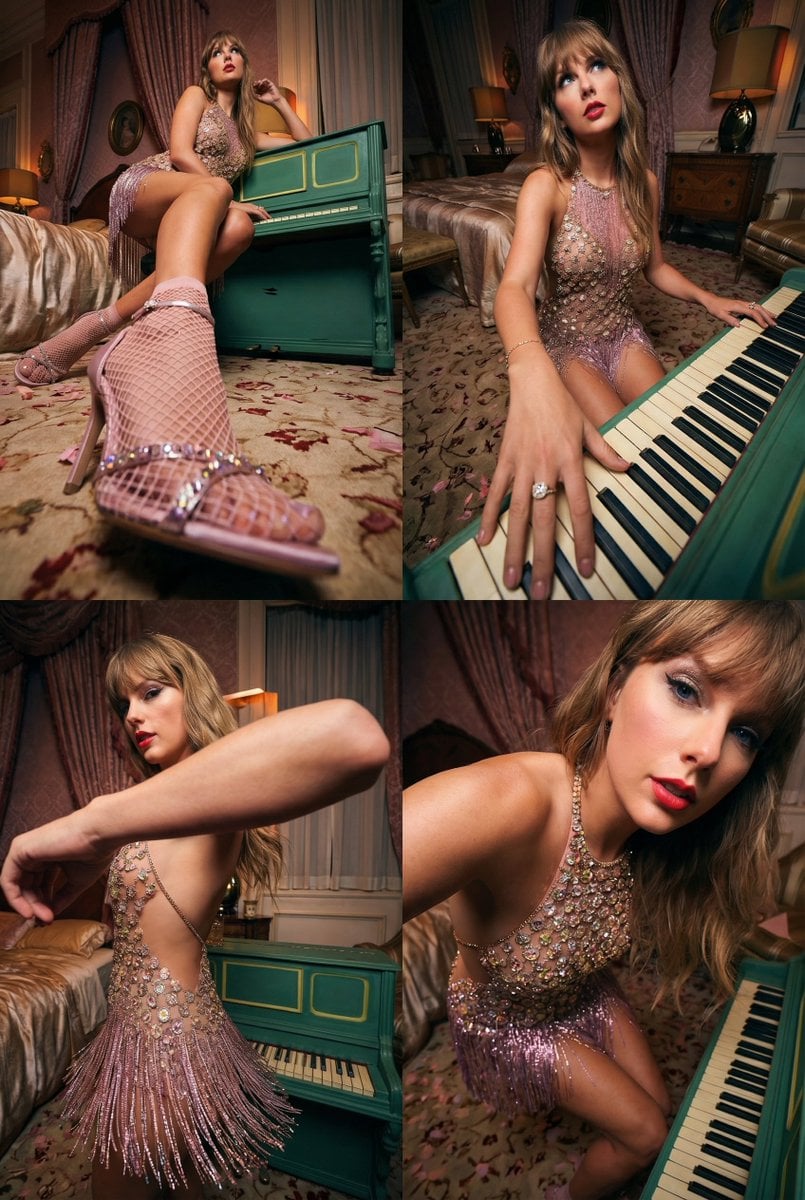

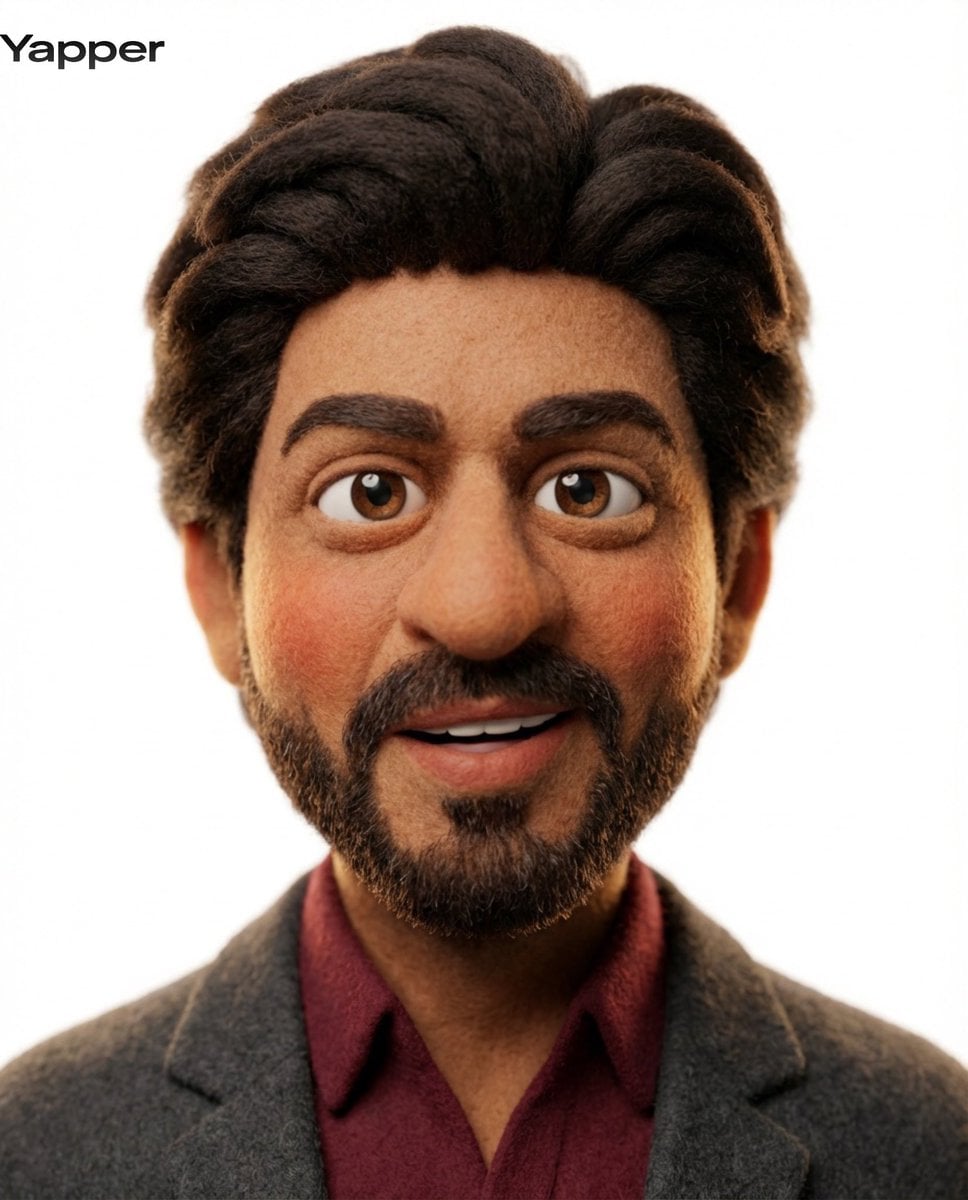
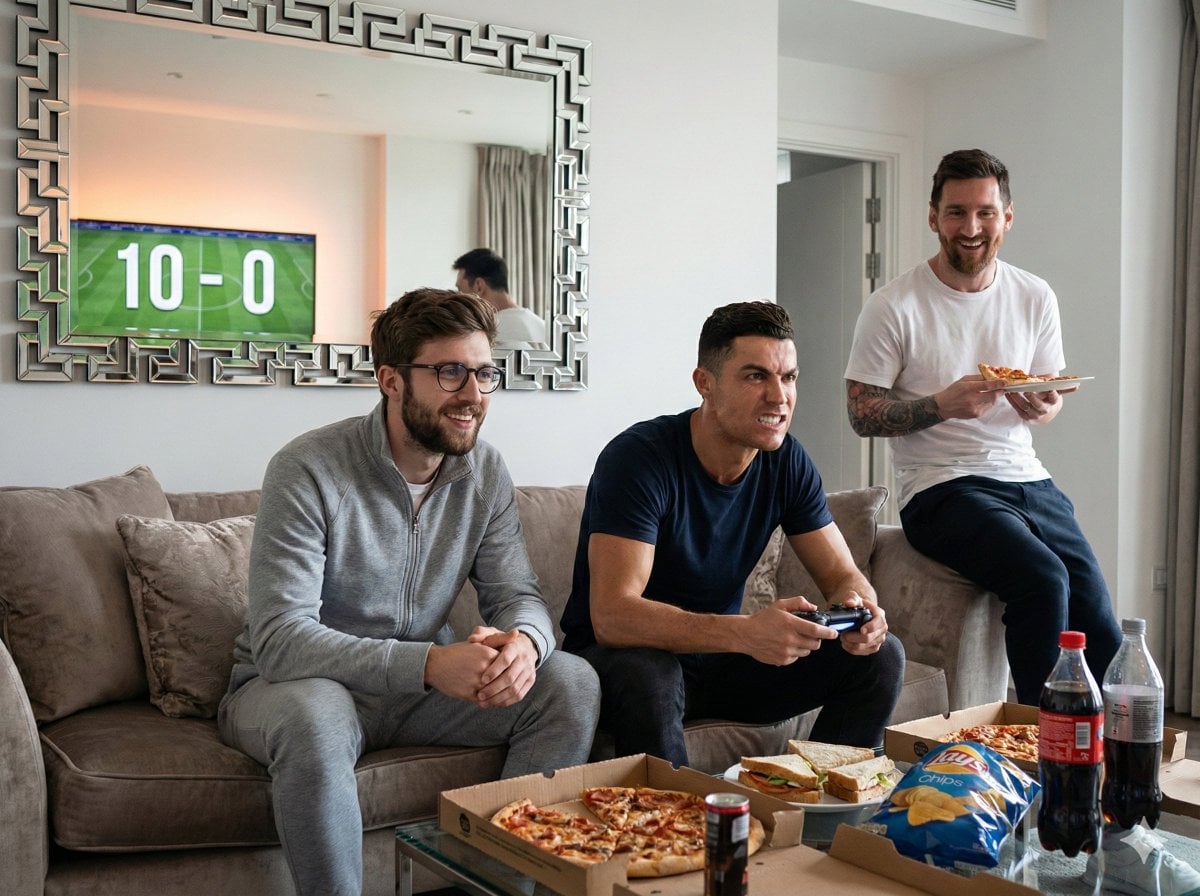


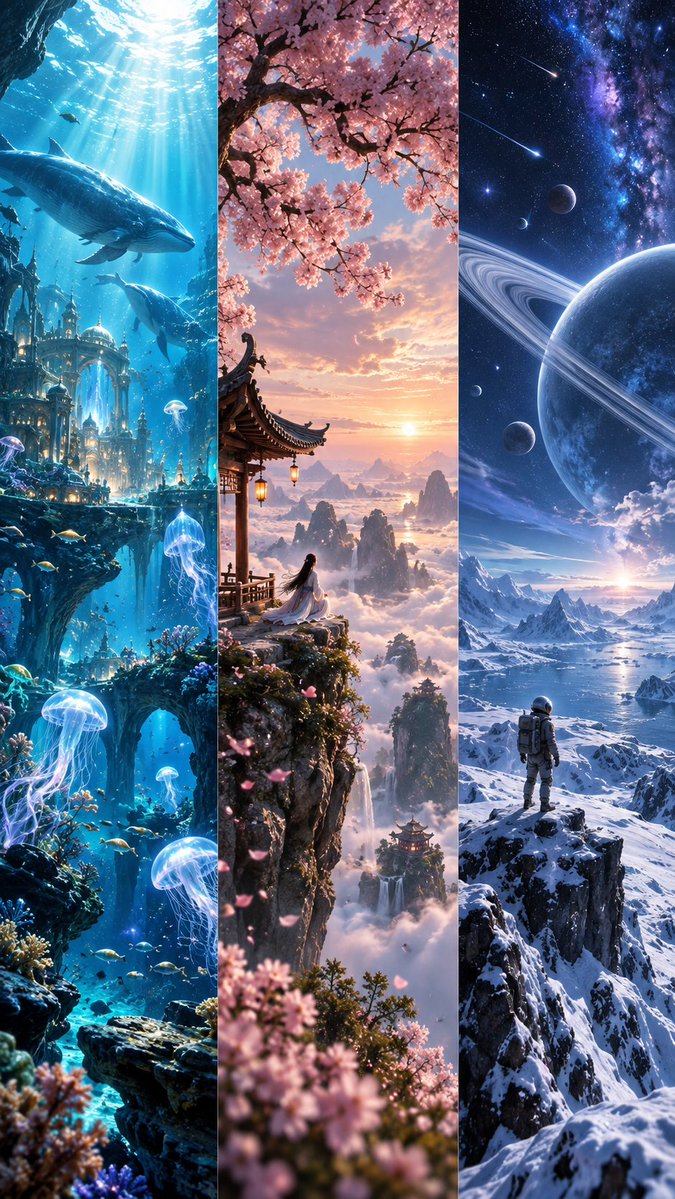
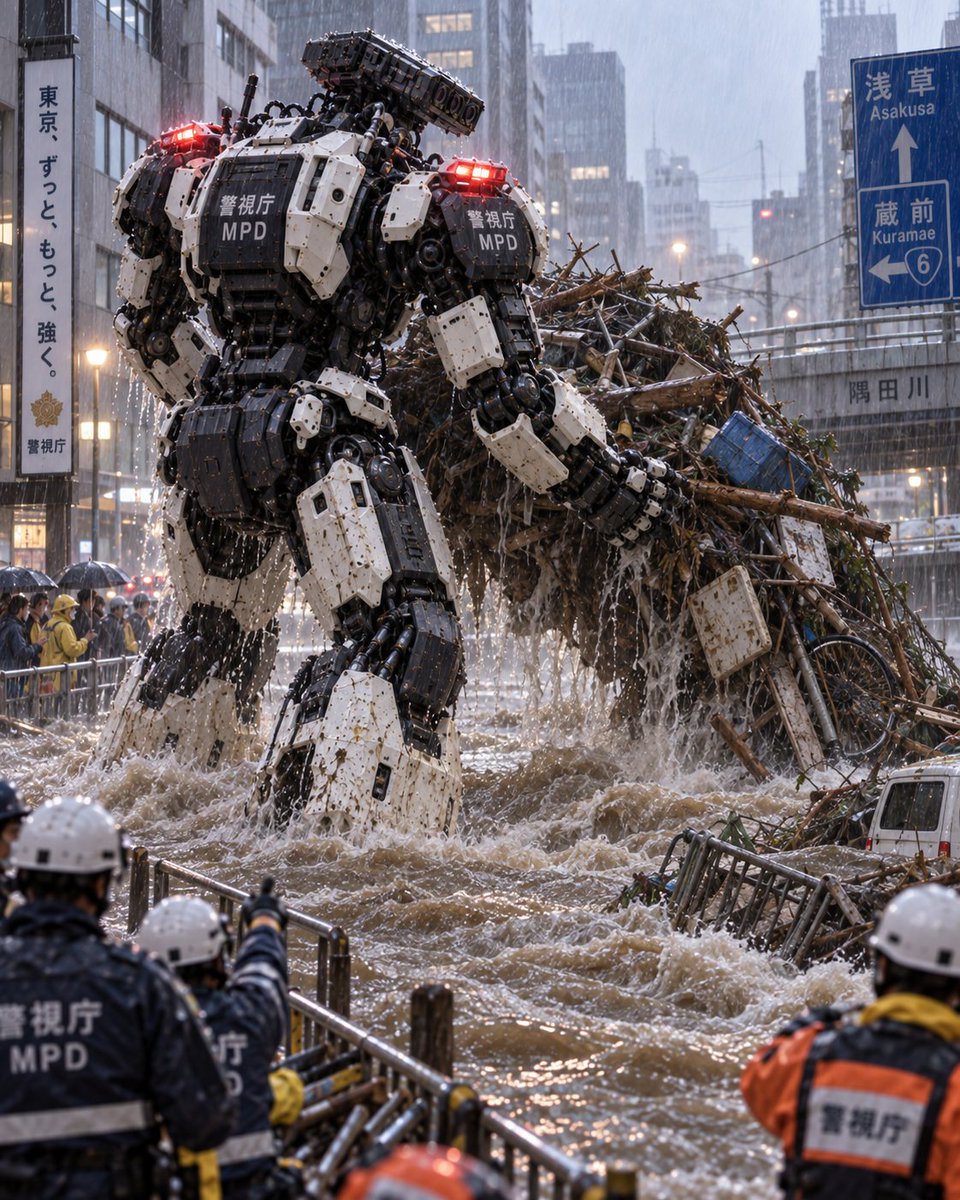

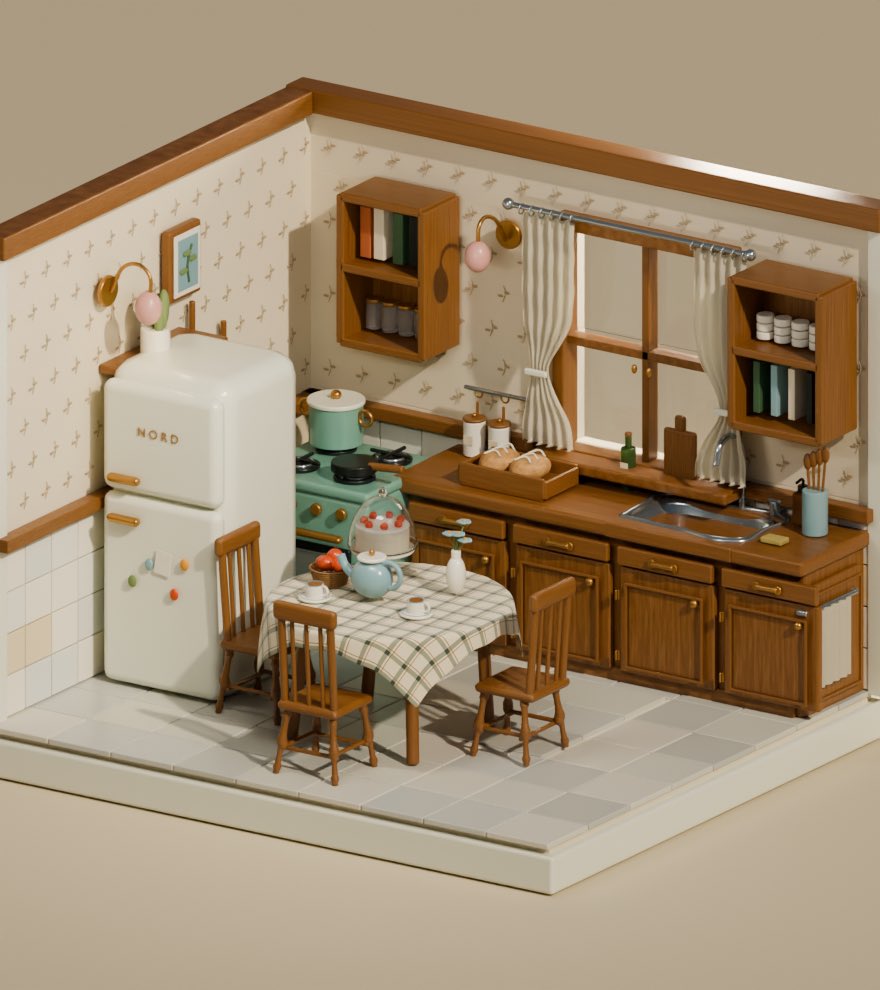
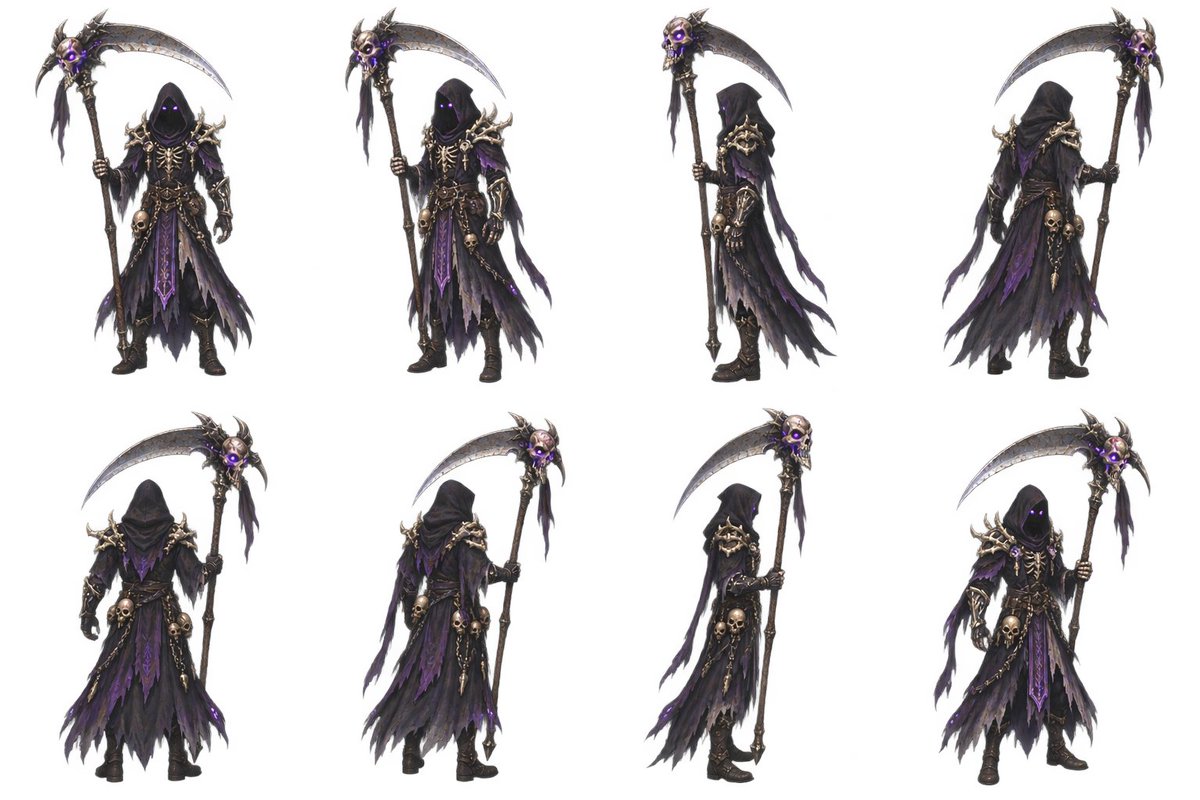
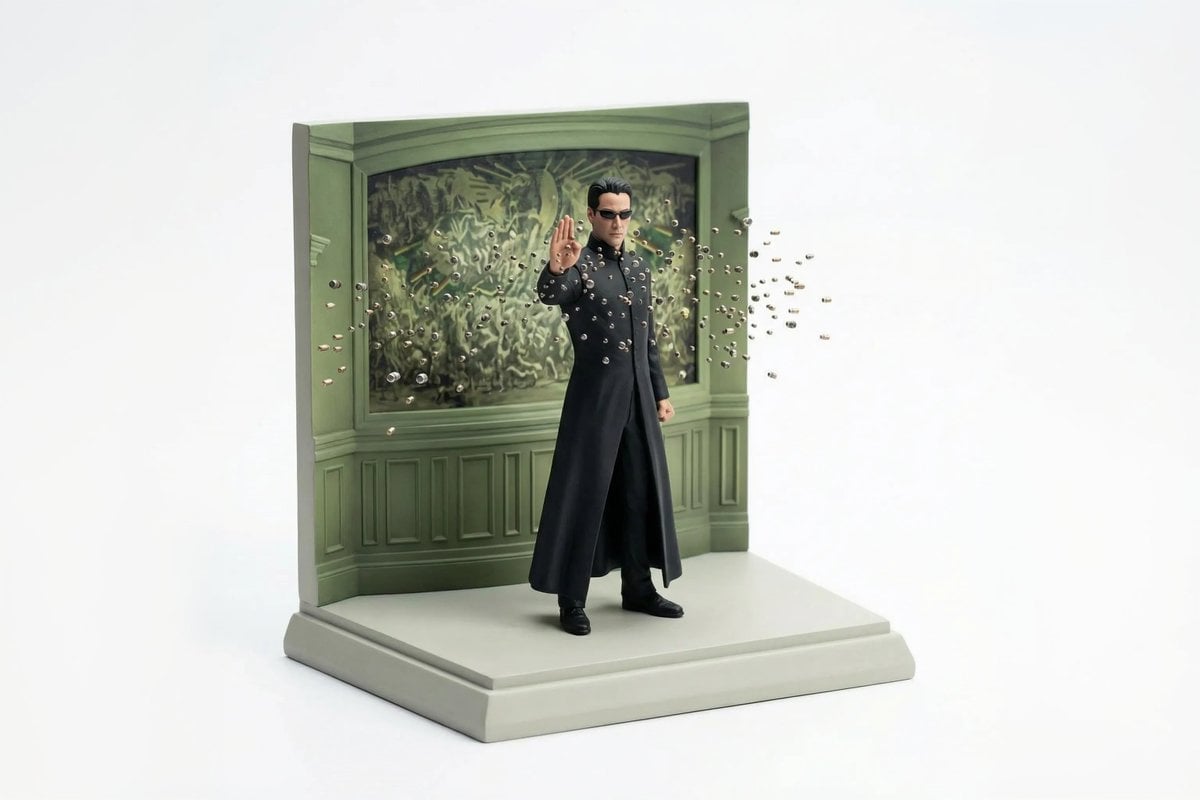

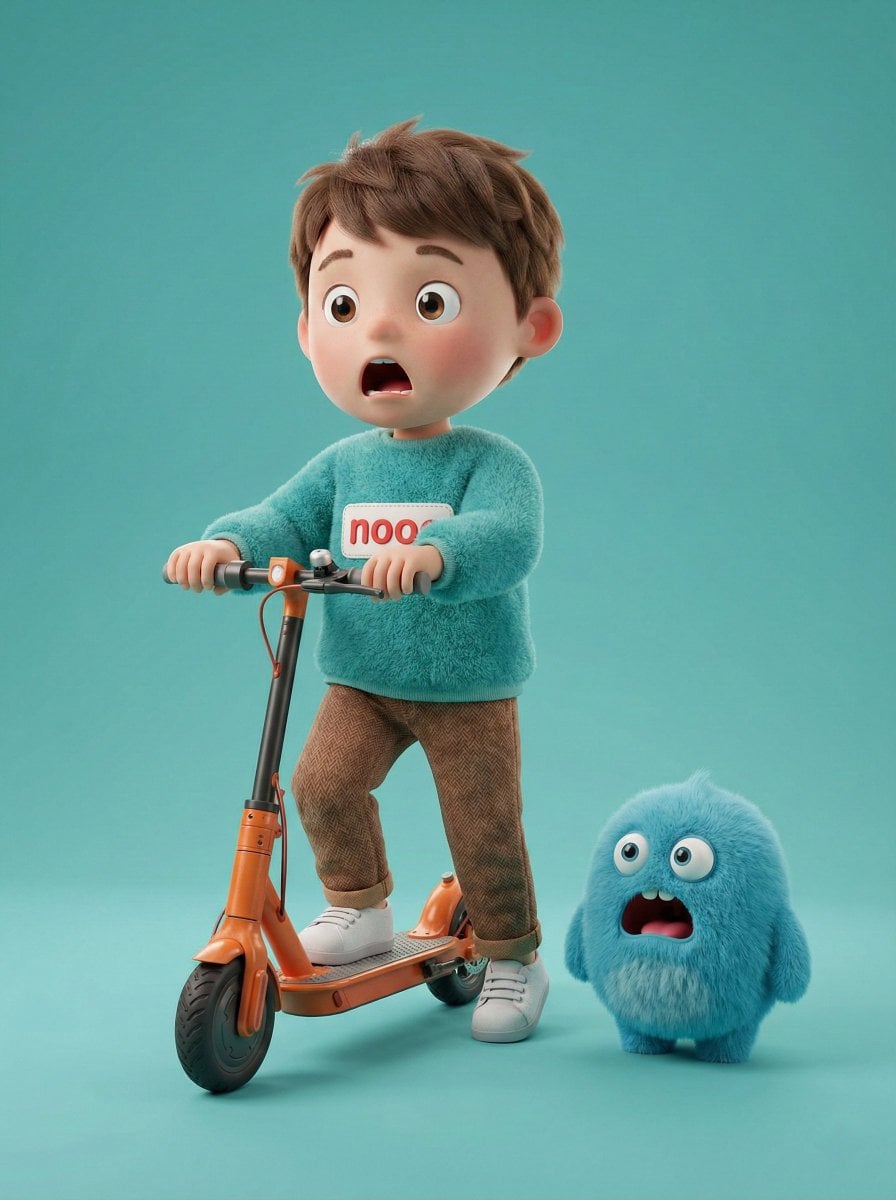
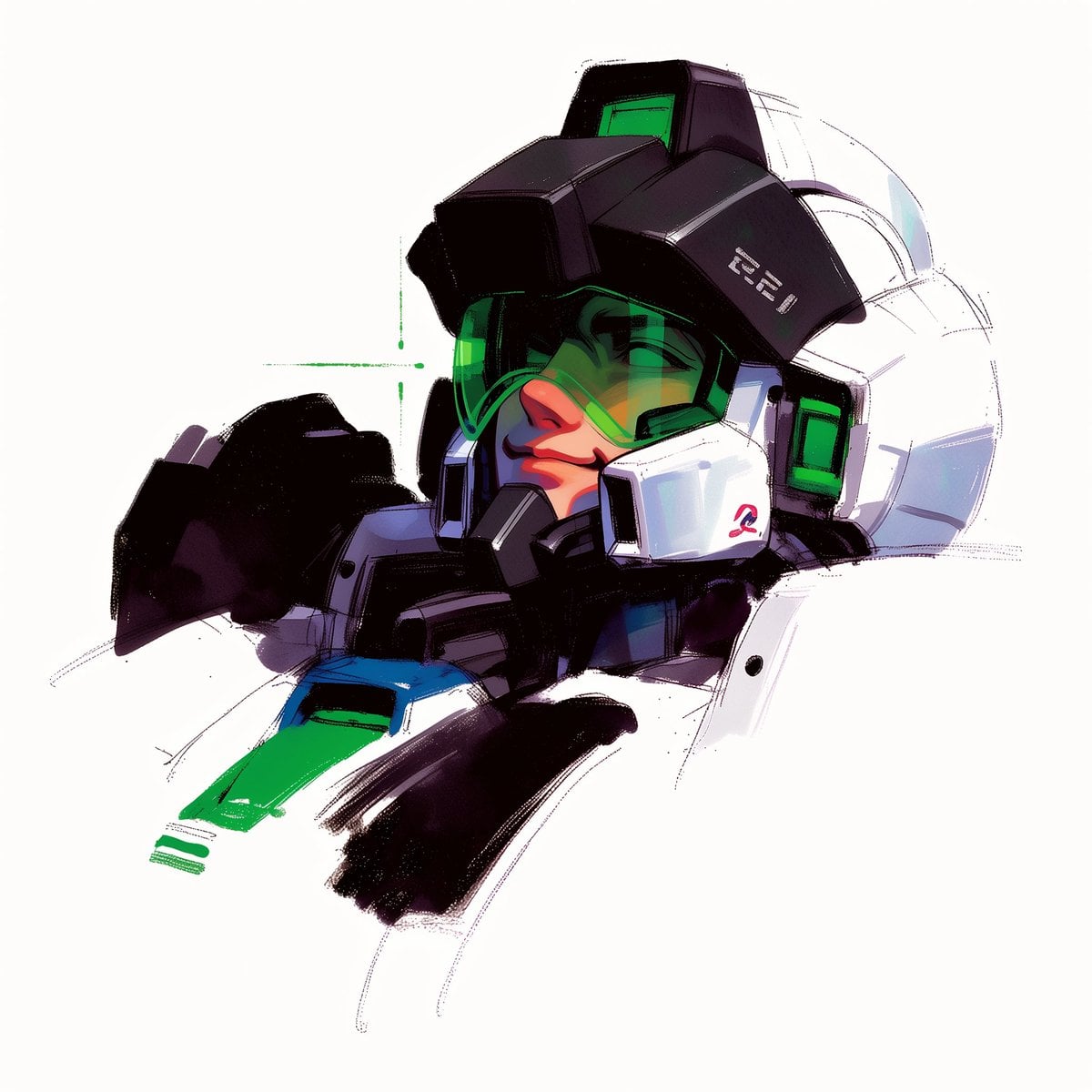
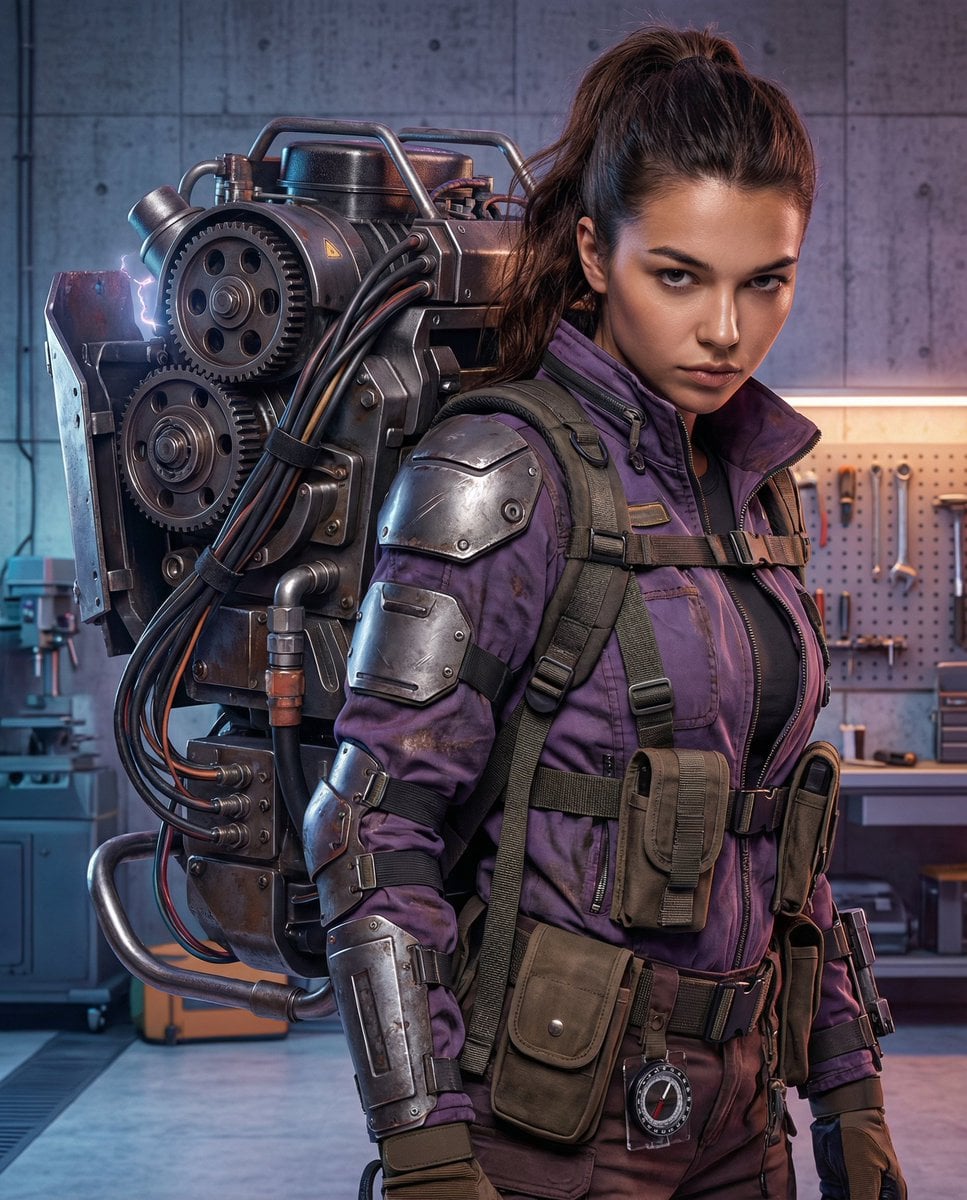


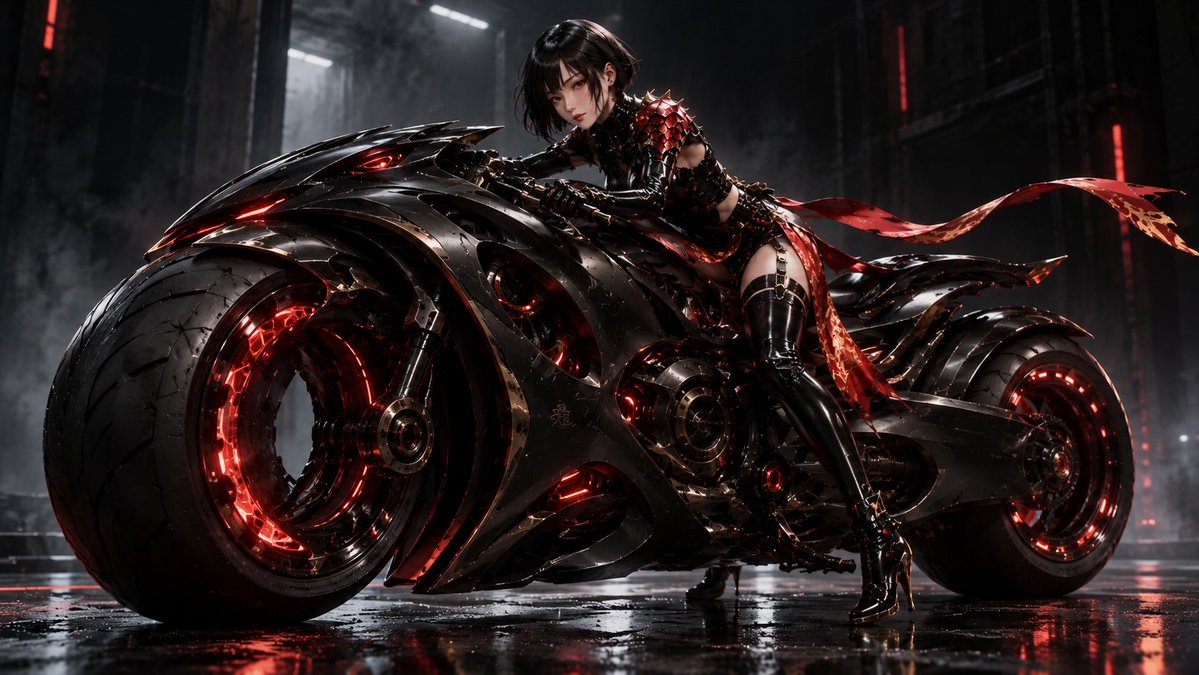

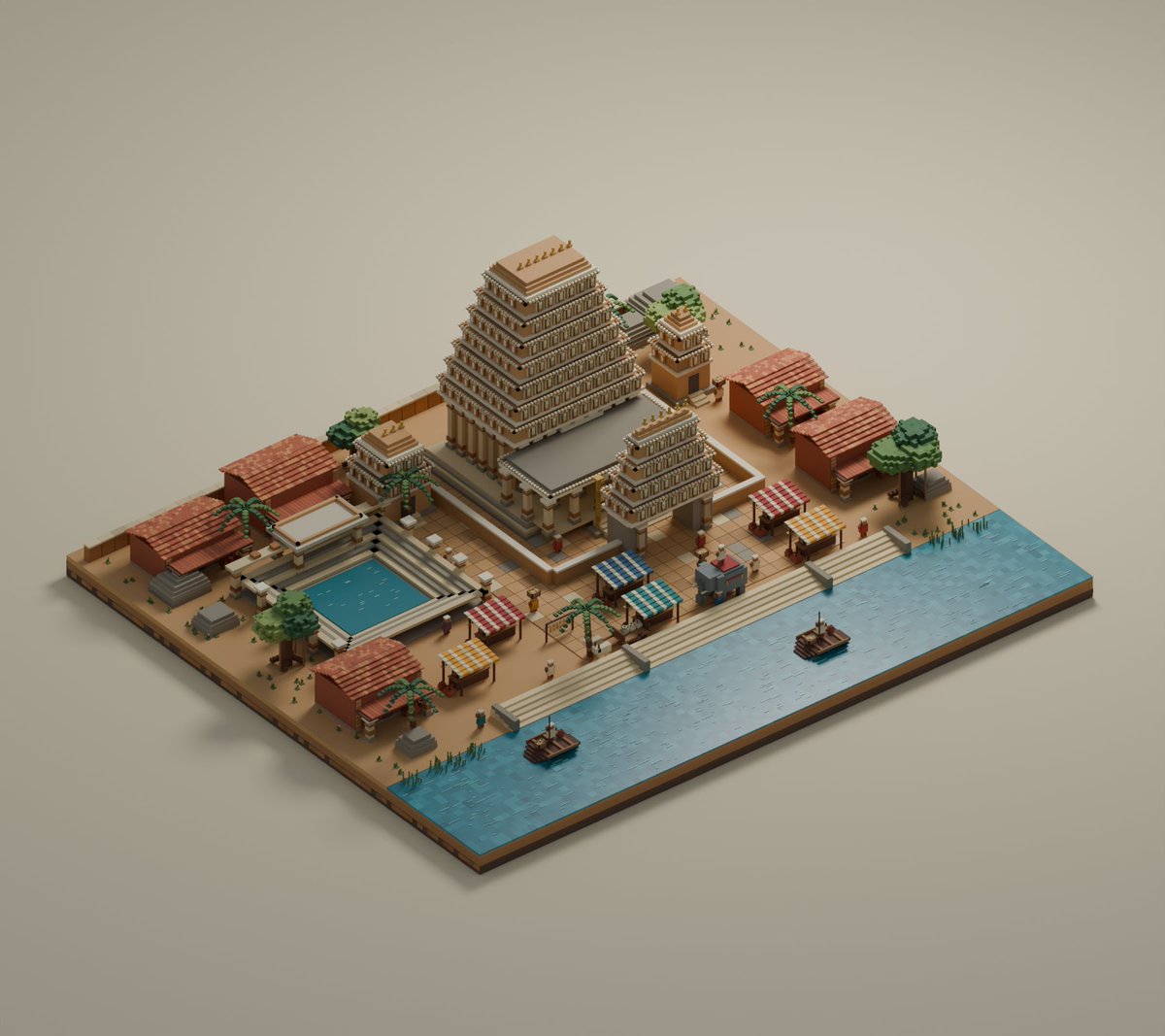

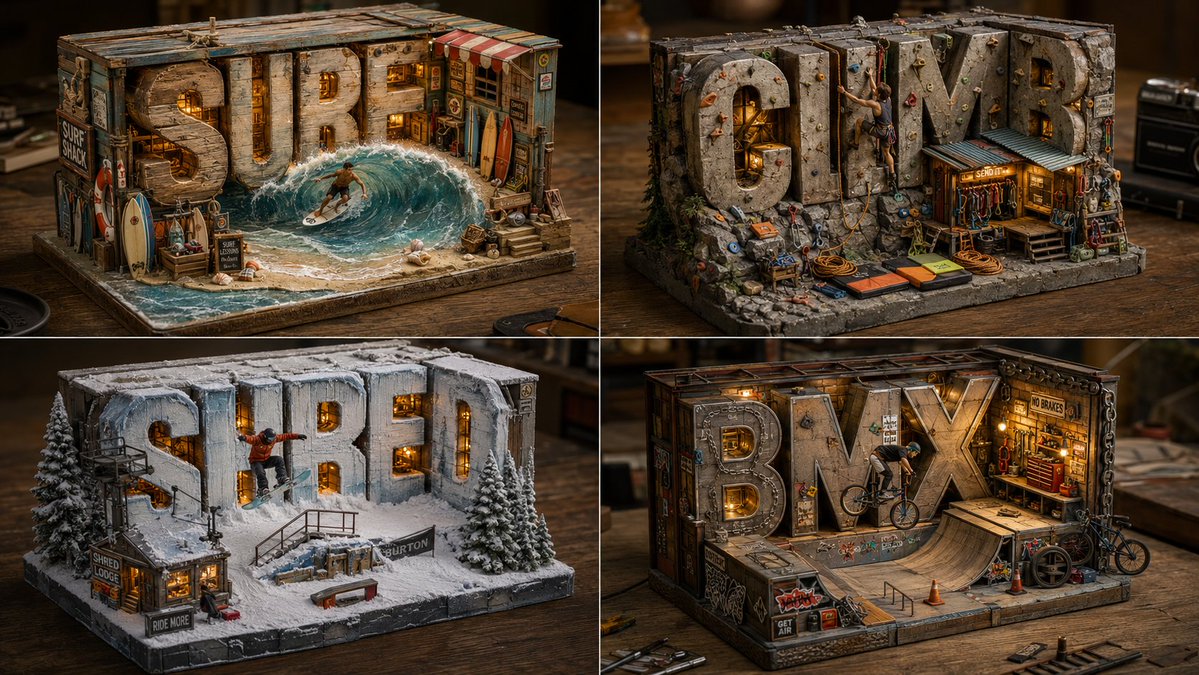
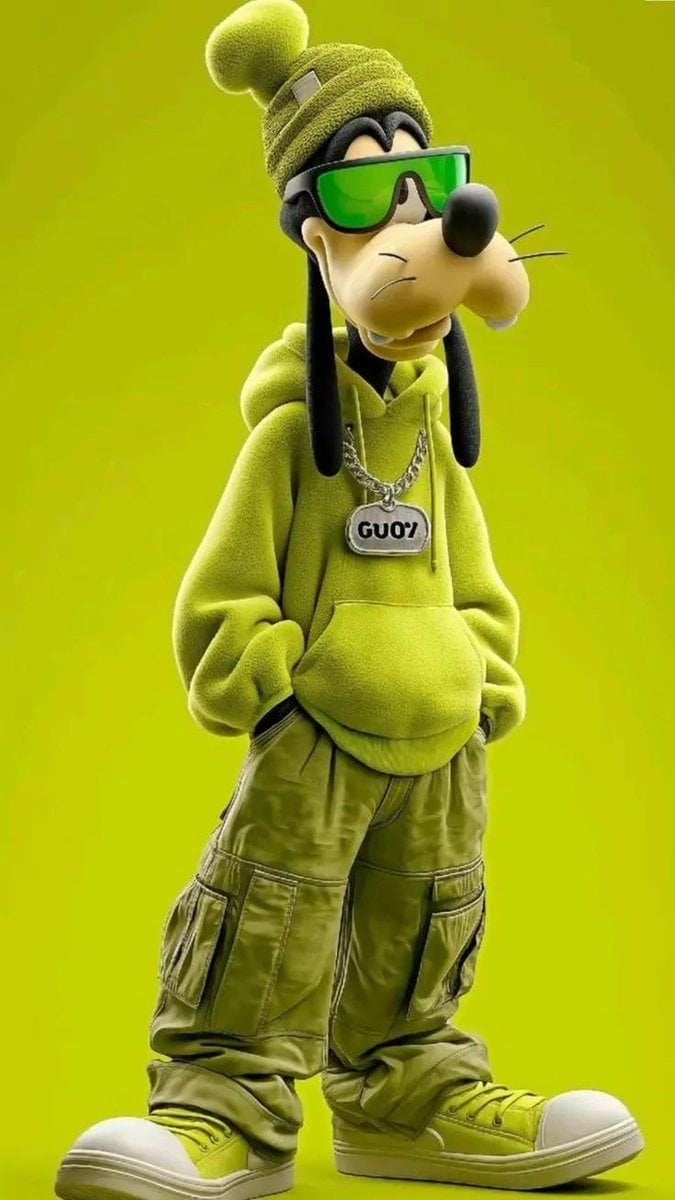
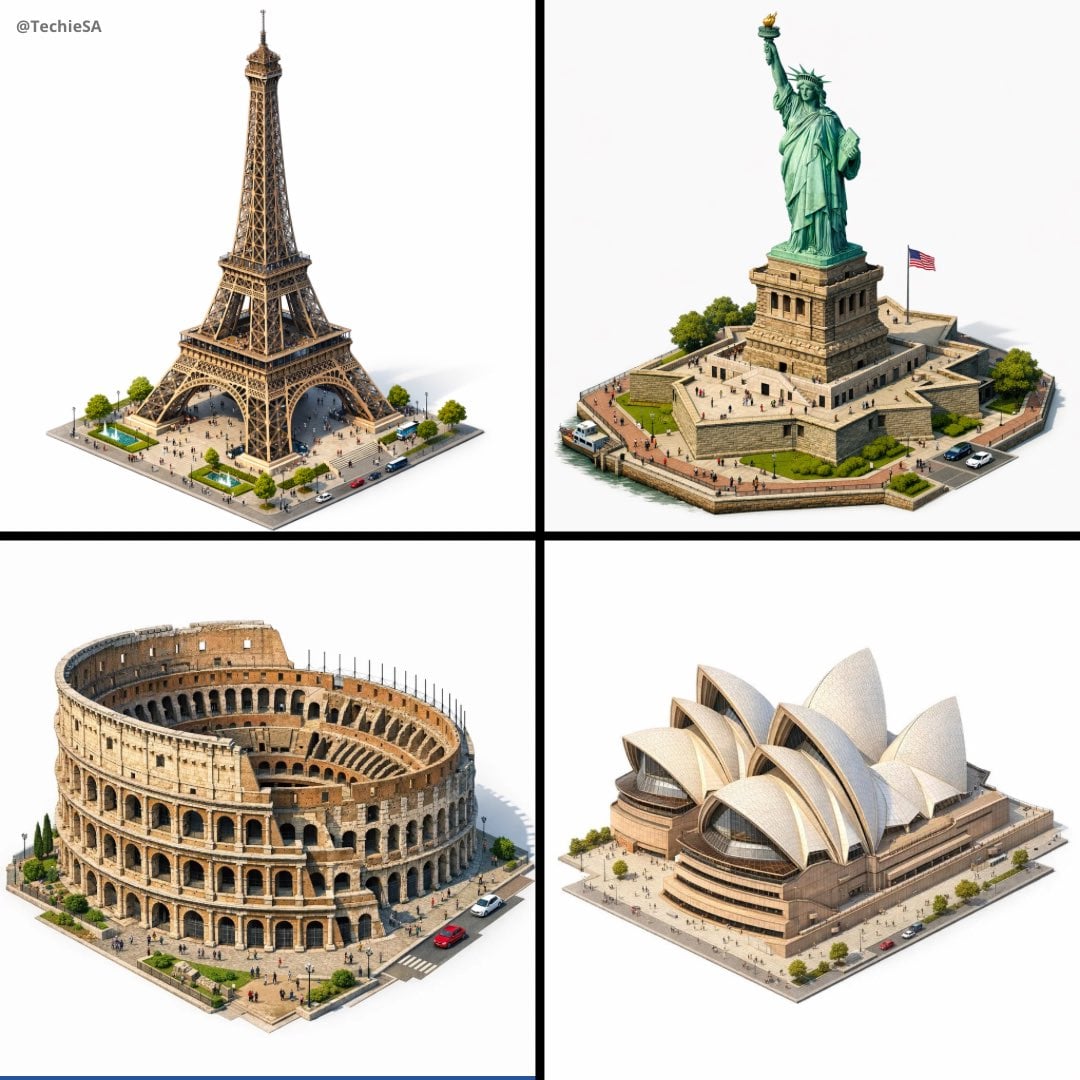
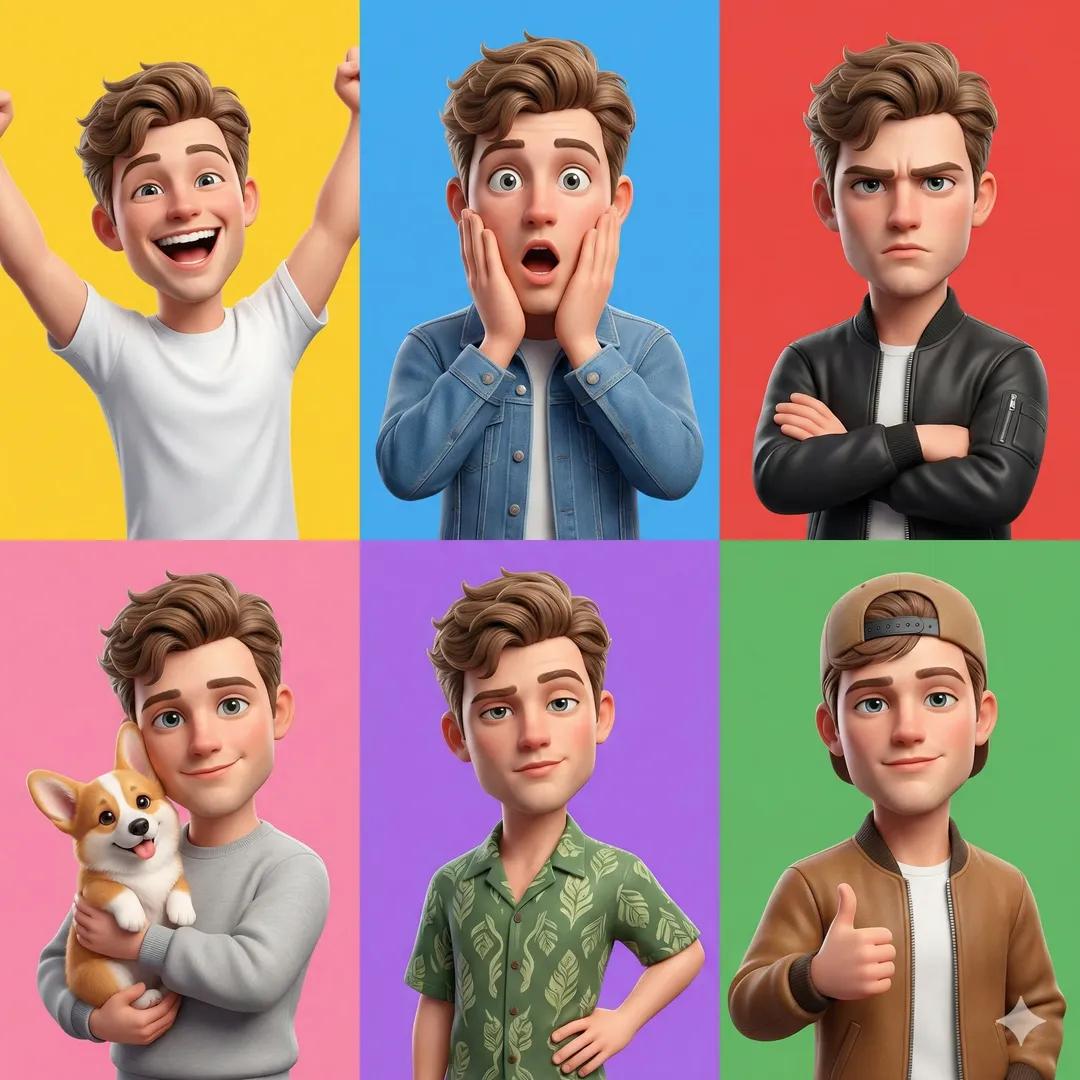
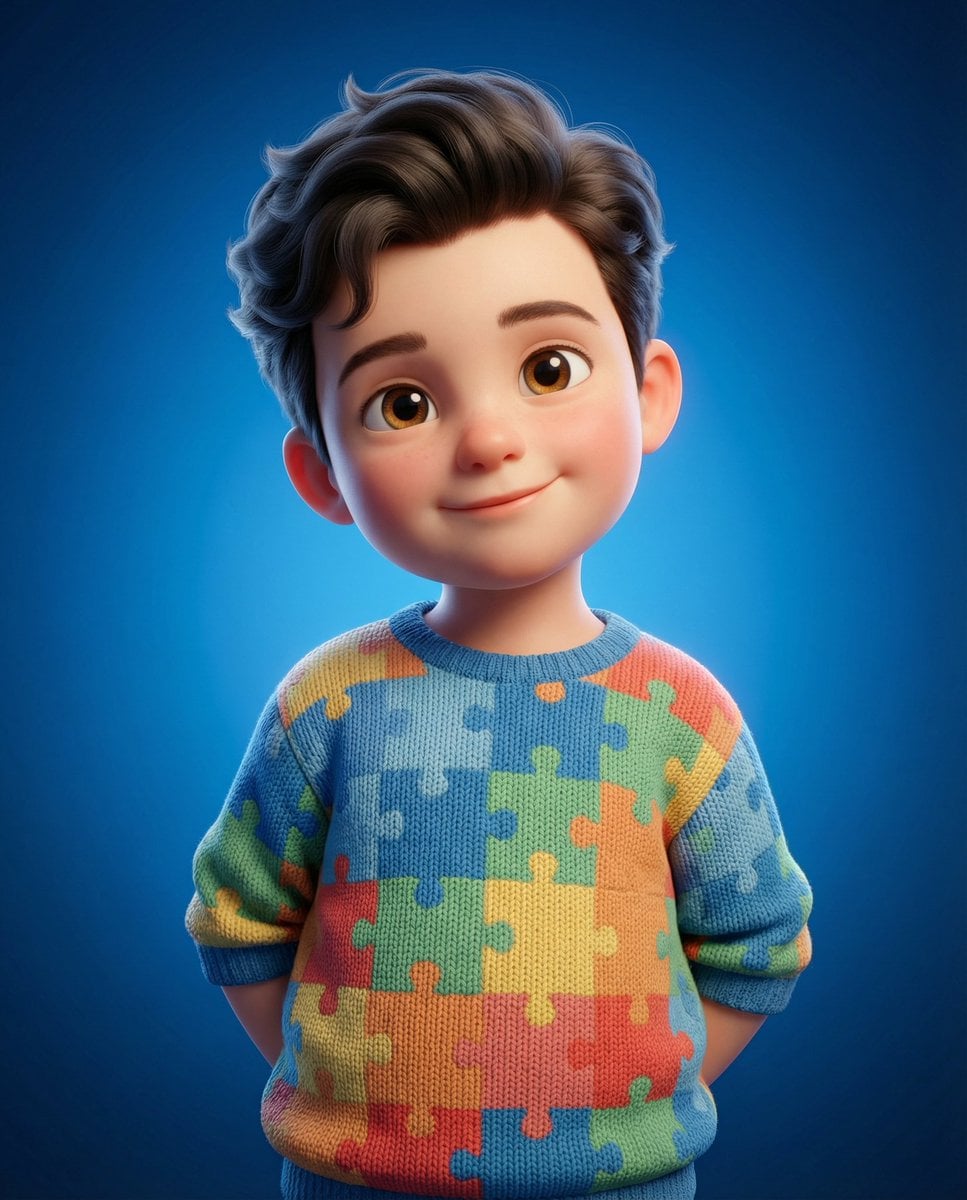
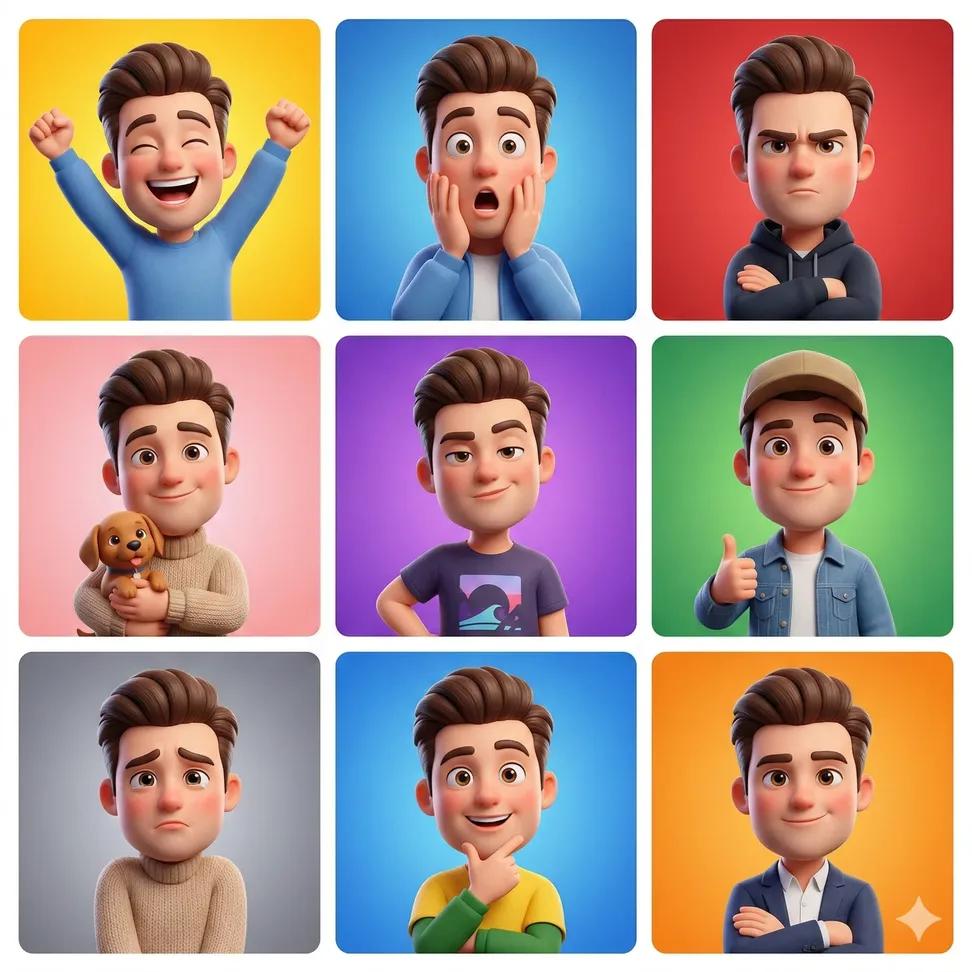


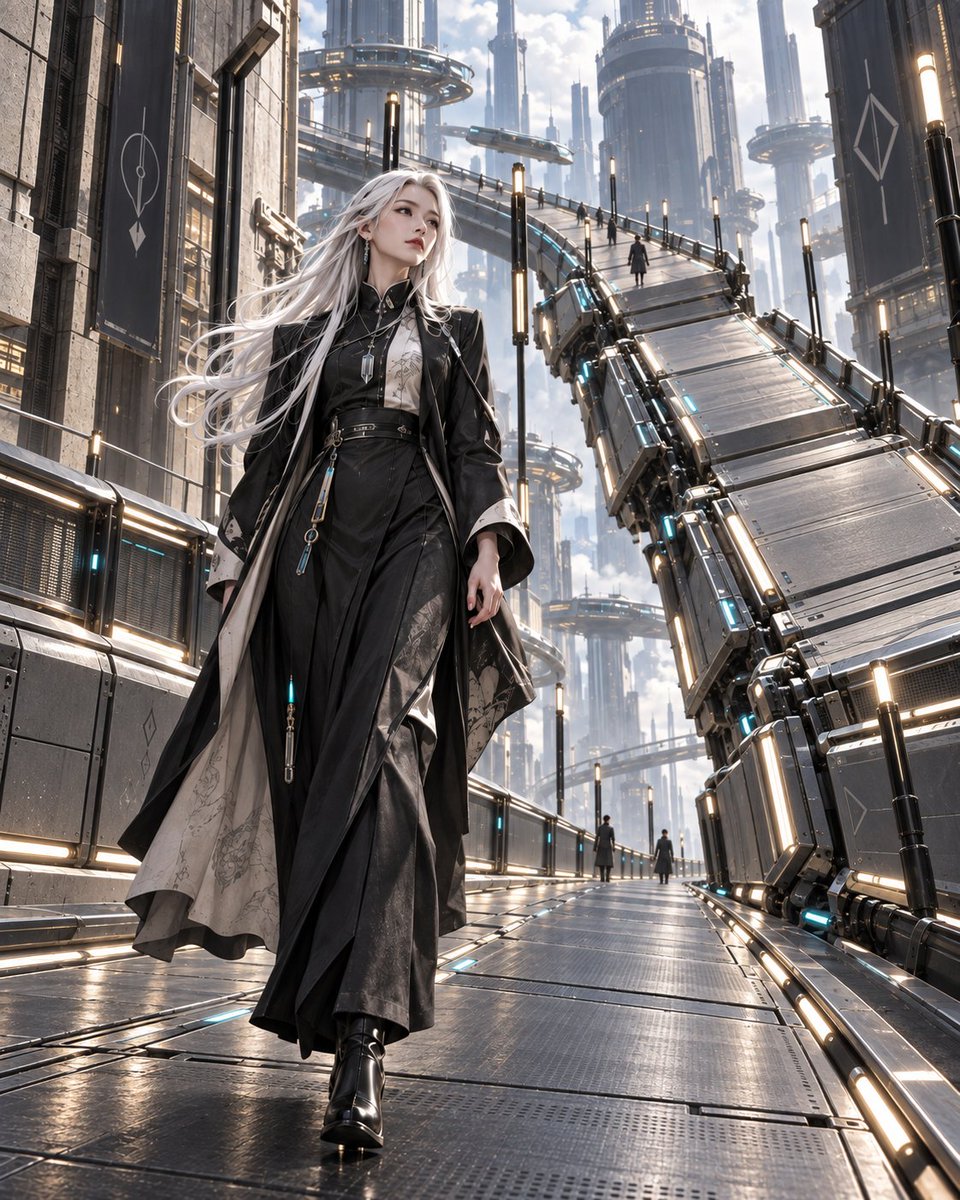
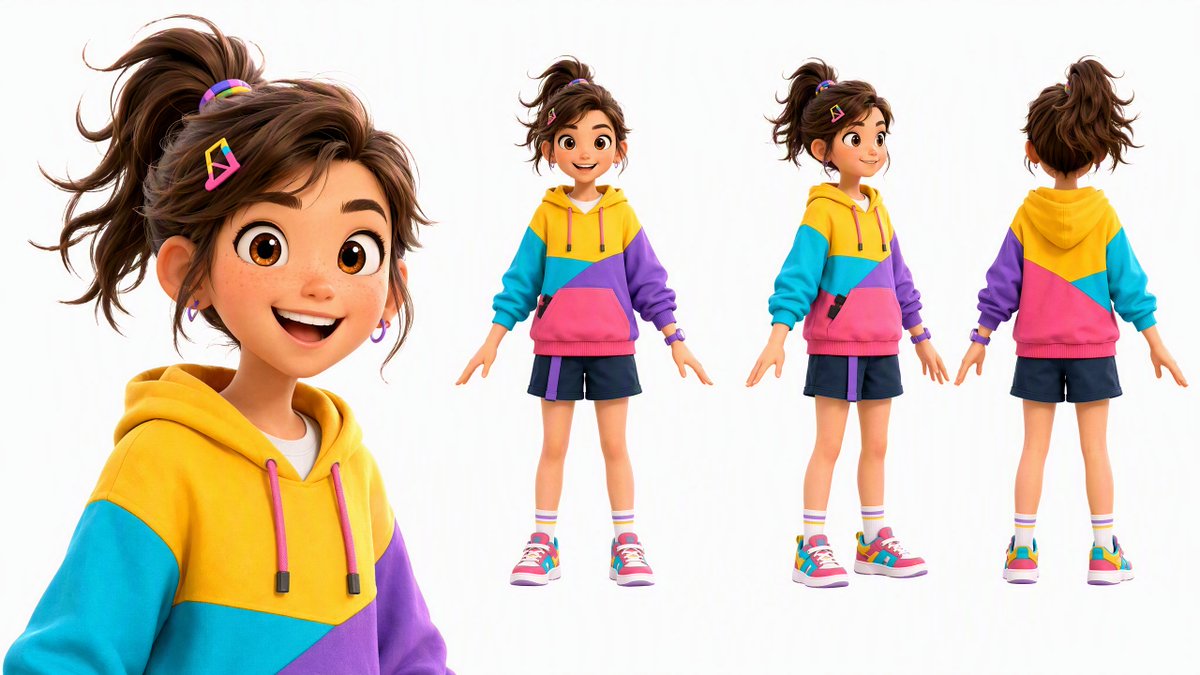
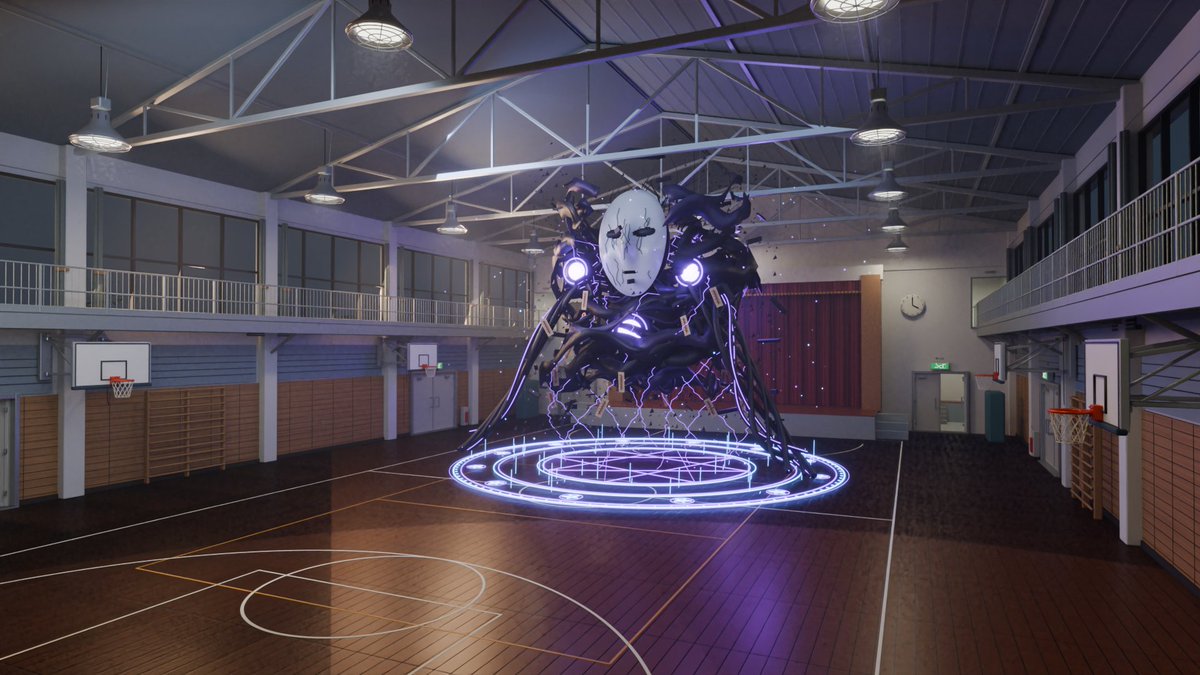

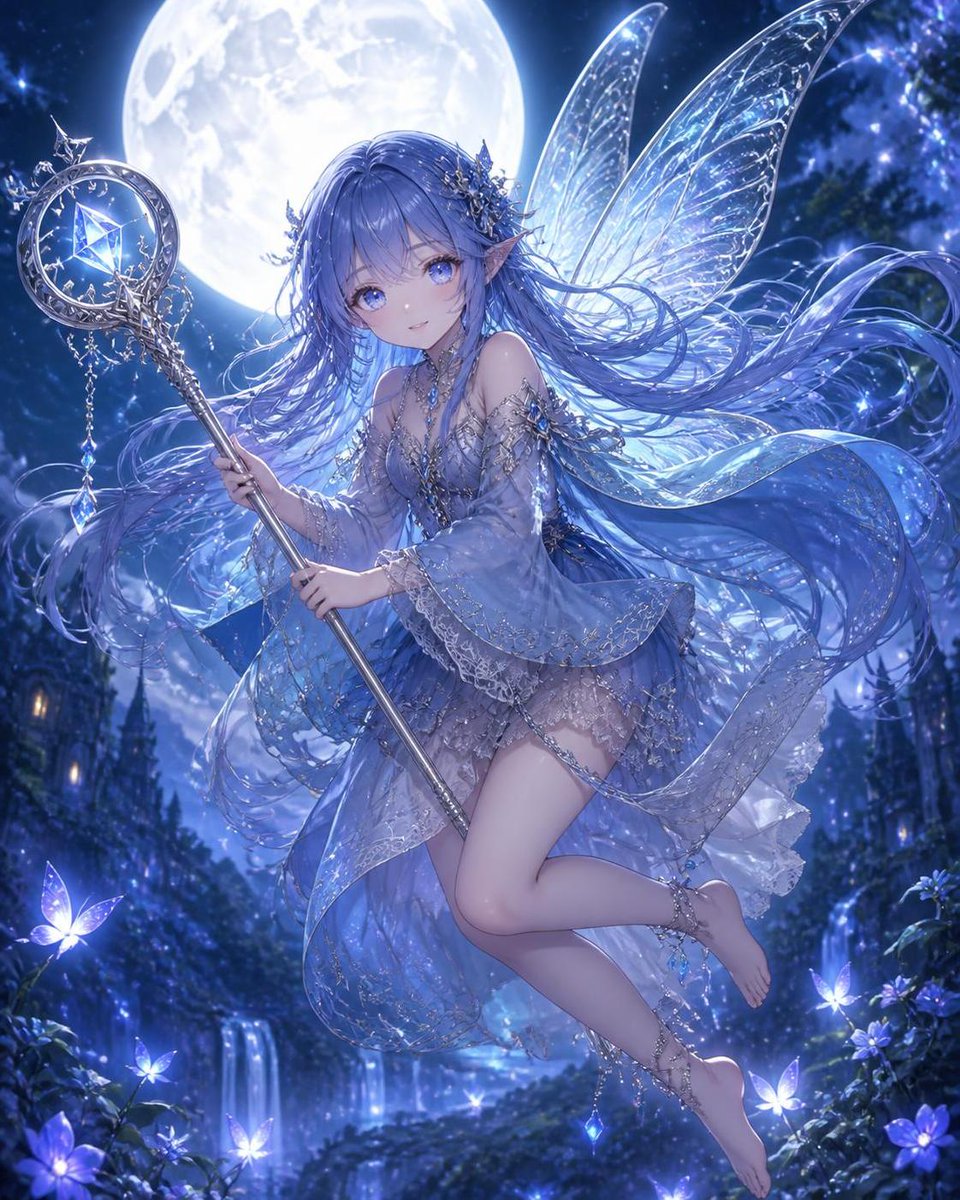
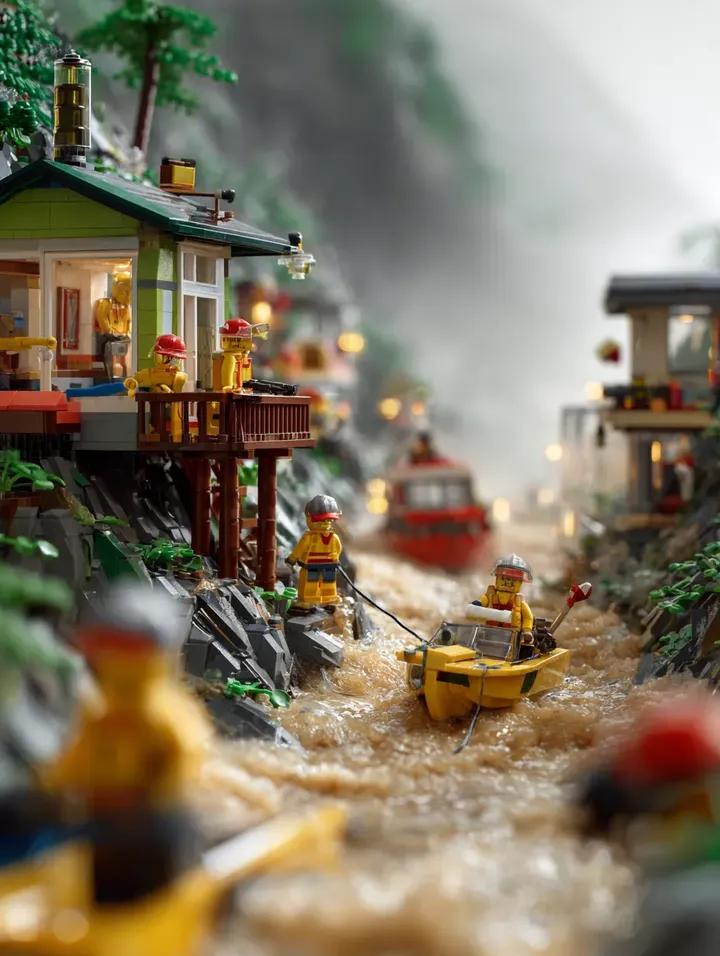
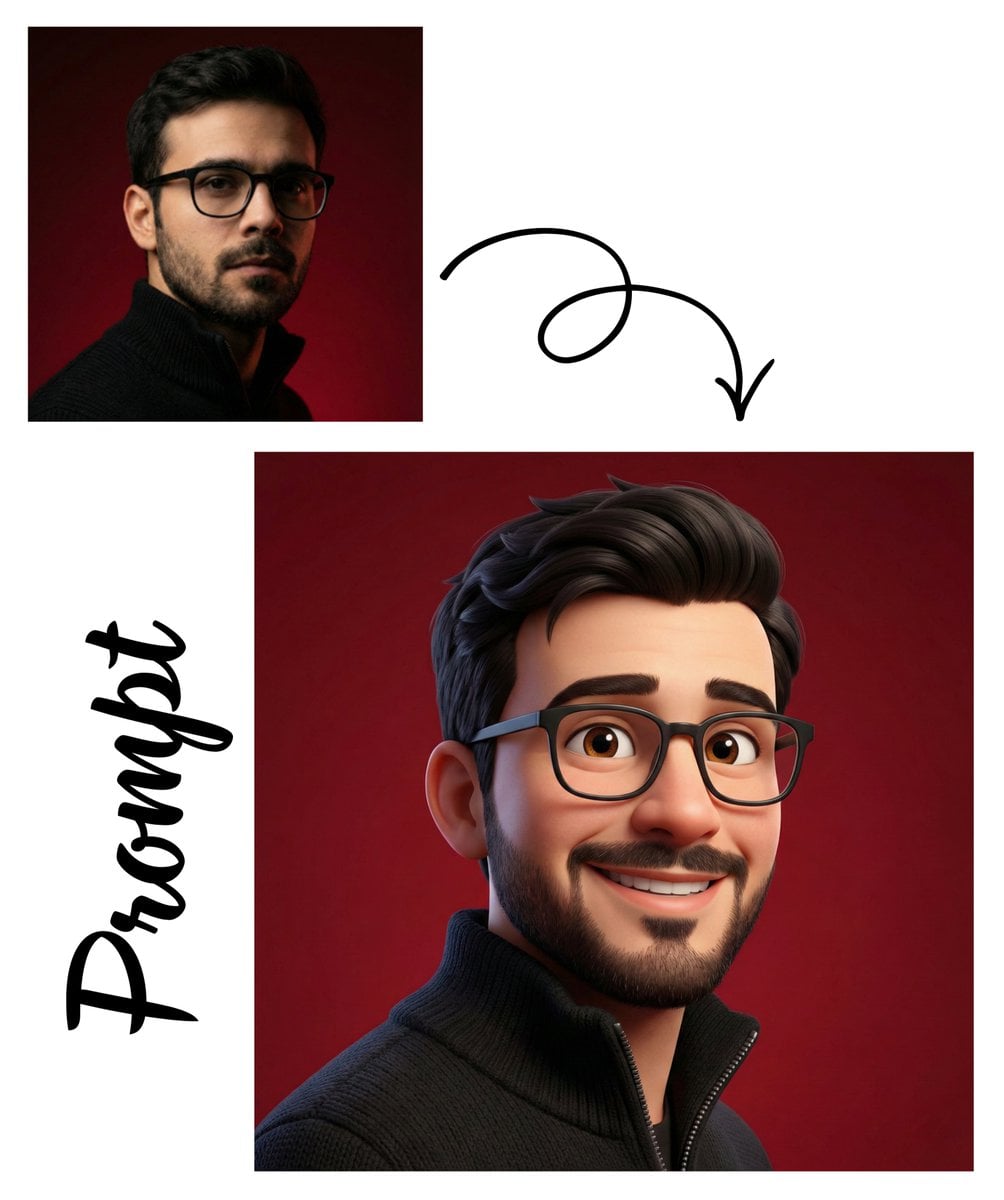
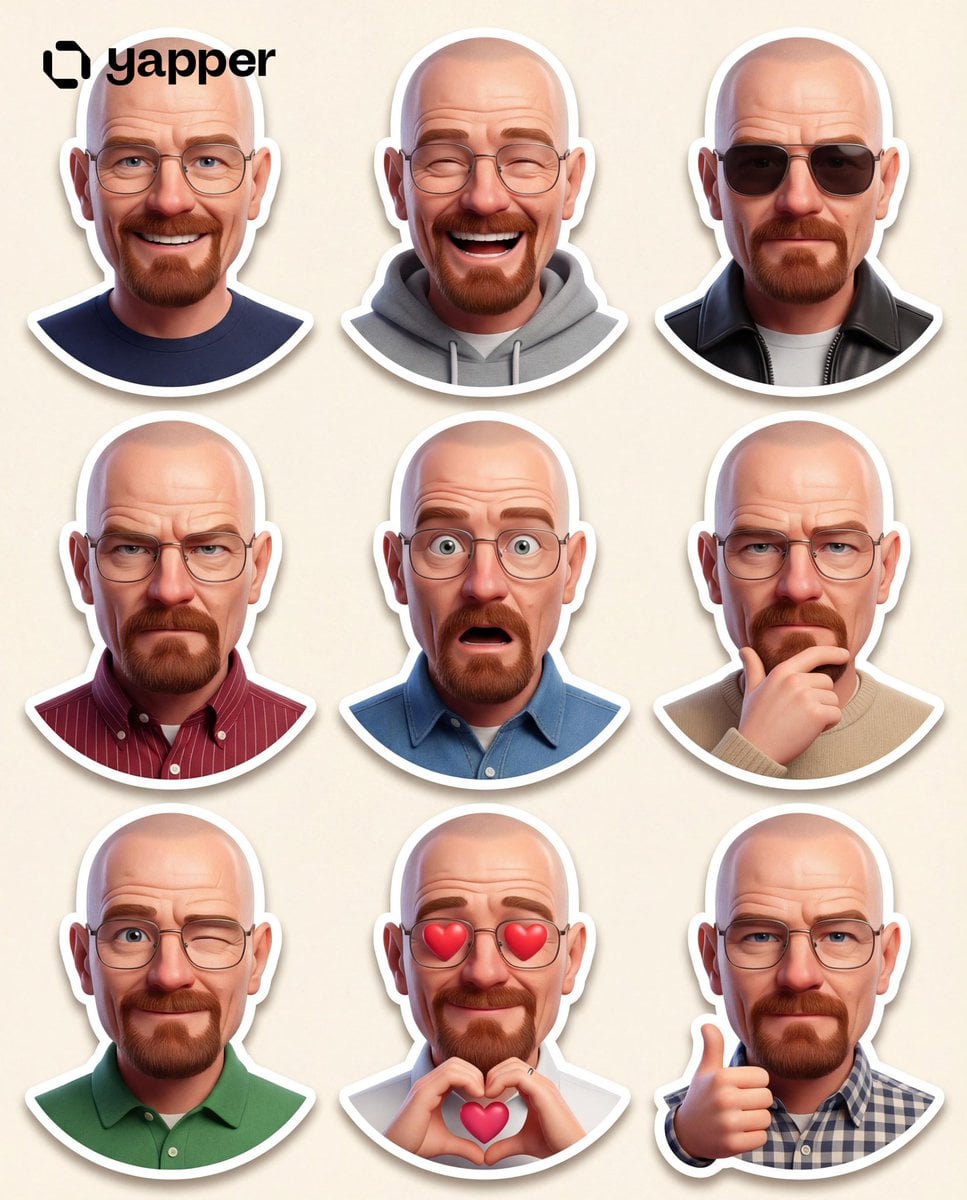




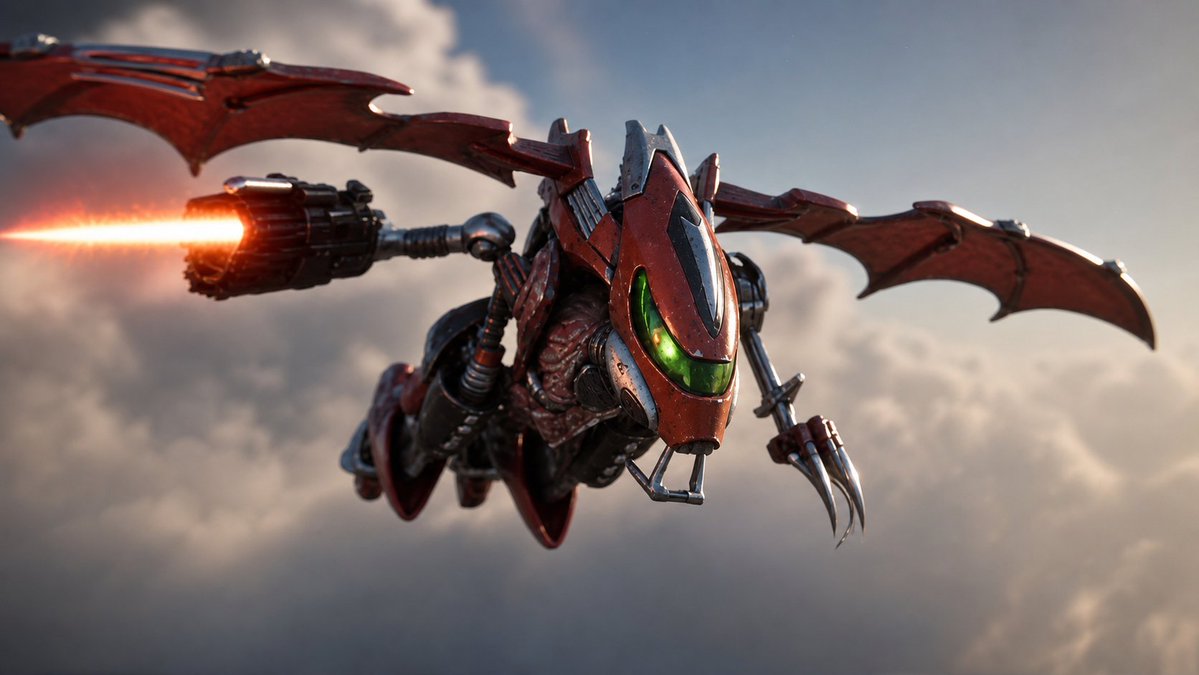
Scroll for more
Prompt Formula
Copyable Prompt Formula
[Asset type: icon, sprite, character sheet] of [subject], [art style: pixel art, hand-painted, low poly], [camera angle], [plain background], [color palette], [grid or turnaround if needed]How to use these prompts
Game assets need a consistent style and clean separation from the background. Ask for a plain background, a fixed camera angle (isometric, side view), and a specific art style.
FAQ & Best Practices
Can I get a transparent background?
Most models output an opaque image. Ask for a plain solid background so the asset is easy to cut out afterwards.
How do I make a character turnaround?
Request front, side, and back views of the same character on one sheet, in the same pose and lighting.
How do I keep a set of icons consistent?
Reuse the same style, outline, lighting, and palette phrases for every icon, and change only the object.